A customized LED digital screen is not a single product — it’s a combination of pixel pitch, brightness, control system, structure, and protection level, all matched to one specific viewing environment. Get any one of these wrong and the screen will either look worse than expected or cost far more than it needs to.
Key takeaways:
- Pixel pitch should be chosen from your minimum viewing distance, not from budget alone — use the formula: viewing distance (m) ≈ pixel pitch (mm) × 1.5–2.
- Outdoor customized screens need IP65 (front) at minimum; coastal or high-rain regions should specify IP66.
- Control systems (receiving cards, sending cards, refresh rate) determine how smooth the content looks on camera, which matters more than pixel pitch for broadcast and virtual production use.
- There is no single “right” spec — the right combination depends on your application, environment, and budget, in that order.
Pixel Pitch ≠ Resolution (and Why the Difference Matters)
These two terms are often used interchangeably, but they answer different questions.
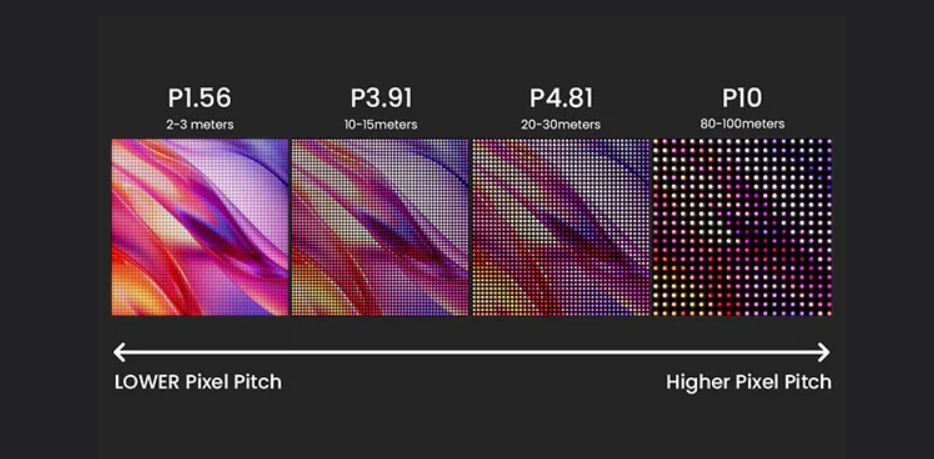
Pixel pitch is the distance in millimeters between the centers of two adjacent LEDs (e.g., P1.9, P2.5, P4). It determines how close a viewer can stand before individual dots become visible.
Resolution is the total pixel count of the finished screen (e.g., 1920×1080), which depends on both pixel pitch and physical screen size.
Pixel Pitch + Viewing Distance = Image Clarity. A P2.5 screen viewed from 2 meters looks pixelated; the same panel viewed from 6 meters looks flawless. A commonly used rule of thumb across the industry is:
Minimum viewing distance (meters) ≈ pixel pitch (mm) × 1.5–2
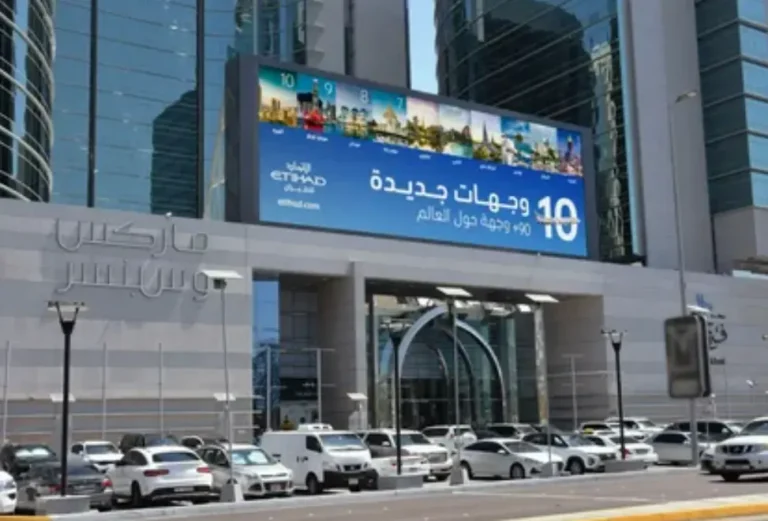
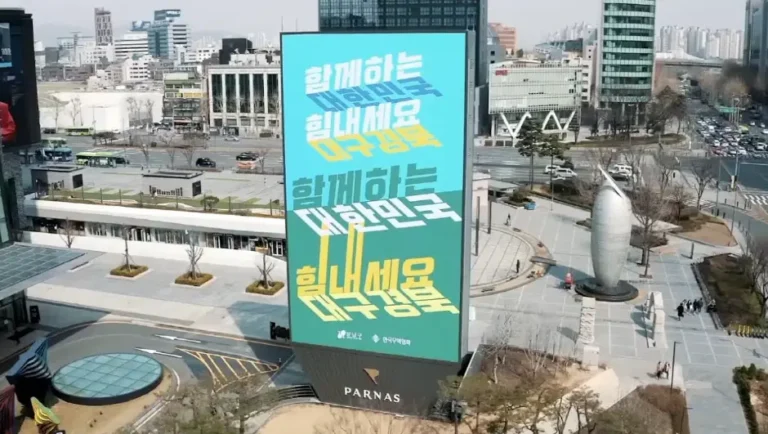
So a P1.9 indoor panel is best viewed from roughly 2.8–3.8 meters, while a P4 panel used at a trade show is comfortable from about 6–8 meters. For control rooms and close-range corporate lobbies, buyers typically specify P0.9–P1.9; for stage backdrops and retail storefronts, P2.5–P4 balances cost and clarity; for large-format outdoor billboards viewed from 20 meters or more, P6–P10 is standard.
Technical Depth: Control Systems, Refresh Rate, and Grayscale
- Camera Flicker: Visible black bars (rolling shutter effect) when filmed.
- Content Loss: Fast-moving content may appear blurry or tearing.
- Not Broadcast Ready: Unsuitable for professional live streaming or TV.
- Flicker-Free: Crystal clear image on all cameras (1/2000s+ shutter speed).
- Smooth Motion: Perfect for fast video playback and sports.
- XR Ready (7680Hz): Essential for virtual production and XR studios.
Two customized screens with identical pixel pitch can look completely different depending on the control system behind them — this is the part most buying guides skip.
- Receiving cards and sending cards decode video signal and distribute it across cabinets. For fine-pitch screens below P1.2, pixel loads exceed what a single receiving card can process, so manufacturers typically deploy dual-backup receiving systems (for example, NovaStar’s MCTRL660 series is a widely used reference platform in the industry) to keep the signal stable.
- Refresh rate, measured in Hz, determines whether the screen flickers or shows scan lines on camera. Standard commercial displays run at 1920–2400Hz; broadcast, virtual production, and camera-facing applications typically require 3840Hz or higher to stay flicker-free on video.
- Grayscale processing (measured in bits, e.g., 14-bit or 16-bit) controls how smoothly the screen transitions between shades, especially in the darkest tones. A simple field test: on a 16-level grayscale chart, the darkest three levels should remain visually distinguishable — if they blend together, grayscale processing is insufficient for color-critical work.
- Control mode: options range from a wired PC-based sending card, to wireless/Wi-Fi content push for retail signage, to cloud-based remote monitoring for multi-site DOOH networks. The right choice depends on how often content changes and whether the screen needs unattended remote updates.
Durability and IP Protection: What the Ratings Actually Mean
IP ratings follow the international IEC 60529 standard and are written as two digits: the first covers dust/solid protection (0–6), the second covers water/liquid protection (0–9).
- IP65 — fully dust-tight, protected against low-pressure water jets from any direction. This is the practical minimum for any outdoor customized LED screen.
- IP66 — dust-tight and protected against powerful water jets. Recommended for coastal installations, monsoon regions, or areas with wind-driven rain.
- Front vs. rear rating — many customized outdoor panels are IP65 on the front but only IP54 on the rear. If the cabinet’s rear will be exposed to open air, rain, or splashing (common in freestanding billboards), specify full IP65+ on both sides.
- IK rating covers impact resistance and matters for public, ground-level, or vandal-prone installations.
- Climate also matters beyond IP rating: screens intended for desert heat or subarctic cold should be specified with an operating temperature range (commonly -30°C to +60°C for industrial-grade outdoor panels) rather than assumed.
Customized LED Displays by Application Scenario
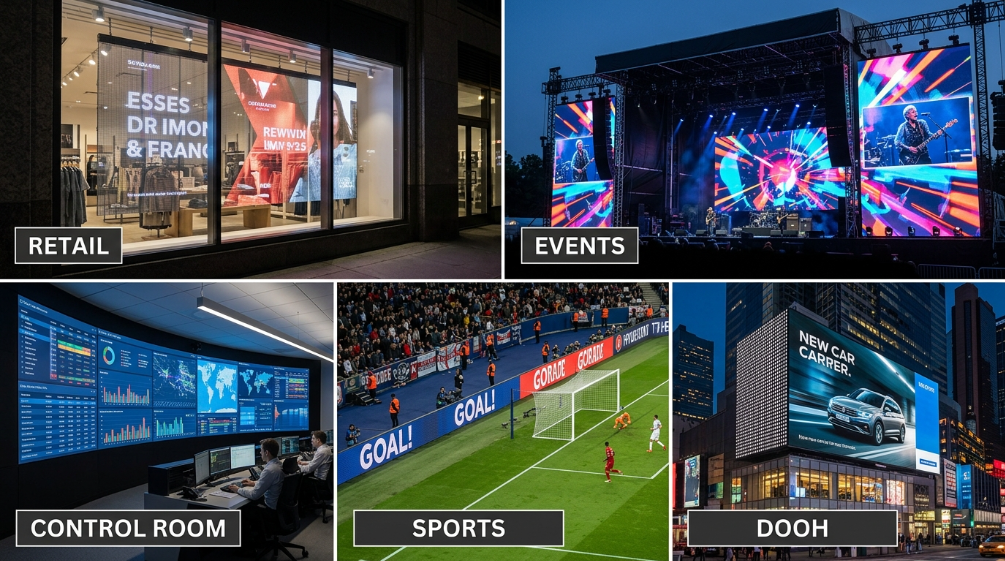
A “customized” screen means little without a use case. Here’s how selection priorities shift by industry:
Retail and commercial storefronts — Priority: brightness control and content flexibility. P2.5–P4 indoor panels or transparent LED film for glass storefronts (which lets daylight and product displays remain visible behind the screen) are common choices, paired with cloud content management for remote updates across multiple stores.
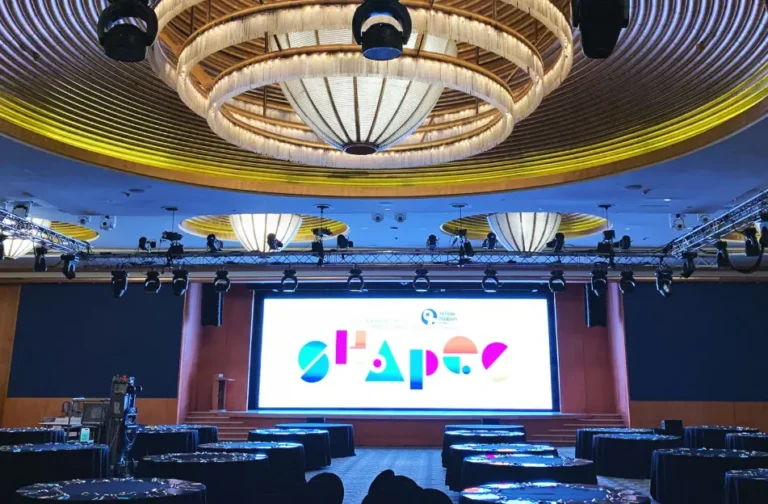
Stage rental and live events — Priority: fast setup/teardown and reliability under travel. Lightweight cabinets with quick-lock or tool-free connectors, P2.9–P4.8 pitch, and flight-case-rated construction let crews build and strike a custom-sized screen in a single day.
Control rooms and command centers — Priority: 24/7 uptime and seamless tiling. Fine-pitch (P0.9–P1.5) or COB-packaged panels minimize visible seams and support continuous operation, since these screens rarely power down.
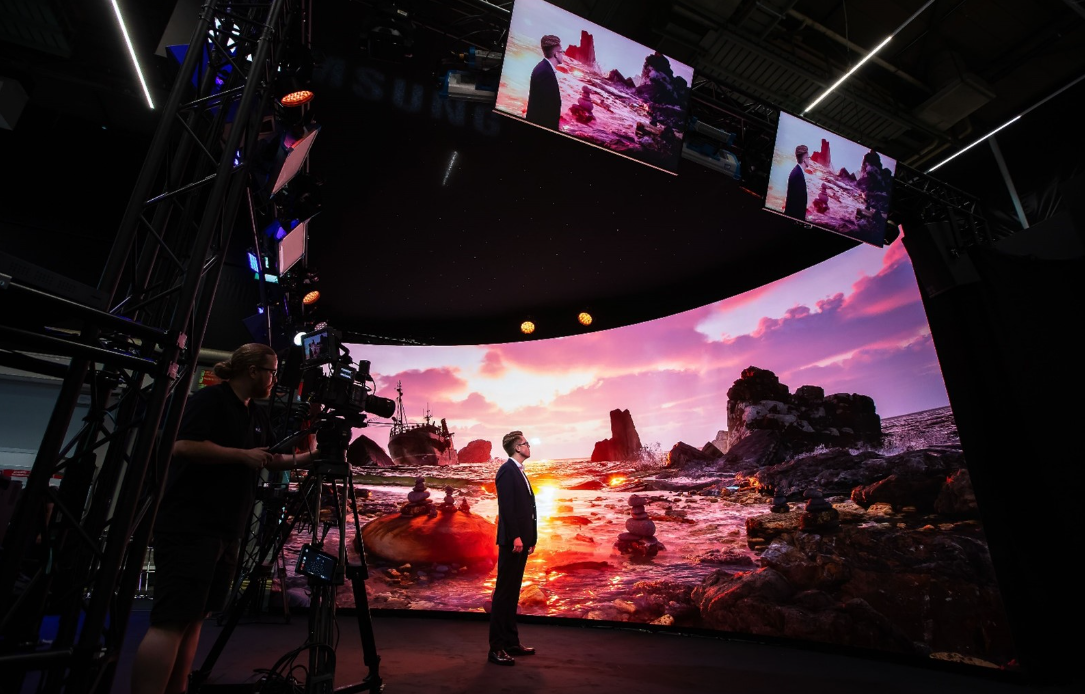
Virtual production and XR studios — Priority: camera-facing refresh rate and color accuracy. These builds require 3840Hz+ refresh rate, high grayscale bit-depth, and precise color calibration so the LED wall doesn’t introduce moiré or flicker when filmed, along with media-server integration for real-time content mapping.
Sports venues and broadcast perimeters — Priority: motion clarity and IP65-rated durability, since fast-moving content and weather exposure both apply. High refresh rate prevents blur during replays and live camera coverage.
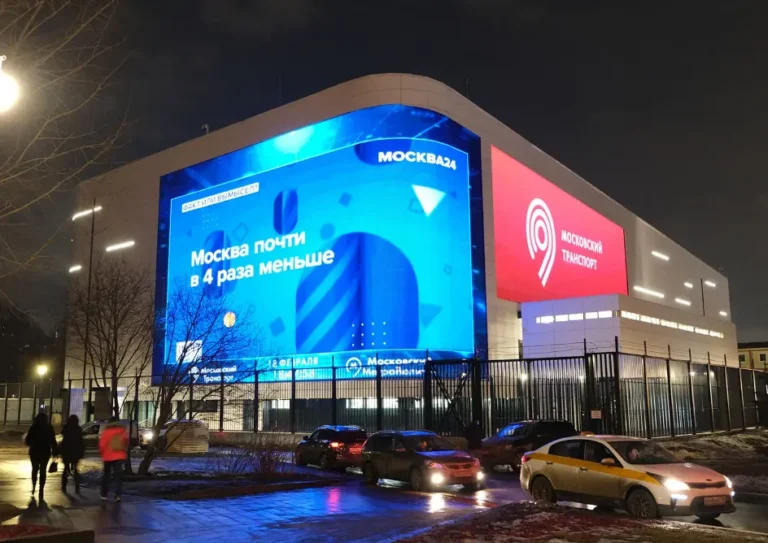
Outdoor advertising (DOOH) — Priority: brightness (often 5,000+ nits) and corrosion resistance. UV-stabilized components prevent yellowing, and IP65/IP66 protection plus surge protection are standard requirements for unattended roadside operation.
Comparison: Customized LED Display Types at a Glance
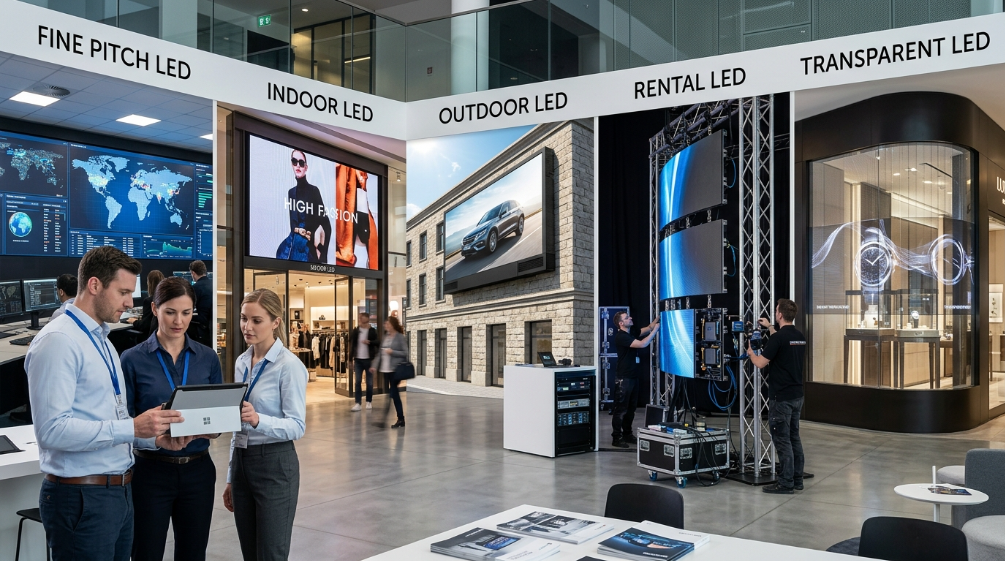
| Dimension | Fine-Pitch Indoor | Standard Indoor | Outdoor Fixed | Rental/Event | Transparent | Creative (Curved/Spherical) |
|---|---|---|---|---|---|---|
| Typical pixel pitch | P0.9–P1.5 | P1.9–P2.5 | P4–P10 | P2.9–P4.8 | P3.9–P10 (mesh) | P2.5–P6 |
| Brightness | 500–800 nits | 600–1,200 nits | 5,000–10,000 nits | 1,200–4,500 nits | 4,000–6,000 nits | 800–5,000 nits |
| IP rating | Not required (indoor) | Not required | IP65 front min. | Weather-dependent | IP65 (outdoor variant) | Varies by install |
| Refresh rate | 1920–3840Hz | 1920Hz+ | 1920–3840Hz | 3840Hz for broadcast | 1920–3840Hz | 1920–3840Hz |
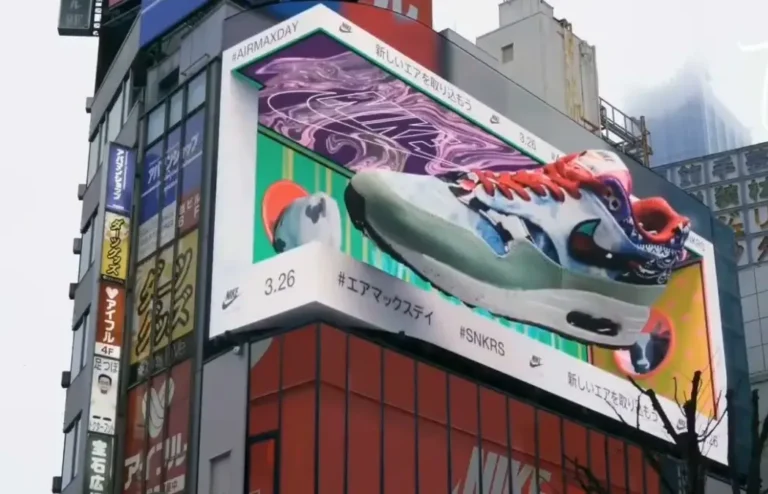
| Typical use | Control rooms, boardrooms | Retail, lobbies | Billboards, facades | Concerts, stages | Storefront windows | Museums, brand activations |
| Installation | Fixed, wall-mount | Fixed or mobile | Fixed, structural | Tool-free, quick-lock | Fixed | Custom structural |
| Maintenance access | Front or rear | Front or rear | Front or rear | Front (rapid swap) | Front | Front (custom) |
| Relative cost tier | High | Moderate | Moderate-High | Moderate | High | Highest |
A Three-Step Decision Framework
Rather than starting with a pixel pitch number, work through this order — it matches how experienced integrators actually spec a project:
- Define the environment and viewing distance. Indoor or outdoor? What’s the closest a viewer will realistically stand? This alone eliminates most unsuitable pixel pitches.
- Match brightness and protection to the environment. Indoor, climate-controlled space → standard brightness, no IP rating needed. Outdoor or semi-outdoor → IP65 minimum and brightness sufficient to overcome ambient/direct sunlight (typically 5,000+ nits outdoors).
- Confirm control system requirements against content type. Static signage → standard refresh rate is fine. Camera-facing, broadcast, or fast-motion content → specify 3840Hz+ and confirm grayscale bit-depth with the manufacturer before ordering.
Quick checklist before requesting a quote:
- Installation environment (indoor/outdoor/semi-outdoor) confirmed
- Minimum viewing distance measured
- Target brightness range identified
- Required IP/IK rating specified
- Content type confirmed (static, video, broadcast, interactive)
- Control/CMS requirement defined (local, wireless, cloud)
- Installation method and structural load capacity checked
- Budget range and delivery timeline set
Customer Scenario
For a 200 m² conference room project at a multinational’s regional headquarters, our optical simulation compared P1.8 against P2.5 at a fixed 5-meter viewing distance. P2.5 reduced material cost by roughly 42% while subjective visual-quality scoring dropped only 3% — the client selected P2.5 and reported no visible difference in daily use. This illustrates why viewing distance, not the smallest available pixel pitch, should drive the specification. For a deeper walkthrough of this kind of pitch-vs-cost tradeoff, see our LED Pixel Pitch Selection Guide.
Frequently Asked Questions
What pixel pitch is best for a customized LED display?
It depends entirely on viewing distance: use pixel pitch (mm) × 1.5–2 to estimate minimum comfortable viewing distance in meters, then pick the smallest pitch your budget allows at that distance.
What’s the difference between IP65 and IP66 for outdoor LED screens?
Both are fully dust-tight. IP65 withstands low-pressure water jets; IP66 withstands powerful, high-pressure jets, making it the safer choice for coastal or heavy-rain regions.
How long does a customized LED display last?
Quality panels typically run 50,000–100,000 hours before brightness degrades to half of the original level, though real-world lifespan depends heavily on operating temperature and cooling design.
How much more expensive is a customized LED screen versus a standard model?
Customization cost depends on which parameters change — non-standard cabinet sizes, curved structures, and finer pixel pitch increase engineering and tooling cost, while brightness and standard shapes have a smaller impact.
How long does it take to manufacture and deliver a customized LED display?
Lead times vary by complexity, but custom structural designs (curved, spherical, or oversized cabinets) generally require longer engineering and tooling time than standard flat panels — confirm timeline with your manufacturer before finalizing specs.
What’s included when you buy a customized LED display?
A complete system typically includes LED cabinets, a control system (sending/receiving cards), power supplies, cabling, and content-management software; some manufacturers also include spare parts and on-site installation support.
Final Thoughts
Choosing a customized LED digital screen comes down to matching five variables — viewing distance, environment, brightness, control system, and protection level — to your specific application, rather than optimizing any single spec in isolation. If you’re unsure where to start, our engineering team can review your venue details and viewing distance and recommend a configuration before you commit to a spec sheet.
Ready to move forward? [Get a Free Customization Quote →]
By the Sostron Display Engineering Team — 10+ years designing customized LED screens for AV integrators, event companies, and control-room operators across 80+ countries.
Price Notice for Custom LED Screens
The price of a custom LED screen varies significantly depending on key factors such as pixel pitch, screen size, brightness, refresh rate, cabinet design, protection level, control system, installation requirements, and project customization. A lower upfront price does not always mean better value, as component quality, reliability, energy efficiency, and long-term maintenance costs can greatly affect the total investment.
For an accurate quotation, buyers should provide details including application scenario, installation environment, viewing distance, screen dimensions, content requirements, and expected delivery timeline. Our engineering team can help evaluate the right LED configuration and provide a customized solution based on your project needs and budget.
References:
IEC 60529: Degrees of protection provided by enclosures (IP Code)
Information Display Magazine — LED Video Wall Technology