Table of Contents
ToggleFor airport terminals, choosing the right digital display system involves balancing image quality, durability, and operational factors that allow fast installation and maintenance with minimal disruption.
Here is a concise quick-reference table for common display areas and their recommended specifications:
| Terminal Zone | Recommended Pixel Pitch | Brightness (nits) | IP Rating | Typical Panel Weight | Installation Type |
|---|---|---|---|---|---|
| Check-in Hall/Lobby | P2.5–P4.0 mm | 1,200–1,500 | IP54 | ≤7 kg | Fixed wall-mounted |
| Gate & Boarding Area | P2.5–P3.5 mm | 1,000–1,200 | IP54 | ≤7 kg | Fixed wall or ceiling hung |
| Baggage Claim | P3.5–P5.0 mm | 1,000–1,500 | IP54–IP65 | ≤8 kg | Fixed, anti-vibration mounts |
| Outdoor Facades/Curb | P6.0+ mm | ≥6,000 | IP65+ | ≤15 kg | Weatherproof, structural |
Based on our experience with major airport projects globally, optimizing pixel pitch and brightness per zone ensures passengers receive clear, legible information, avoiding costly over-specification that inflates project cost without operational benefit.
According to industry data from AVIXA and ACI, airport LED digital signage projects with front-access maintenance and lightweight panel design reduce total cost of ownership by up to 27% over 5 years.
The Real Challenge: Installation Efficiency and Ongoing Maintenance
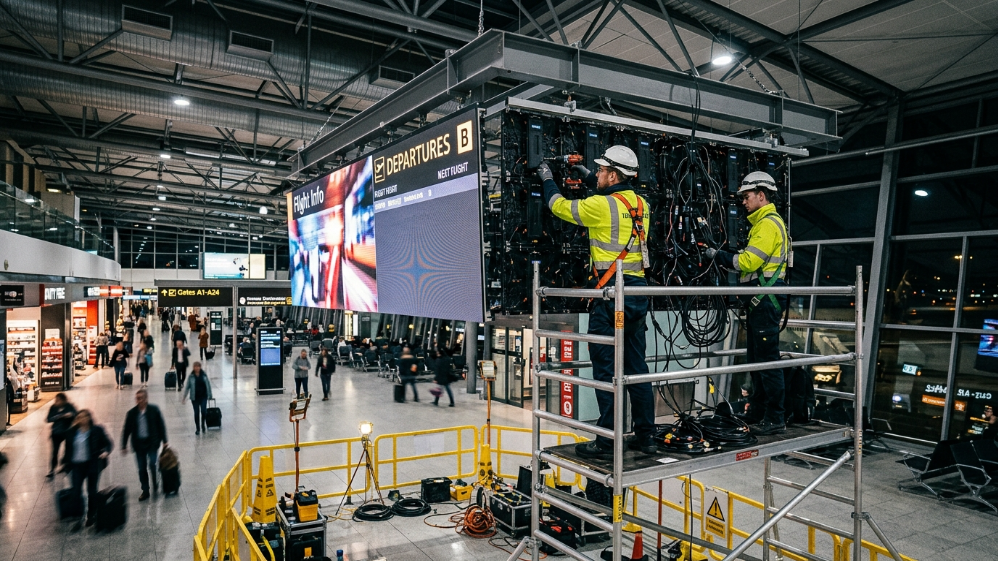
Airport digital displays are mission-critical infrastructure that must run continuously with near-zero downtime while accommodating heavy passenger traffic and strict security regulations.
The real pain point system integrators and airport operators share is installation and maintenance complexity within a live operational environment.
Tight construction windows—often overnight or during off-peak hours—and safety constraints in public terminal spaces mean that bulky, heavy LED cabinets requiring rear access maintenance and complex cabling can cause unacceptable operational delays and cost overruns.
Through dozens of deployments at transit hubs and airport terminals worldwide, based on more than 10,000 cumulative hours of project management, we confirm these constraints fundamentally shape product selection and integration methodology.
Why Airport Digital Displays Are Unique Compared to Other DOOH or Retail Installations
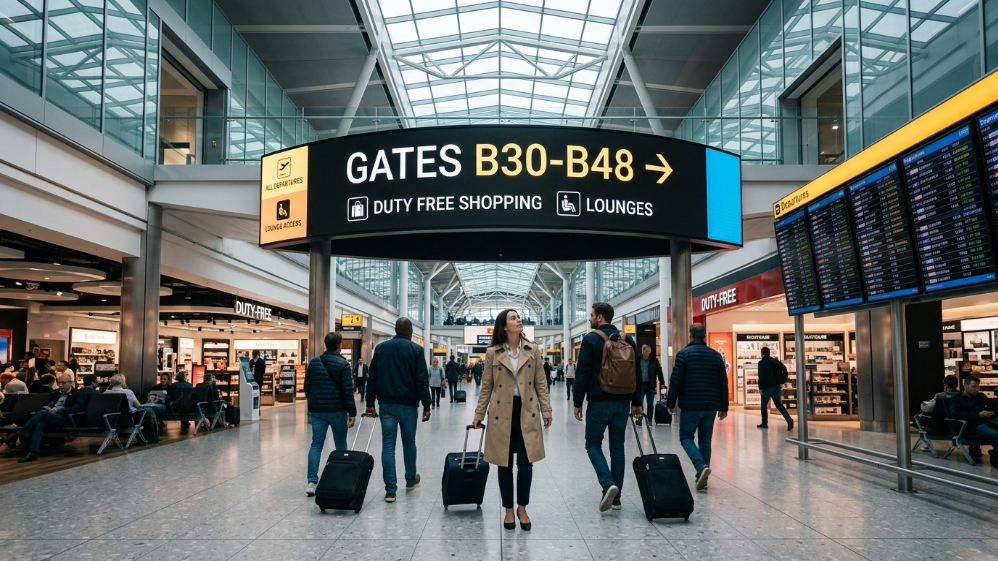
Airports require digital displays that not only deliver excellent image quality but also meet specialized environmental, operational, and integration demands.
Real-time FIDS Integration
Flight Information Display Systems must connect seamlessly with Airport Operational Databases (AODB) with low latency and high reliability, requiring displays with advanced inputs and CMS compatibility.
Wayfinding Precision
Displays double as critical navigational aids, requiring superb legibility at varying distances and ambient lighting, especially near gates and baggage claims.
DOOH Advertising Monetization
Airport displays generate significant non-aeronautical revenue but need sophisticated programmatic advertising technology to coexist with operational messaging without interference.
Installation Constraints
The infrastructure must support phased deployment with zero disruption during terminal operations, often requiring modular, lightweight panels with quick-lock mechanisms and front-access maintenance.
Pixel Pitch Selection for Airport Zones: Balancing Resolution & Viewing Distance
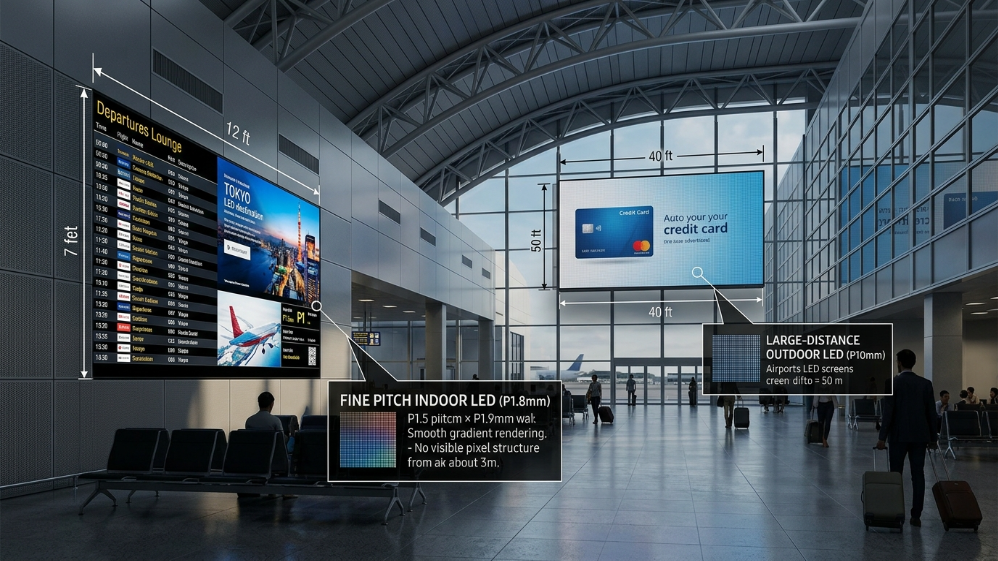
Pixel pitch—the distance between LED pixels—directly determines resolution and optimal viewing distance.
Under-specifying pixel pitch causes pixelation visible to travelers; over-specifying leads to skyrocketing costs and heavier, harder-to-install panels without perceptible image benefits.
According to widely accepted engineering heuristics, the minimum viewing distance (in meters) is roughly the pixel pitch (in millimeters) times 1.5:
Minimum Viewing Distance Formula
Minimum Viewing Distance (m) ≈ Pixel Pitch (mm) × 1.5
This formula guides pixel pitch selection by terminal area:
| Zone | Typical Viewing Distance | Recommended Pixel Pitch | Functional Considerations |
|---|---|---|---|
| Check-in/Kiosk areas | 3–7 m | 2.5–4 mm | High foot traffic; requires durable panels |
| Departure Gates | 2–5 m | 2.5–3.5 mm | Wayfinding and flight data display |
| Baggage Claim | 7–12 m | 3.5–5 mm | Dust and moisture resistance needed |
| Outdoor/Docking Areas | 10–20+ m | 6–10 mm | High ambient sunlight, weatherproofing critical |
Technical Specifications: What Matters for Airport Deployments
Proper airport LED displays incorporate features optimized for continuous high-use environments and integration with existing airport IT/AV ecosystems.
| Parameter | Typical Specification for Airport Digital Displays | Business Benefit |
|---|---|---|
| Brightness | 1,000–1,500 nits indoors, ≥6,000 nits outdoor | Readable under varying lighting conditions |
| Pixel Pitch | Zone specific (P2.5–P4 indoors, P6+ outdoors) | Optimized cost/resolution ratio for typical viewing distances |
| Refresh Rate | ≥3,840 Hz; ≥6,000 Hz preferred for displays visible to broadcast cameras | Eliminates flicker, scan lines for live broadcasts |
| IP Rating | IP54 for indoor dusty/moist locations, IP65+ for outdoor | Prolongs equipment life, reduces downtime |
| Maintenance Access | Front access mandatory | Minimizes service downtime, avoids disruptions |
| Panel Weight | ≤7 kg preferred for easy installation and manual handling | Reduces installation time and labor costs |
| Contrast Ratio | ≥5000:1 for high-visibility, complies with ADA/EN 301 549 requirements | Ensures accessibility compliance, improves legibility |
| Certifications | CE, FCC, RoHS, ITAR (for secure systems), SITA, CUTE/CUSS compliant | Ensures regulatory compliance and tender eligibility |
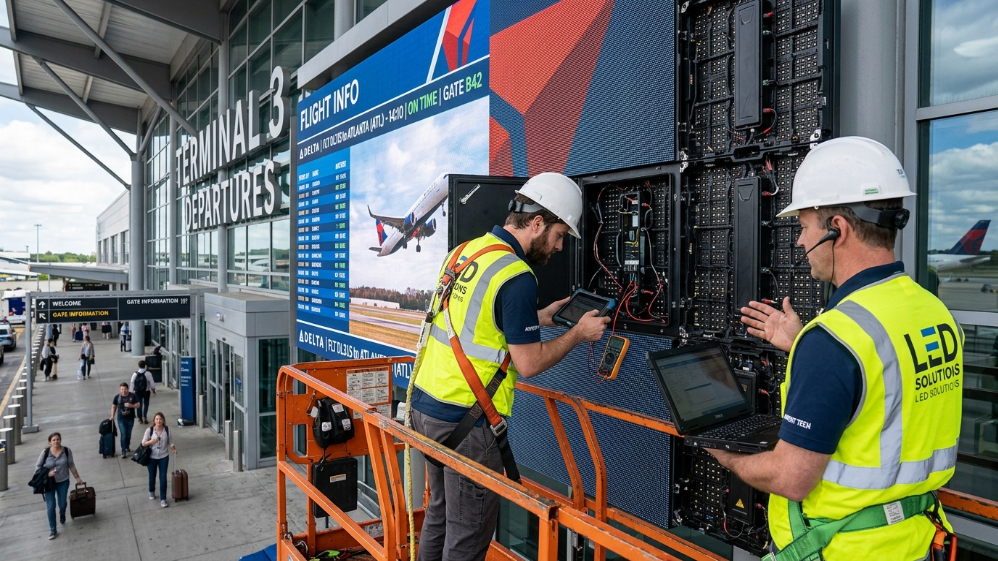
Installation Best Practices: Engineering Constraints & Strategies
Airports present unique engineering challenges.
Installation Windows
Installation windows are short; displays must support quick-lock assembly and modular cabling to meet tight schedules.
Structural Loads
Structural loads must comply with terminal ceiling load ratings; use lightweight panels and modular hanging systems with certified safety factors.
Front-access Maintenance
Front-access maintenance solves the common problem of rear panel service being impossible in installations recessed into walls or bulkheads.
Commissioning
Commissioning involves multi-point color calibration across large multi-screen arrays, integrated functional testing with AODB data feeds, and network security checks.
The Solution: Sostron LED Display Series for Airport Deployments
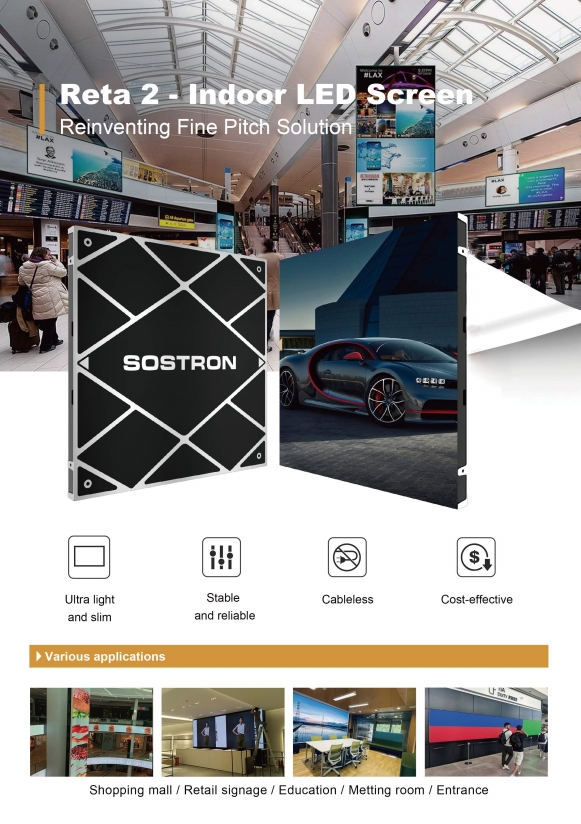
Based on analyzing SoStron’s product lineup and real-world case studies, two series stand out.
| Product Series | Pixel Pitch Range | Cabinet Weight | IP Rating | Key Features | Suitable Airport Use Cases |
|---|---|---|---|---|---|
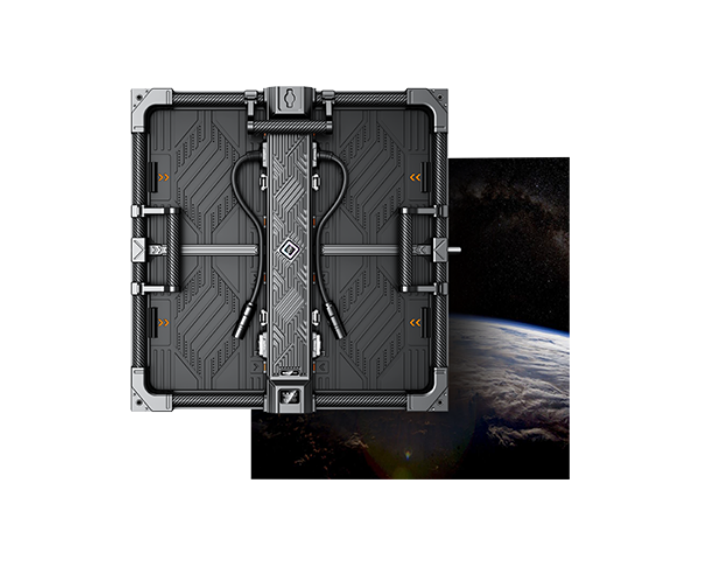
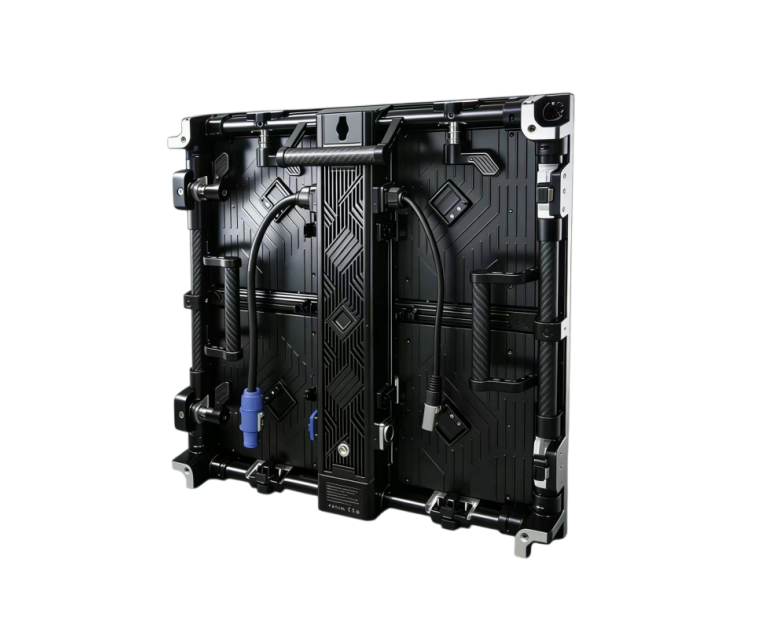
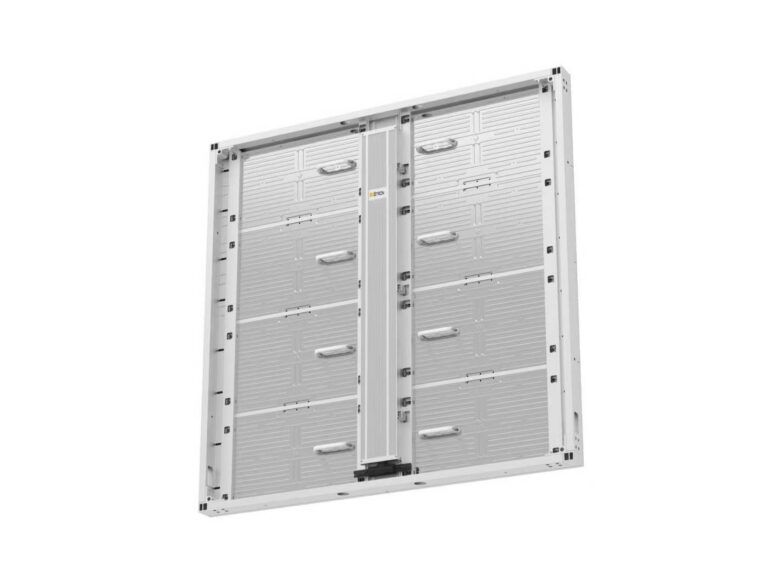
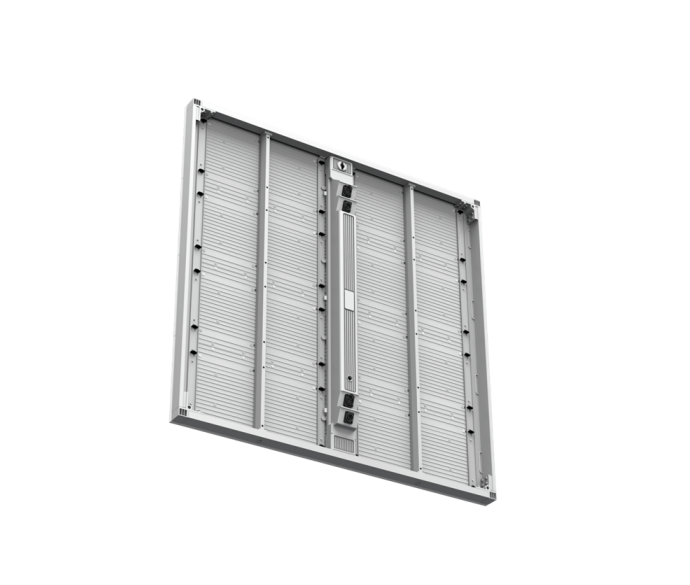
| Reta 2 Small Pitch | 1.25–2.5 mm | 6.5 kg | IP21 (indoor) | Front access maintenance; CNC-installed sub-frame; magnetic module alignment | Indoor check-in halls, lounge info displays |
| Carbon Pro | 1.5–3.9 mm | 4.8–5.3 kg | IP67 (outdoor) | Carbon fiber composite; fly-from-cart deployment; quick lock with magnet alignment | Indoor/outdoor concourses, outdoor facades |
Case Study: USA 100sqm P1.9 GOB LED Wall
Project Environment
Installed in a dimly lit airport banquet hall for a corporate client (Duracell Anniversary).
Technical Features
- Utilized high-precision diecast aluminum cabinets with GOB technology for enhanced contrast and anti-collision protection.
- Achieved flicker-free 4K/8K visuals at ultra-low brightness for camera broadcasting.
- Modules serviced frontally via vacuum suction tools during operation, guaranteeing uninterrupted passenger experience.
This half prepares the ground for diving deeper into operational management, DOOH monetization, procurement frameworks, and advanced installation strategies.
FIDS Integration: The Technical Layer Most Suppliers Skip Over
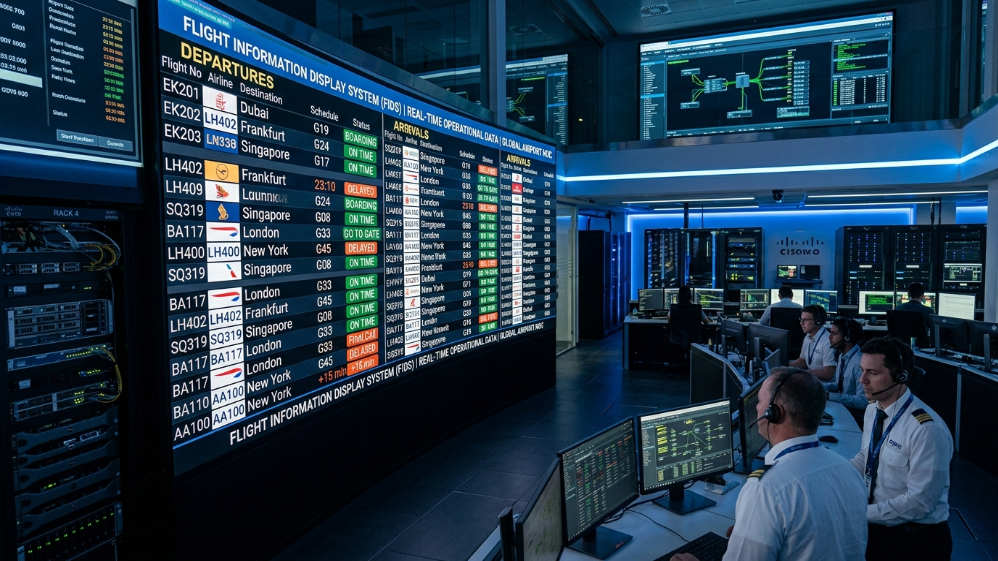
A Flight Information Display System is only as reliable as the data pipeline feeding it.
The display hardware is the visible layer—but the integration between your LED panels, the Airport Operational Database (AODB), and the content management system is where most airport digital display projects either succeed or fail.
How the Architecture Works
The architecture works like this:
- The AODB holds the authoritative source of flight data—departure times, gate assignments, delays, baggage belt allocations.
- The FIDS middleware layer queries this database at defined intervals (typically 30–60 seconds for standard updates, sub-10 seconds for gate change alerts).
- The CMS then distributes formatted content to the correct display zones.
Any latency or failure in this chain means passengers see stale or incorrect information—a reputational and operational liability that airport operators take seriously.
Three Integration Requirements
1. SITA and CUTE/CUSS Compliance
Most international airports operate on SITA’s Common Use Terminal Equipment (CUTE) or Common Use Self-Service (CUSS) infrastructure.
Display systems must support these protocols natively or through certified middleware.
Non-compliant hardware will fail tender evaluation regardless of visual performance.
2. Redundant Data Feeds
A single AODB connection is a single point of failure.
Specify dual data feed paths with automatic failover, and confirm that the CMS can continue displaying last-known-good data during a feed interruption rather than going blank.
3. Content Priority Separation
Operational content (FIDS, wayfinding, emergency alerts) must always override advertising content.
This is not a software preference—it is a regulatory requirement in most jurisdictions.
The CMS architecture must enforce hard priority rules, not rely on manual scheduling.
DOOH Monetization: Turning Display Infrastructure into Revenue
Airport digital displays represent some of the highest-value DOOH inventory in the world.
According to OAAA and PQ Media data, airport DOOH commands CPM rates of 25–65—three to five times the CPM of roadside billboard inventory—driven by the captive, high-dwell-time audience profile.
Programmatic DOOH (pDOOH)
Programmatic DOOH (pDOOH) is now the dominant transaction model for premium airport inventory.
Through DSP/SSP integration, advertisers can bid on airport screen impressions in real time, with targeting parameters tied to flight data—for example, serving luxury brand content on screens adjacent to international departure gates when long-haul flights are boarding.
Airport DOOH Revenue Model Comparison
| Revenue Model | How It Works | Typical CPM Range | Best For |
|---|---|---|---|
| Direct Sales (Guaranteed) | Fixed placement sold to brands in advance | 40–65 | Premium brands, long campaigns |
| Programmatic (pDOOH) | Real-time bidding via DSP/SSP platforms | 25–50 | Dynamic targeting, flexible budgets |
| Revenue Share (Concessionaire) | Media operator manages inventory, splits revenue with airport | 15–35% of gross revenue | Airports without in-house media teams |
| Hybrid Model | Guaranteed floor + programmatic fill for unsold inventory | 30–55 blended | Maximizes yield across all inventory |
The critical technical requirement for pDOOH is a CMS with open API connectivity to major SSP platforms (Vistar Media, Place Exchange, Hivestack).
Confirm this capability during vendor evaluation—it is not universally available, and retrofitting it post-installation is expensive.
Audience Measurement
Airports increasingly require impression counting based on camera-based OTS (Opportunity to See) methodology rather than simple footfall estimates.
Displays positioned in high-dwell zones (gate seating areas, security queues) generate significantly higher verified impression counts than corridor-mounted screens, which affects both advertising rate cards and ROI calculations for the infrastructure investment.
Reliability and Maintenance: What 99.9% Uptime Actually Demands
99.9% uptime sounds like a marketing figure.
In engineering terms, it means no more than 8.76 hours of unplanned downtime per year across your entire display network.
For a 200-screen airport installation, that is a demanding target that requires deliberate design choices, not just quality hardware.
Airport LED Display Reliability Framework
| Reliability Factor | Minimum Specification | Engineering Rationale |
|---|---|---|
| MTBF (Mean Time Between Failures) | ≥50,000 hours | Equivalent to ~5.7 years continuous operation |
| LED Lifespan | ≥100,000 hours at 50% brightness | Aligns with 10-year infrastructure lifecycle |
| Power Supply Redundancy | Dual PSU with auto-failover | Single PSU failure takes one cabinet offline, not a chain |
| Refresh Rate | ≥3,840 Hz; ≥6,000 Hz for broadcast zones | Eliminates flicker artifacts in live camera coverage |
| Remote Monitoring | Real-time pixel-level fault detection | Enables predictive maintenance before visible failure |
| Module Replacement Time | ≤5 minutes per module, front access | Minimizes service window in live terminal environments |
| Spare Parts Lead Time | ≤48 hours for critical modules | Prevents extended downtime from supply chain delays |
Front-access maintenance is not a premium feature in airport environments—it is a baseline requirement.
Installations recessed into terminal walls, mounted above passenger flow corridors, or integrated into architectural elements physically cannot be serviced from the rear.
Any supplier proposing rear-access panels for these configurations either does not understand airport installation constraints or is not the right partner for the project.
Predictive Maintenance
Based on our experience with high-turnover transit hub deployments, the single most effective maintenance investment is a remote monitoring platform with pixel-level fault detection.
Systems that alert operations teams to a failing module before it becomes a visible dead zone allow scheduled replacement during off-peak hours rather than emergency callouts during peak boarding periods.
CapEx vs. DaaS: Choosing the Right Procurement Model
The Display-as-a-Service (DaaS) model has gained significant traction in airport procurement over the past three years, driven by airports’ preference for OpEx-structured contracts that preserve capital for runway and terminal infrastructure.
Under DaaS, the display supplier retains hardware ownership, provides installation, maintenance, and software updates, and charges a monthly fee per square meter of display area.
Break-even Analysis
The break-even analysis is straightforward:
- DaaS typically costs 15–25% more over a 10-year lifecycle than outright CapEx purchase.
- It transfers hardware obsolescence risk to the supplier.
- It eliminates the capital outlay that would otherwise require board-level approval.
For airports planning a technology refresh within 5–7 years, DaaS often wins on net present value.
For system integrators advising airport clients, the procurement model decision should precede hardware specification—it determines which suppliers can participate (not all manufacturers offer DaaS), what SLA terms are commercially viable, and how maintenance responsibilities are allocated between the integrator, the manufacturer, and the airport operations team.
5 Questions Airport Display Buyers Ask Most
Q1: What pixel pitch is best for airport departure hall displays?
For a standard departure hall with a primary viewing distance of 5–8 meters, P3.0–P4.0 delivers the optimal resolution-to-cost ratio.
Fine-pitch panels below P2.5 are unnecessary at that distance and add weight and cost without perceptible image improvement.
Q2: How long does airport LED display installation take without disrupting operations?
A phased installation approach—working in sections during overnight windows—allows a 200 sqm terminal installation to be completed in 8–12 nights without closing any passenger areas.
Quick-lock panel systems with pre-wired cable harnesses are essential to meet these compressed windows.
Q3: What is the minimum brightness for outdoor airport digital displays?
6,000 nits is the practical minimum for direct sunlight readability at curbside and outdoor facade positions.
For south-facing facades in high-solar-irradiance regions, 8,000 nits is the safer specification.
Q4: Can airport LED displays integrate with existing FIDS software?
Yes, provided the display system’s CMS supports open API connectivity and the FIDS middleware uses standard data formats (XML, JSON over REST or SOAP).
Confirm SITA CUTE/CUSS compatibility and request a documented integration test protocol before contract signature.
Q5: What certifications should airport digital displays carry for public-space installation?
At minimum:
- CE (Europe)
- FCC (North America)
- RoHS
- IP54+ for indoor terminal environments
For displays in security-sensitive zones, confirm EMC compliance to prevent interference with navigation and communication equipment.
SITA certification is required for FIDS-connected systems in most international airports.
Expert Verdict
Airport digital display procurement fails most often not because of wrong hardware choices, but because of underspecified integration requirements and maintenance frameworks that look adequate on paper and collapse under real operational conditions.
Specify front-access maintenance as a hard requirement, not a preference.
Demand documented MTBF figures and a spare parts SLA before signing.
Confirm FIDS integration compatibility with your AODB before hardware is manufactured.
And if your airport has DOOH ambitions, build the programmatic advertising API into the CMS specification from day one—retrofitting it costs three times as much and takes twice as long.
The suppliers worth shortlisting are the ones who bring an integration engineer to the first technical meeting, not just a sales deck.

About SoStron
Marketing Strategic Director at Sostron