By the SoStron Engineering Team — 12+ years designing and supplying rental LED systems for touring productions, broadcast studios, and corporate events across 70+ countries.
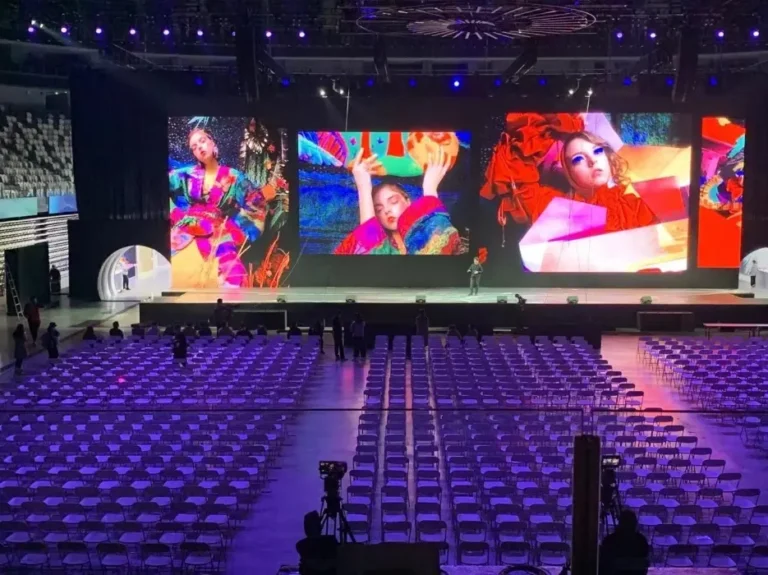
In today’s fast-paced event landscape — corporate conferences, concerts, trade shows, broadcast sets, and sports productions — LED screen rental has become the default visual solution for organizers who need maximum impact without the capital cost of owning hardware. But because rental pricing is driven by a dense stack of technical variables (pixel pitch, refresh rate, brightness, control system, cabinet material), most quotes look wildly inconsistent from one supplier to the next.
This guide breaks down exactly how LED screen rental price is calculated, what technical specifications actually move the number, and how to avoid overpaying — or under-speccing — for your next event.
1. Factors Affecting LED Screen Rental Costs
Several variables combine to determine what a rental supplier quotes you. Understanding them lets you evaluate quotes on equal footing instead of comparing apples to oranges.
- Screen Size and Resolution — Larger screens with higher pixel density require more panels, more processing power, and more structural support, all of which raise cost.
- Pixel Pitch — The single biggest cost driver after size (see Section 2 for the full breakdown).
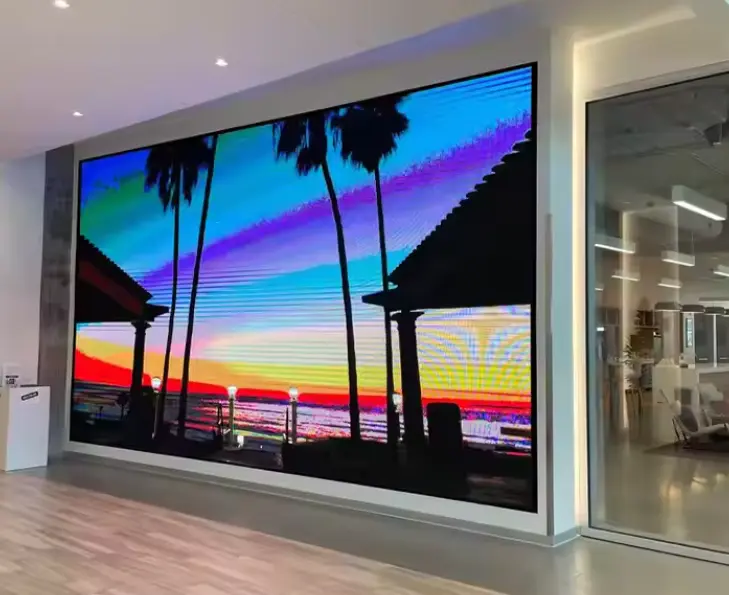
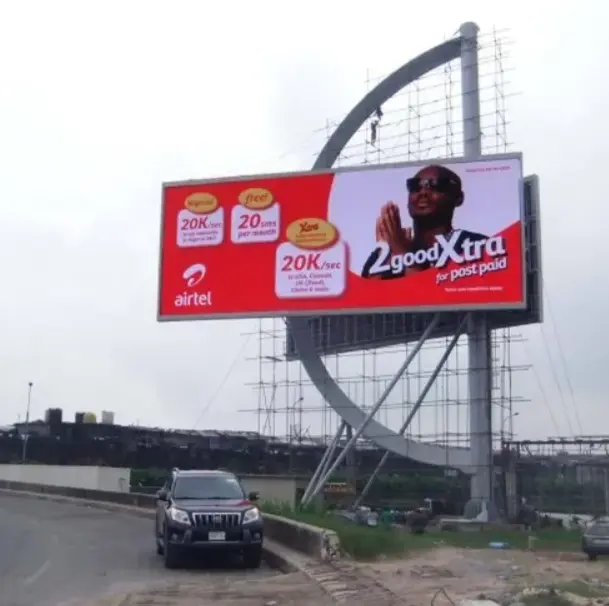
- Screen Type — Indoor, outdoor, curved, transparent, or flexible panels each carry different manufacturing costs. Outdoor screens need IP65-rated waterproofing and higher brightness, which pushes rental price up 20–50% over an equivalent indoor unit.
- Cabinet Material and Weight — Standard die-cast aluminum cabinets (roughly 7.5 kg/panel) are the rental industry norm. Premium carbon-fiber cabinets (as low as 4–5 kg/panel) cost more to rent but reduce rigging load, truck space, and labor time — often cutting transport costs by up to 35% on touring productions where every kilogram matters.
- Control System / Video Processor — NovaStar vs. Brompton (or Colorlight) changes the price meaningfully; see Section 3.
- Rental Duration — Longer bookings lower the per-day rate. Multi-day rentals commonly earn 15–35% discounts versus single-day pricing.
- Installation and Dismantling — Complexity of rigging (ground-stack vs. flown), venue access, and labor requirements all factor into the quote.
- Transportation and Logistics — Distance from the supplier’s warehouse, and whether the screen needs to be lightweight/modular for touring.
- Technical Support and On-Site Service — Live-event technicians, calibration, and backup equipment.
- Volume Discounts — Orders exceeding roughly 300 sqm typically unlock 5–12% additional savings from most suppliers.
- Insurance and Damage Waiver — Often overlooked, but rental houses commonly add 10–25% for damage protection — always ask whether this is included in the base quote.
2. Technical Specifications That Drive Price: Pixel Pitch, Refresh Rate, Brightness
This is the section most rental price guides skip — and it’s exactly where buyers get burned by underspecced or overspecced quotes.
Pixel Pitch and Viewing Distance
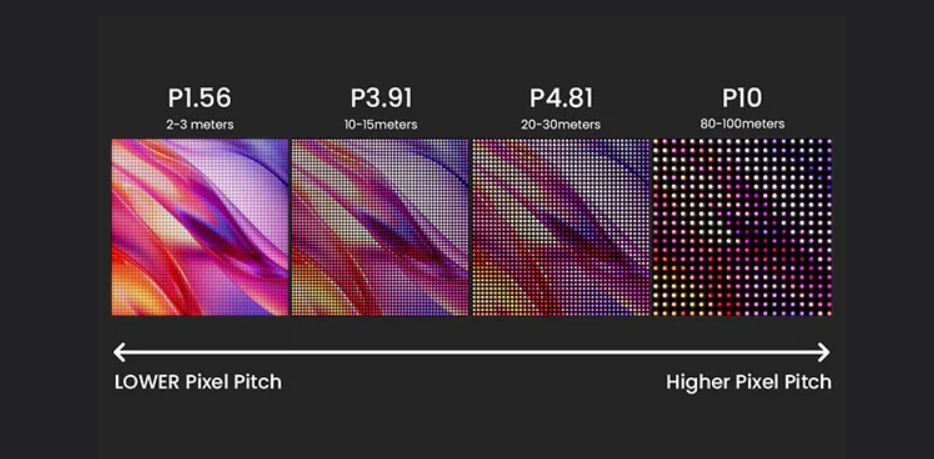
Pixel pitch (the distance in millimeters between adjacent LED clusters) determines image resolution at a given distance. A simple industry rule of thumb:
Minimum comfortable viewing distance (meters) ≈ Pixel Pitch (mm) × 1 (or in feet: Pixel Pitch (mm) × 3)
- P1.9–P2.6 — Front-row viewing under 3–5m; broadcast close-ups, luxury retail, trade show booths.
- P2.9–P3.9 — Standard indoor events, conference stages, viewing distance 5–10m.
- P4–P6 — Large stages viewed from 8m+, general conferences.
- P6.6–P10 — Outdoor festivals and long-throw viewing where high brightness matters more than pixel density.
A common and costly mistake is over-speccing: choosing P1.9 for an outdoor festival stage where the audience stands 20–30m back. At that distance, the human eye cannot distinguish P1.9 from P3.9, yet the rental cost difference can be 2.5–3× per square meter. Always match pixel pitch to actual viewing distance, not to “the highest resolution available.”
Refresh Rate and Camera Compatibility
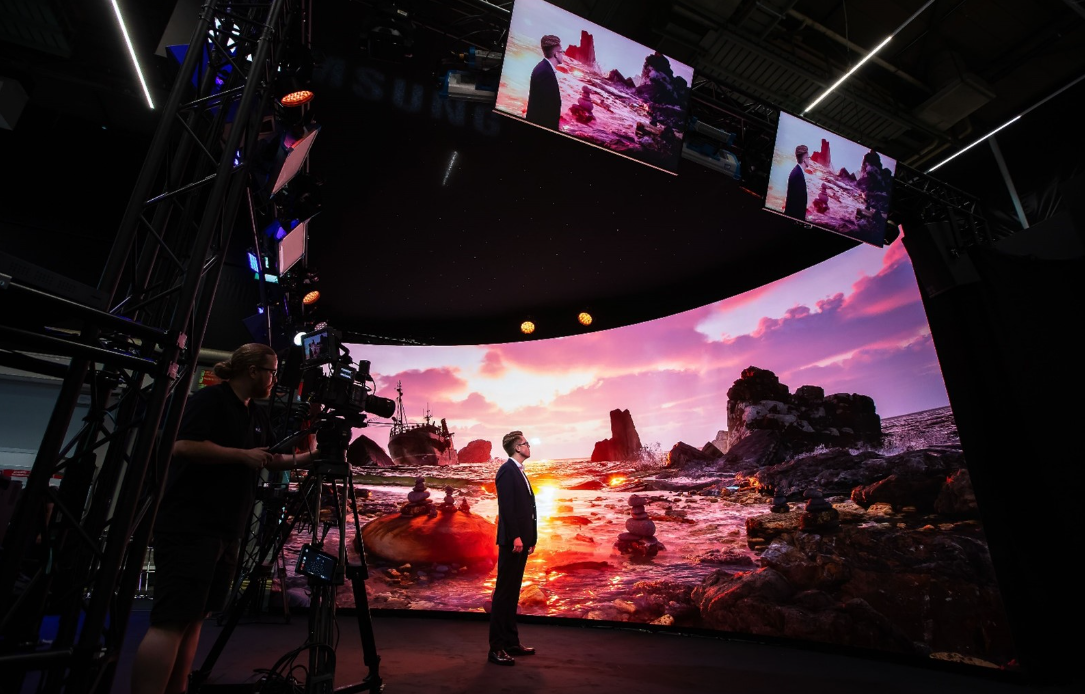
- Camera Flicker: Visible black bars (rolling shutter effect) when filmed.
- Content Loss: Fast-moving content may appear blurry or tearing.
- Not Broadcast Ready: Unsuitable for professional live streaming or TV.
- Flicker-Free: Crystal clear image on all cameras (1/2000s+ shutter speed).
- Smooth Motion: Perfect for fast video playback and sports.
- XR Ready (7680Hz): Essential for virtual production and XR studios.
Refresh rate — measured in Hertz (Hz) — determines whether the screen displays cleanly on camera. This matters enormously for any event that will be filmed, live-streamed, or broadcast.
- 1,920Hz — Entry-level, acceptable for live-only events with no camera capture.
- 3,840Hz — Current industry standard; eliminates the rolling black bars and moiré banding that appear on lower refresh-rate panels when filmed.
- 7,680Hz and above — Premium tier, used for high-frame-rate broadcast and slow-motion camera work.
If your event includes any video recording, livestreaming, or broadcast camera feed, confirm the refresh rate is 3,840Hz or higher before signing a rental contract — this single spec prevents the single most common post-event complaint from clients.
Brightness (Nits) and IP Rating
| Environment | Typical Brightness | IP Rating |
|---|---|---|
| Indoor conference/stage | 800–1,500 nits | IP30–IP43 |
| Indoor with heavy ambient light | 1,500–3,000 nits | IP43 |
| Outdoor, shaded/evening use | 3,000–5,000 nits | IP65 |
| Outdoor, direct daylight | 5,000–8,000+ nits | IP65 |
High-brightness outdoor panels typically carry a 7–15% rental premium over standard indoor units of the same pixel pitch, due to the additional LED driver components and thermal management required.
Color Depth and Calibration
Beyond pixel pitch and brightness, panel-to-panel color consistency is what separates a professional rental wall from a visibly “tiled” screen. Higher bit-depth processing (10-bit to 16-bit) reduces color banding, particularly important when the wall runs below 50% brightness (common in dim broadcast and theatrical settings) or when displaying HDR content. This is directly tied to which control system the rental package uses — covered next.
3. Control Systems: NovaStar vs. Brompton — Why It Matters for Rental Pricing
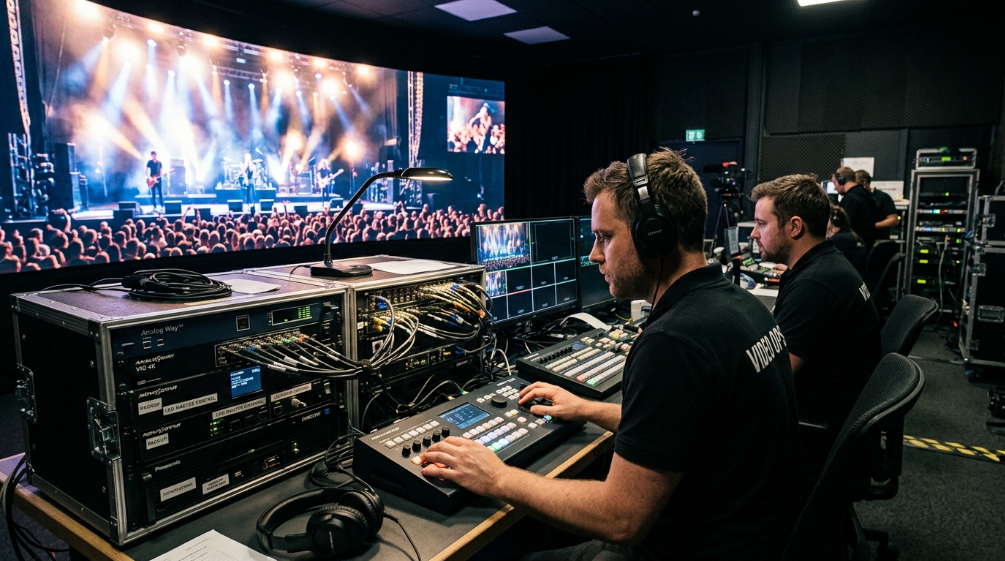
The video processor that drives an LED wall is often quoted as a line item, but it’s rarely explained — and it can swing your total budget by thousands of dollars for broadcast-grade events.
- NovaStar — The dominant control system for standard commercial and corporate rental applications. It’s cost-effective, widely supported by rental technicians worldwide (meaning easier spare-parts logistics on tour), and perfectly suited for live events without camera capture requirements.
- Brompton (Tessera platform) — The specification of choice for broadcast, virtual production, and multi-camera live events. Brompton processors support genlock — synchronizing the LED wall’s refresh cycle to the production’s house sync/black burst reference — which is required whenever the wall appears across multiple camera cuts. Without genlock, at least one camera angle will show rolling bands. Brompton also handles PQ (ST 2084) and HLG EOTF for genuine HDR-to-LED reproduction, and its ShieldPlus calibration model corrects module-to-module color variation at the processor level rather than compensating after the fact.
Practical guidance: If your event is a live-only conference, product launch, or exhibition with no camera recording, a NovaStar-driven rental package is the cost-efficient choice. If your event will be filmed for broadcast, livestreamed across multiple camera angles, or is a virtual production / in-camera VFX (ICVFX) shoot, specify Brompton (or confirm genlock support) — and expect the control system line item to add meaningfully to the quote. Ask any supplier directly which control platform their rental inventory runs, since this is rarely volunteered up front.
4. How Are LED Screen Rental Prices Calculated?
The standard industry formula:
Total Rental Price = (Basic Screen Fee + Installation Fee + Transportation Fee) × Rental Duration + Technical Support and Maintenance Fees
One important note before you compare quotes: suppliers price rentals in different units — per square meter per day, per square meter per week, or per square foot per day — and these numbers can look wildly different for the same actual screen. Always convert to a single unit before comparing two proposals.
Case Study: New York Product Launch
Requirement: A company holds a product launch conference in New York and needs a 10 sqm indoor LED display for 3 days.
a. Basic Screen Fee Indoor P3.91 small-pitch LED rental runs roughly $40–50/sqm/day in this market. At the midpoint (~$45/sqm/day), a 10 sqm screen costs $450/day.
b. Installation Fee For a 10 sqm suspended (flown) LED screen: approximately $300 (one-time).
c. Transportation Fee Assuming 50 km ground transport: approximately $100 (one-time).
d. Technical Support and Maintenance On-site technician support: approximately $70/day.
Total Rental Price: Total = (($450 + $300 + $100) × 3 days) + ($70 × 3 days) Total = ($850 × 3) + $210 = $2,550 + $210 = $2,760
(Note: if the client requests Brompton-level control for broadcast capture of the launch, add roughly 15–25% to the basic screen fee to cover the processor upgrade.)
5. How to Proceed with LED Screen Rental
- Determine Rental Requirements — Screen model, pixel pitch (matched to viewing distance), size, rental duration, location, and whether the event will be filmed.
- Choose a Rental Supplier — Select a reputable LED rental company and request an itemized quote, specifying control system (NovaStar vs. Brompton) and refresh rate explicitly.
- Sign the Rental Contract — Confirm rental terms, insurance/damage waiver responsibility, and cancellation policy.
- Installation and Testing — The rental company handles installation, calibration, and pre-event testing.
- Usage and Maintenance — The renter is responsible for day-to-day operation; the supplier typically provides on-call technical support.
- Return and Acceptance — Post-event inspection and return to the rental company.
6. How Much Does LED Screen Rental Cost?
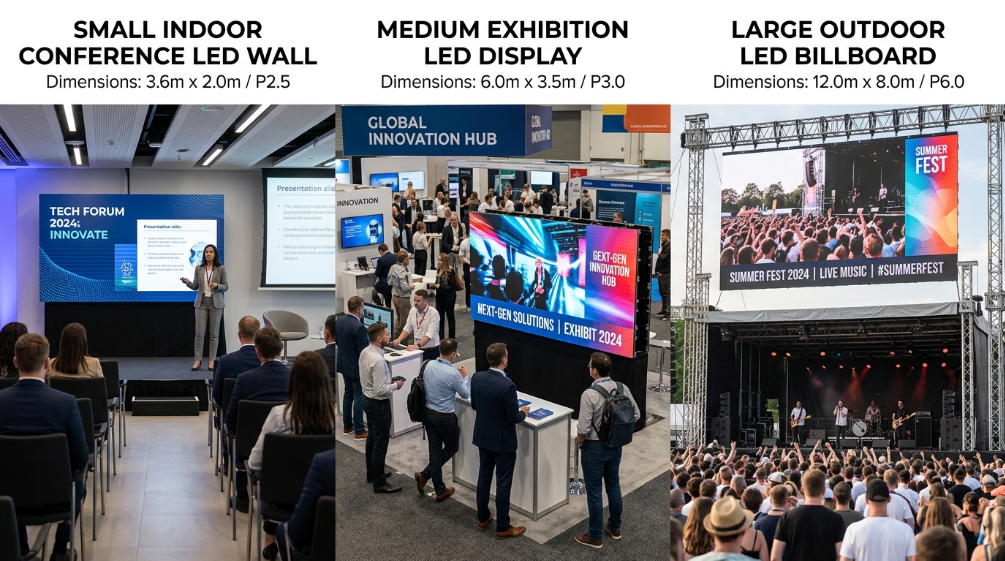
Reference pricing ranges (indoor, standard die-cast aluminum cabinets, NovaStar control):
Indoor LED Screens (per sqm/day)
| Pixel Pitch | Price Range |
|---|---|
| P10 | $30–60 |
| P5 | $45–80 |
| P4 | $60–100 |
| P3 | $75–120 |
| P2 | $90–150 |
Outdoor LED Screens (per sqm/day)
| Pixel Pitch | Price Range |
|---|---|
| P10 | $45–90 |
| P8 | $60–100 |
| P6 | $75–120 |
| P5 | $90–150 |
| P4 | $110–180 |
These figures are indicative only — brand, cabinet material (aluminum vs. carbon fiber), control system, and regional market conditions all shift the final number. Also budget for installation, transport, technical support, and any insurance/damage waiver, which together commonly add 20–50% on top of the base screen fee.
7. Our Rental LED Products
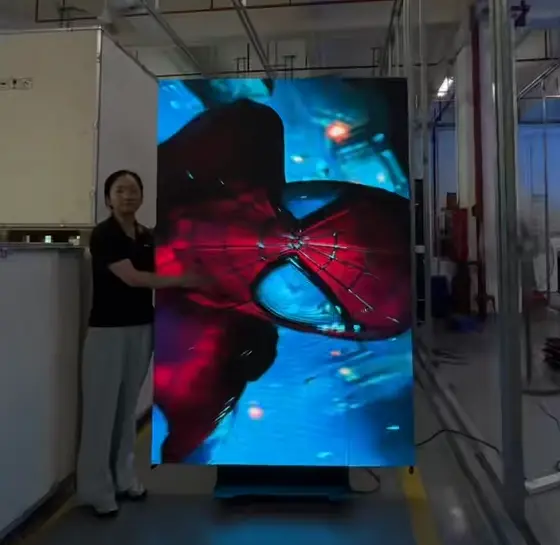
Hima Series — Interactive floor and movable conference screens with a 90° installation design and 45° angle-cut cabinet. Built from die-cast aluminum for seamless splicing, in a compact 500×500mm format with a built-in handle for fast setup. Ideal for interactive event installations, exhibitions, and multifunctional stage use — see the full Hima interactive rental LED screen lineup.
Carbon Family Series — Our premium touring-grade rental panel, built with aerospace-grade carbon-fiber frames weighing as little as 4kg per panel (roughly 48% lighter than standard 7.5kg cabinets). Available across P1.9–P3.9 pixel pitch with brightness from 800–5,500 nits and refresh rates up to 7,680Hz — engineered for virtual production, touring concerts, and any application where transport weight and setup speed directly affect budget. Explore our full rental LED display lineup.
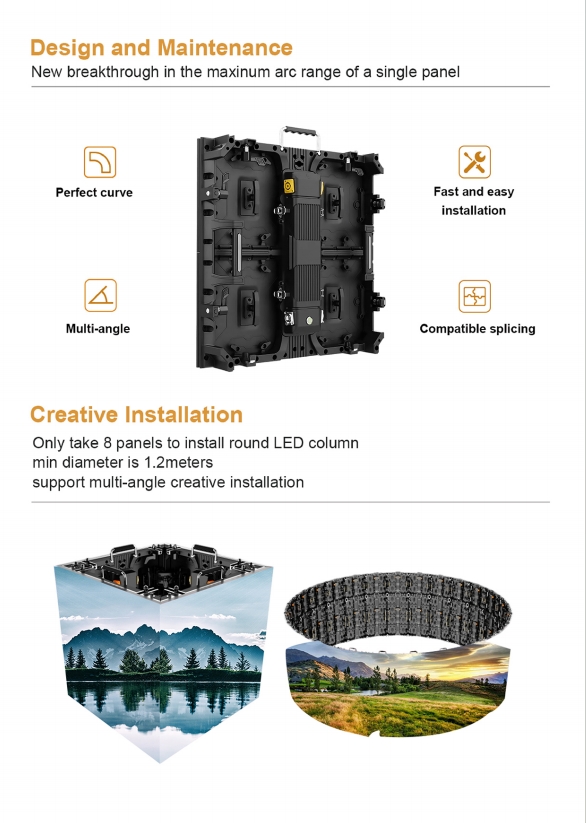
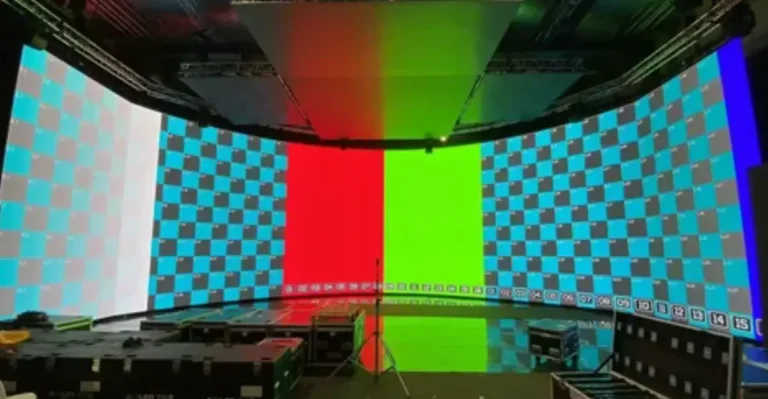
sPad Pro2 Curved Series — Flexible, arc-configurable rental panels for immersive stage design, supporting multi-angle curved and “S”-shape configurations with high refresh rate and brightness for stage and exhibition use. See sPadPro curved rental LED display solutions.
For a full breakdown of current per-panel and per-sqm rental pricing across our product line, see our 2026 Rental LED Display Panel Price List, or start with our broader LED Screen Rental Guide if you’re still deciding between renting and buying.
8. Actionable Advice for Procurement Decision-Makers
For buyers responsible for signing off on an LED rental budget, three checks prevent the majority of cost overruns and on-site failures:
- Match spec to distance, not to “best available.” Don’t pay for P1.9 if your audience never stands closer than 15 meters. Use the pixel-pitch-to-distance rule in Section 2 to right-size the quote before you ask for pricing.
- Ask about refresh rate and control system before the day of the event, not on-site. If cameras are involved in any capacity, confirm 3,840Hz+ refresh rate and ask explicitly whether the supplier’s inventory runs NovaStar or Brompton. This single conversation prevents the most common (and most expensive to fix) on-site surprise.
- Request an itemized quote, not a lump sum. Insist that basic screen fee, installation, transport, technical support, and insurance/damage waiver are broken out separately. This is the only way to accurately compare two suppliers quoting in different units (per sqm/day vs. per sqm/week vs. per sqft/day), and it protects your budget from hidden fees added after contract signing.
Choosing the right rental supplier isn’t just about the lowest per-square-meter number — it’s about matching technical specification to your actual event requirements, then holding the supplier to a transparent, itemized quote.
9. Frequently Asked Questions
How to choose the right LED screen rental for a retail store?
Match screen size to your retail floor layout, prioritize high brightness for daytime visibility, and confirm the supplier’s content management software supports easy scheduling of promotional content.
How to choose the right LED screen rental for a theater production?
Match size to stage dimensions and audience seating, select a pixel pitch appropriate for your closest seating row, and confirm the screen supports the range of signal inputs your production requires.
How can renting an LED screen enhance trade show exhibition impact?
Use the screen for product video and live data visualization, and consider interactive touch or motion-sensing features to increase booth engagement.
What are the advantages of a rented LED screen for corporate meetings?
Clear content display for all attendees, multi-image tiling for displaying more information simultaneously, and support for live interaction during presentations.
Do I need genlock for my event’s LED screen rental?
Only if the wall will be captured on camera across multiple angles for broadcast, livestream, or virtual production. Live-only events without recording do not strictly require it, though genlock-capable systems generally deliver a visually cleaner result even off-camera.
How can rental companies profit from LED screen rental?
Primarily through rental fees (scaled to size, spec, duration, and location) and secondarily through advertising placement revenue where applicable. Suppliers typically improve margins by investing in high-demand specifications (fine pixel pitch, high refresh rate), using rental management software to streamline logistics, and offering value-added services like content design and on-site production support.
LED screen rental remains one of the most flexible ways to deliver a high-impact visual experience for events of any scale. The key to controlling cost isn’t shopping for the lowest quote — it’s understanding which technical specifications your event actually requires, so you pay for the performance you need and nothing you don’t.
References:
VESA Display Standards and Specifications