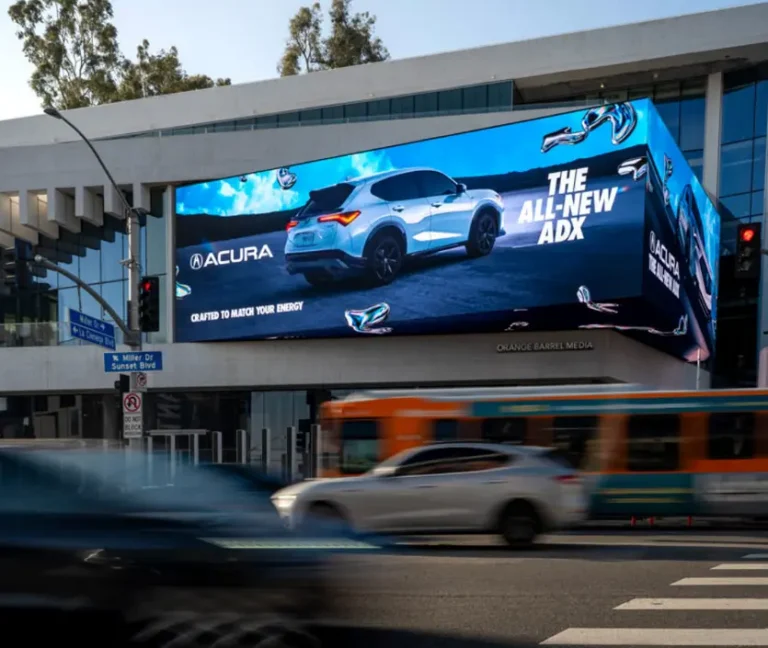
The core question for anyone choosing a display today is: Which screen technology is truly better for your eye health — LED or LCD? The answer is multifaceted. LED screens generally provide more stable brightness, higher contrast, and better adaptation to ambient light, resulting in less eye strain for most users. However, LCDs often emit less blue light and tend to flicker less, which some users may find gentler on their eyes. Ultimately, understanding the key differences and usage habits is essential to minimize eye fatigue and protect your vision.
In 2026, with rising screen time and more work-from-home setups, eye comfort remains a critical consideration. This guide breaks down blue light emission, flicker, contrast, viewing angles, eye protection features, and best daily practices to empower you to make an informed choice suitable for your environment and needs.
1. Blue Light Emission: Balancing Brightness and Eye Safety
Blue light is a high-energy visible light that can disrupt circadian rhythms and potentially damage retinal cells over prolonged exposure.
| Aspect | LED Screens | LCD Screens |
|---|---|---|
| Blue light intensity | Higher at max brightness; modern LEDs use blue LED backlights | Generally lower blue light emission |
| Eye strain risk | Can increase macular degeneration risk if no filters applied | Lower blue light reduces this risk |
| Blue light filtering | Many high-end LED models offer blue light filters and adaptive brightness | Less common, usually software-based or external filters |
2026 update: New LED panels increasingly incorporate hardware blue light reduction technologies—some achieve 30% lower blue light without color loss. LCDs largely rely on external filtering solutions which may degrade image quality.
2. Flicker Issues: The Hidden Cause of Fatigue
Screen flicker is imperceptible to most users but can cause headaches and eye strain in sensitive individuals.
| Flicker Source | LED Screens | LCD Screens |
|---|---|---|
| PWM brightness control | Common in LED displays, especially at low brightness | Rare or less aggressive in LCD backlights |
| Power fluctuations | LED modules can experience voltage instability causing flicker | More stable due to different backlight technology |
| Refresh rate | LEDs typically higher refresh rates in 2026 (≥120Hz) mitigate flicker | Usually stable, but older models might flicker |
Tip: Look for flicker-free certifications (e.g., TÜV Flicker Free) and test at varied brightness levels before purchasing LED screens.
3. Contrast and Brightness: Impact on Eye Comfort
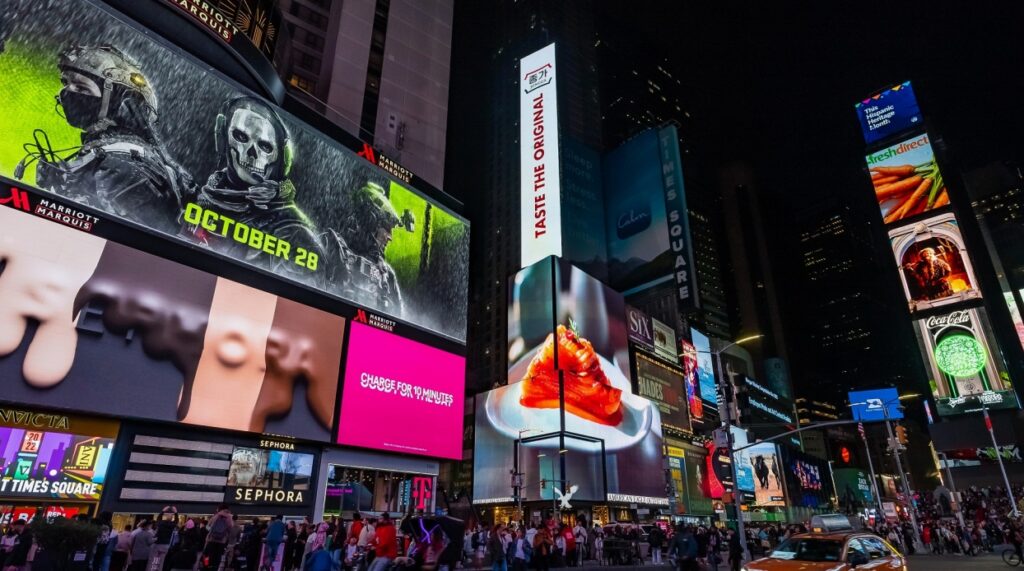
Higher contrast and brightness can reduce eye strain by improving readability and reducing squinting.
| Parameter | LED Screens | LCD Screens |
|---|---|---|
| Typical brightness | 300–1000+ nits, some outdoor models >2000 nits | 200–600 nits typically |
| Contrast ratio | 100,000:1 and higher with HDR support | 1000:1 to 3000:1 standard |
| Color gamut | Wider, supports HDR and deep colors | Narrower, limited by backlight tech |
Update: Modern HDR-enabled LED screens deliver better color fidelity and dynamic range, which improves visual comfort during extended use compared to standard LCDs.
4. Viewing Distance and Angle: Design Considerations
The geometry of LED and LCD panels affects how close and from what angles you can view without noticing pixelation or color degradation.
| Factor | LED Screens | LCD Screens |
|---|---|---|
| Pixel structure visibility | Less visible due to smaller subpixels and higher brightness | More visible jagged edges at close range |
| Typical optimal viewing distance | Closer viewing allowed without pixelation | Requires maintaining a minimal distance |
| Viewing angles | Wider, colors stable at off-axis angles | Narrower, color shifts and dimming off-axis |
Practical advice: For desktop or handheld use, LCDs may suffice; for immersive TVs or multi-user environments, LEDs provide a less fatiguing experience.
5. Eye Comfort: Perception and Individual Preference
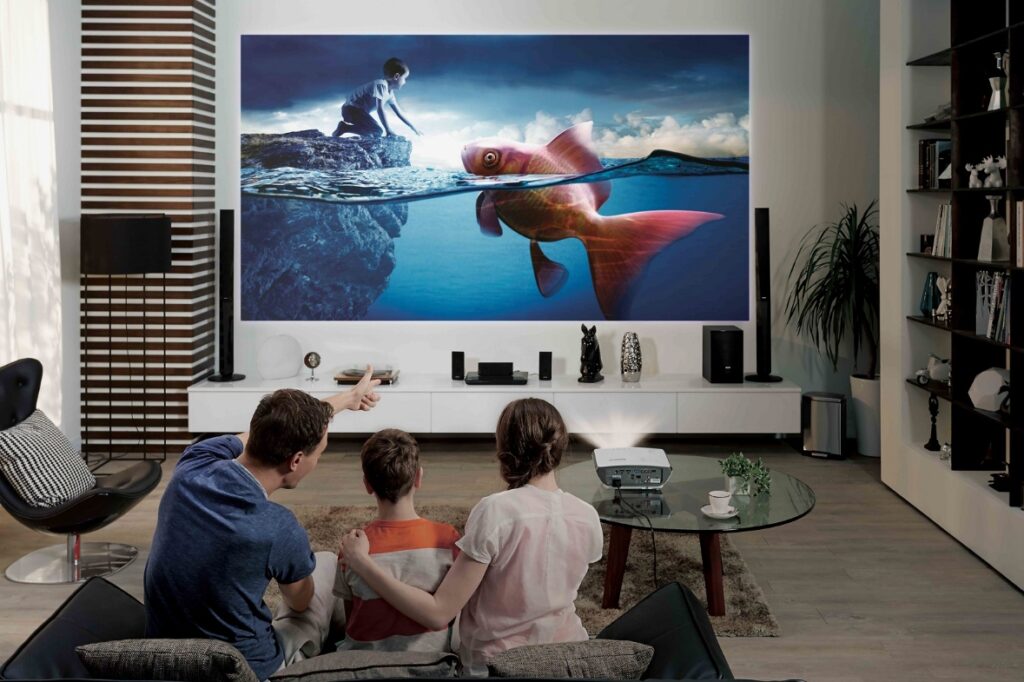
Personal tolerance varies—some prefer the vividness of LED, others the softness of LCD.
Subjective factors:
- Ambient lighting in the room
- Duration of exposure daily
- Use case: reading vs video watching vs interactive gaming
2026 market research shows 70% of users report better eye comfort on flicker-free LEDs, especially in brightly lit environments.
6. Eye Protection Features: The Latest Technologies
| Feature | Available on LED Screens (2026) | Typical on LCD Screens |
|---|---|---|
| Blue light filters (hardware) | Increasingly standard | Mostly software-based |
| Flicker-free certification | Common, especially in premium models | Rare |
| Adaptive brightness sensors | Yes | Yes, but slower response |
| Anti-reflective coatings | Highly refined | Standard on most quality LCDs |
| Eye-care modes (reading, night) | More advanced with AI-based light adaptation | Mostly software presets |
7. Usage Habits: Minimizing Eye Strain Regardless of Screen Type
No technology replaces healthy screen habits.
The 20-20-20 rule: Every 20 minutes, look at something 20 feet away for 20 seconds.
Additional tips:
- Adjust brightness to ambient lighting: avoid glare or under-lighting
- Maintain good posture to reduce neck/eye fatigue
- Use blue light filter glasses if sensitive
- Ensure ergonomic screen height and position
Summary
Both LED and LCD screens have pros and cons for eye health. Overall, modern LED displays in 2026 outperform LCDs on brightness stability, contrast, color fidelity, and viewing angles, making them a better choice for long-term eye comfort in most professional and home settings. However, the higher blue light emission and flicker potential of LEDs require attention to screen quality and usage habits. Regardless of screen choice, adopting best eye care practices remains essential to protect vision in today’s screen-centric world.