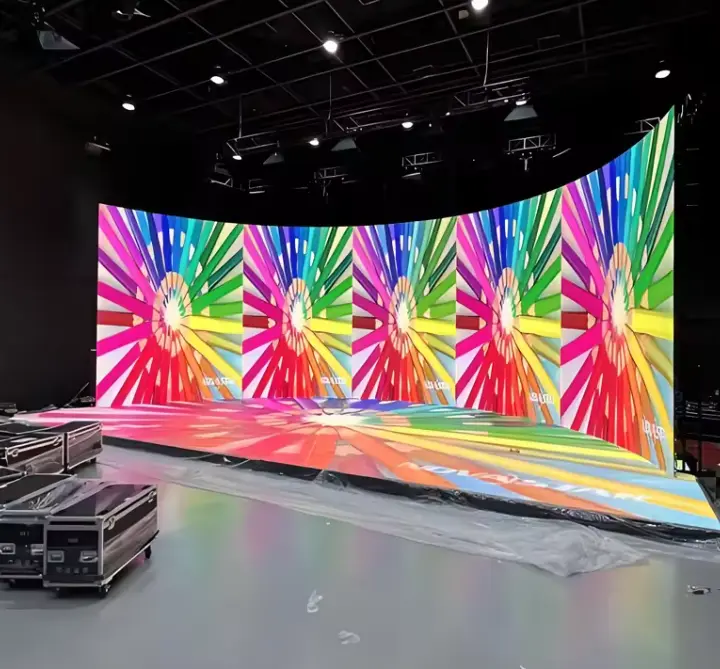
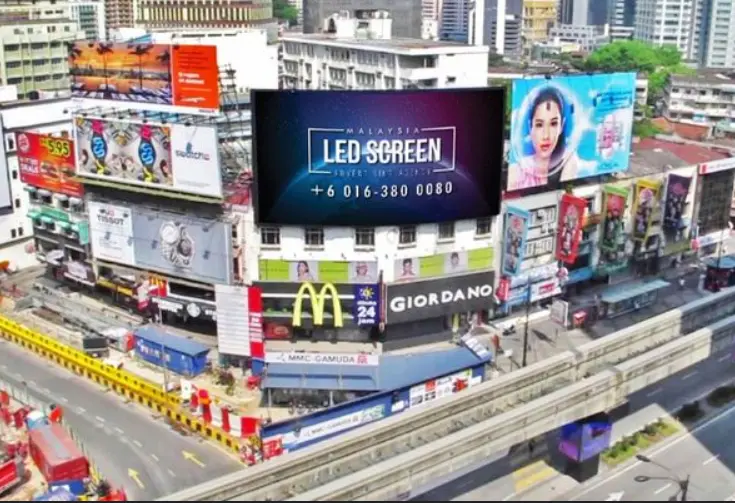
If your LED display looks washed out in sunlight or blindingly bright in a dim room, the culprit is almost always a mismatched nit rating. The short answer: outdoor direct-sun displays need 5,000–7,500+ nits; indoor controlled environments need 250–800 nits; behind-glass storefronts fall in between at 2,500–4,000 nits. Get this number wrong and no amount of content optimization will save your display’s visibility.
This guide covers everything you need to know about nit brightness in 2026 — the physics behind it, how to measure it accurately, and a practical framework for matching nit levels to your specific installation environment.
What Is Nit Brightness?
A nit is a unit of luminance equal to 1 candela per square meter (1 cd/m²). It measures how much light a display emits per unit of visible surface area — in other words, how bright the screen appears to a viewer standing in front of it.
The word “nit” comes from the Latin nitere (to shine). Unlike lumens, which measure total light output from a source, nits measure surface luminance — the brightness you actually perceive at the screen face. This makes nits the most relevant metric for evaluating display visibility in real-world conditions.
Nit vs. Lumen vs. Candela — What’s the Difference?
These three terms are frequently confused. Here’s a clear breakdown:
| Term | Unit | What It Measures | Typical Use Case |
|---|---|---|---|
| Nit (cd/m²) | Candela per square meter | Surface luminance (perceived brightness) | Displays, monitors, LED screens |
| Lumen (lm) | Lumen | Total light output from a source | Projectors, light bulbs |
| Candela (cd) | Candela | Light intensity in a specific direction | Spotlights, directional sources |
| Lux (lx) | Lumen per square meter | Illuminance falling on a surface | Ambient light measurement |
For LED display selection, nits are the only metric that matters. A projector rated at 5,000 lumens and an LED panel rated at 5,000 nits are not comparable — the LED panel will be dramatically brighter in ambient light conditions.
Key reference points for context:
- White office paper under normal lighting: 250–500 nits
- Cloudy outdoor scene: 2,000–5,000 nits
- Direct sunlight on white paper: 10,000+ nits
How to Measure Nit Brightness
Professional Measurement Tools
Accurate nit measurement requires a calibrated instrument. The three main options are:
| Instrument | Accuracy | Price Range | Best For |
|---|---|---|---|
| Spot luminance meter (e.g., Konica Minolta LS-150) | ±2% | 1,500–5,000 | Factory QC, broadcast, cinema |
| Colorimeter (e.g., X-Rite i1Display Pro) | ±3–5% | 200–600 | Monitor calibration, studio work |
| Lux meter (e.g., Dr.Meter LX1330B) | ±5–10% | 20–80 | Field estimation, site surveys |
| Smartphone app (e.g., Lux Light Meter) | ±15–25% | Free | Rough ambient checks only |
For LED display procurement and QC, a spot luminance meter is the industry standard. For field surveys to determine what nit level you need at an installation site, a lux meter is sufficient.
Step-by-Step Measurement Procedure
- Calibrate the instrument — Allow the meter to warm up for 5–10 minutes. Verify calibration against a known reference if available.
- Set the display to full white — Measure at 100% white output to establish peak brightness. Also measure at 50% white for typical operating brightness.
- Position the meter correctly — Hold the sensor perpendicular to the screen surface, centered on the panel. Distance should follow the instrument’s specified measurement angle (typically 1°–3° field of view for spot meters).
- Eliminate stray light — Shield the measurement area from ambient light sources that could contaminate the reading.
- Take multiple readings — Measure at center, four corners, and midpoints of each edge. Average the results. A well-calibrated LED panel should show less than 10% variance across the surface.
- Record the result — Note the nit value, display settings (brightness %, color temperature), and ambient conditions at time of measurement.
The Field Estimation Method (No Luminance Meter Required)
If you’re doing a site survey to determine what nit level to specify, use a lux meter and apply the 2–3× rule:
- Measure ambient illuminance (lux) at the screen location during the brightest operating hour
- Multiply by 2–3 to get your target nit level
- Add 20% headroom for seasonal variation
- Specify a panel with auto-brightness control for nighttime dimming
Example: A mall concourse near a skylight reads 800 lux at midday → target 1,600–2,400 nits with auto-dimming, not a fixed 5,000-nit panel running at full power 24/7.
Nit Brightness by Environment — The Complete 2026 Reference Table
This is the most practical table in this guide. Match your installation environment to the recommended nit range before specifying any display.
| Environment | Recommended Nits | Ambient Lux (Typical) | Notes |
|---|---|---|---|
| Conference room / boardroom | 250–300 | < 200 lux | Controlled lighting, blinds/shades |
| Office lobby (indirect lighting) | 300–500 | 200–400 lux | No direct sun exposure |
| Hotel corridor | 250–400 | 100–300 lux | Low ambient, avoid eye fatigue |
| Dim restaurant / bar | 400–700 | 100–300 lux | Match warm mood lighting |
| Retail store center floor | 700–1,200 | 400–800 lux | Bright overhead fluorescent/LED |
| Bright lobby with windows | 1,000–1,500 | 500–1,000 lux | Ambient bounces off glass surfaces |
| Gym / fitness studio | 500–800 | 300–600 lux | IP5x rating recommended |
| Transit terminal / airport | 1,500–2,500 | 800–2,000 lux | Mixed natural + artificial light |
| Storefront behind glass | 2,500–4,000 | 1,000–3,000 lux | Fight reflections + glass transmission loss |
| Storefront, direct afternoon sun | 4,000–6,000 | 3,000–8,000 lux | West/SW-facing worst case |
| Outdoor shaded (pole sign, canopy) | 3,500–5,000 | 5,000–15,000 lux | Sky-dome luminance is high even in shade |
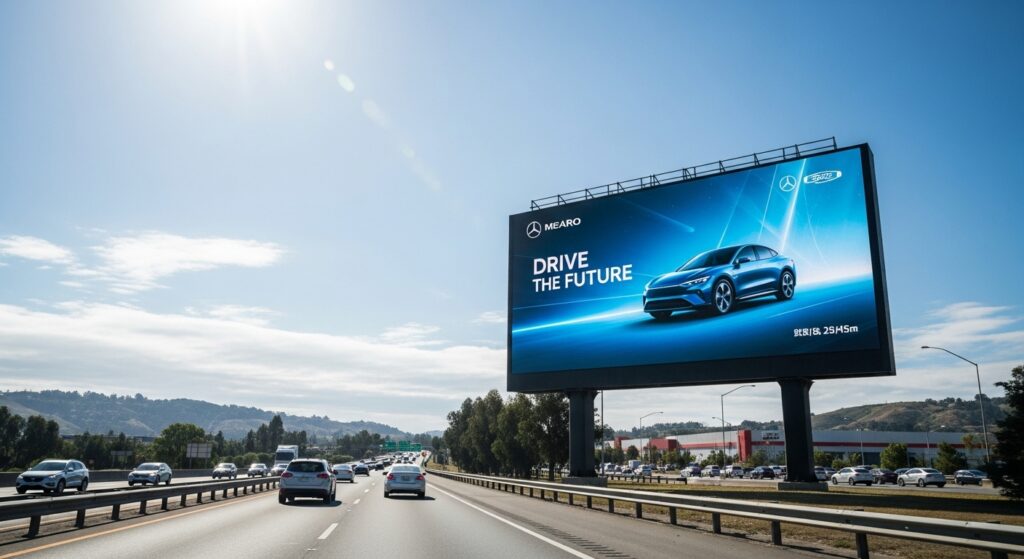
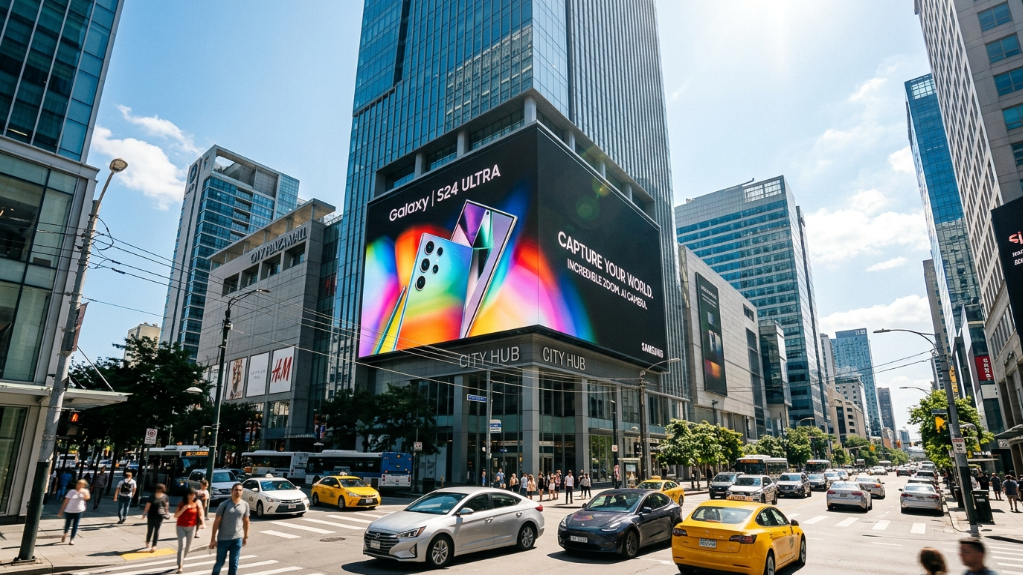
| Outdoor direct sunlight (billboard) | 5,000–7,500+ | 10,000–100,000 lux | Standard outdoor LED specification |
Critical note for behind-glass installations: Below 1,500 nits, a storefront display will wash out entirely in afternoon sun. Minimum specification is 2,500 nits year-round; 4,000+ nits for west or southwest-facing windows.
How to Choose the Right Nit Brightness for Your LED Display
Factor 1 — Ambient Light Conditions
Ambient light is the single biggest driver of nit requirements. The display must overcome the surrounding light to appear crisp and readable. Use the lux-to-nit conversion table above as your baseline, then adjust for:
- Glass transmission loss: Standard glass absorbs 20–30% of light. A 3,000-nit panel behind glass effectively delivers ~2,100–2,400 nits to the viewer.
- Viewing angle: Brightness drops at oblique angles. If viewers will approach from the side, factor in a 20–30% reduction from the panel’s rated peak brightness.
- Seasonal variation: Summer sun angles and longer daylight hours can increase ambient lux by 30–50% compared to winter. Always design for peak conditions.
Factor 2 — Application Type
Different use cases have different tolerance for brightness variation:
| Application | Priority | Recommended Nit Range | Key Consideration |
|---|---|---|---|
| Broadcast / studio LED wall | Color accuracy | 800–1,500 | Calibrated uniformity > raw brightness |
| Retail digital signage | Visibility + impact | 700–4,000 | Depends on store lighting design |
| Outdoor advertising billboard | Maximum visibility | 5,000–10,000 | Regulatory limits may apply |
| Control room / command center | Eye comfort (long hours) | 200–500 | Reduce fatigue; use auto-dimming |
| Sports arena / stadium | Viewing distance | 4,000–8,000 | Large pixel pitch, high brightness |
| Fine-pitch indoor LED (P1.2–P2.5) | Image quality | 600–1,200 | High brightness causes eye strain at close range |
| Transparent LED (retail/showroom) | Aesthetic + visibility | 3,000–5,500 | Transparency reduces effective brightness |
Factor 3 — Viewing Distance and Content Type
Brightness perception is also affected by viewing distance and content:
- Close-range viewing (< 3 meters): High brightness (> 1,500 nits) causes eye strain. Fine-pitch displays in conference rooms or control rooms should stay at 600–1,000 nits.
- Long-distance viewing (> 10 meters): Higher brightness is needed to compensate for the inverse-square law of light intensity.
- Video content vs. static graphics: Video with dark scenes benefits from high contrast ratio more than raw brightness. Static white-background graphics need higher nits to remain readable.
Factor 4 — Operating Hours and LED Lifespan
This is the factor most buyers overlook. Running an LED panel at maximum brightness continuously accelerates degradation:
- A panel rated for 100,000 hours at 50% brightness may reach half-brightness in approximately 30,000–40,000 hours at 100% continuous output.
- Panels rated for 16/7 operation (16 hours/day) are not designed for 24/7 use — running them continuously risks shortened panel life and voided warranty.
- Auto-brightness sensors that dim the display at night are not just an energy-saving feature — they are a lifespan management tool.
| Operating Mode | Typical Nit Range | Operation Rating | Lifespan Impact |
|---|---|---|---|
| 16/7 indoor signage | 250–500 nits | 16/7 | Standard lifespan |
| 24/7 retail / transit | 500–1,500 nits | 24/7 | Requires robust thermal management |
| 24/7 outdoor billboard | 5,000–10,000 nits | 24/7 | Active cooling required; auto-dimming essential |
| Broadcast LED volume | 800–1,500 nits | Per-production | Calibration more critical than brightness |
Common Mistakes When Specifying Nit Brightness
Over-Specifying: The Hidden Cost
Specifying a higher nit rating than necessary is not “playing it safe” — it has real consequences:
- Power consumption: A 5,000-nit outdoor panel draws 3–5× the wattage of a 1,500-nit indoor panel of the same size.
- Heat generation: Panels above 4,000 nits require active airflow; passive cooling is insufficient, adding installation complexity and maintenance cost.
- Eye strain: In controlled indoor environments, panels above 1,500 nits cause viewer discomfort and reduce dwell time — the opposite of what retail signage is meant to achieve.
- Cost: High-brightness panels carry a significant price premium. Specifying 7,500 nits for an indoor lobby is wasted budget.
Under-Specifying: The Visibility Failure
- A 300-nit consumer TV used as a storefront display will be completely invisible in afternoon sun.
- A 1,000-nit panel behind west-facing glass will wash out during peak hours, defeating the purpose of the installation.
- Always measure ambient lux at the site during the worst-case lighting condition, not average conditions.
Nit Brightness Quick-Reference Thresholds
For fast decision-making, use these four tiers:
- Under 500 nits → Dim or fully controlled indoor environments only (conference rooms, hotel corridors, control rooms)
- 500–1,500 nits → General indoor commercial use (retail floors, lobbies, gyms, transit interiors)
- 2,500–4,000 nits → Window-facing, semi-outdoor, or behind-glass installations
- 5,000–7,500+ nits → Direct sunlight outdoor applications (billboards, outdoor stages, sports venues)
Frequently Asked Questions
Q: Is a higher nit rating always better?
No. In controlled indoor environments, excessive brightness causes eye strain, increases power consumption, and shortens LED lifespan. Match the nit level to the ambient light condition.
Q: What nit brightness do I need for an outdoor LED billboard?
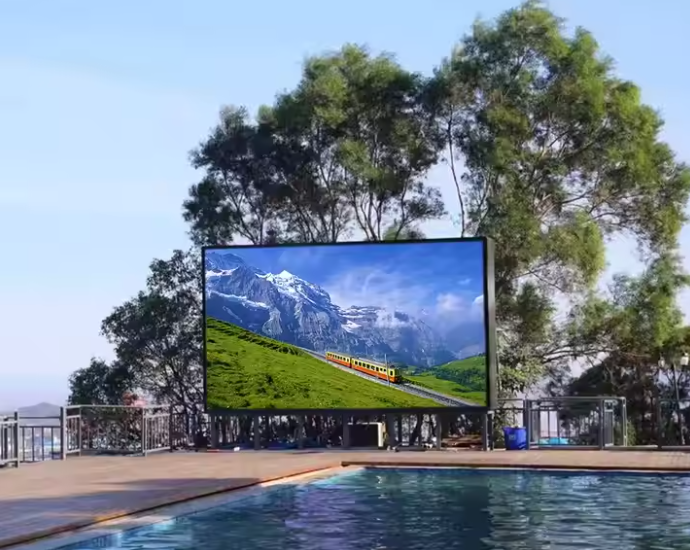
Standard outdoor direct-sun installations require 5,000–7,500 nits. In extreme desert or high-altitude environments with intense solar radiation, some operators specify up to 10,000 nits.
Q: Can I use a consumer TV (200–400 nits) for commercial digital signage?
Not in most commercial environments. Consumer TVs are not rated for continuous operation and lack the brightness for ambient light above 200 lux. Use commercial-grade displays rated for 16/7 or 24/7 operation.
Q: What is the difference between peak brightness and full-panel brightness?
OLED displays often quote “peak brightness” measured on a small portion of the screen. For LED signage, always reference full-panel brightness — the luminance across the entire active display area at 100% white.
Q: How often should I recalibrate my LED display’s brightness?
For broadcast and studio applications, calibrate every 3–6 months. For commercial signage, annual calibration is standard. LED panels lose approximately 3–5% brightness per year under normal operating conditions.
Summary
Nit brightness is the most critical specification for LED display visibility. The right nit level depends on four factors: ambient light conditions at the installation site, the application type, viewing distance, and operating hours. Use a lux meter to measure your site’s worst-case ambient light, apply the 2–3× rule to determine your target nit level, and always specify auto-brightness control to protect LED lifespan during low-light hours.
For most buyers, the decision comes down to three scenarios: indoor controlled (250–800 nits), indoor high-ambient or behind-glass (1,000–4,000 nits), and outdoor direct sun (5,000–7,500+ nits). Everything else is a variation within those three bands.