The Number on the Quote Is Not What You’ll Pay
Here’s the situation most event organizers face: they get a quote for 5,000,budget5,500 to be safe, and receive an invoice for 9,200.Thescreenhardwarewas5,000. The video processor was 800.Theon−sitetechnicianwas400/day. Rigging was 1,200.Deliveryandpickupwas600. Insurance was $200. None of that was in the original quote.
LED screen rental pricing has a structural transparency problem. Base rates cover the panels. Everything else — the equipment that makes the panels actually work at your event — is typically quoted separately, or not quoted at all until you ask. This guide breaks down every cost component, gives you real-world scenario totals, and tells you exactly what to verify before signing anything.
Why LED Screens Are Worth the Investment
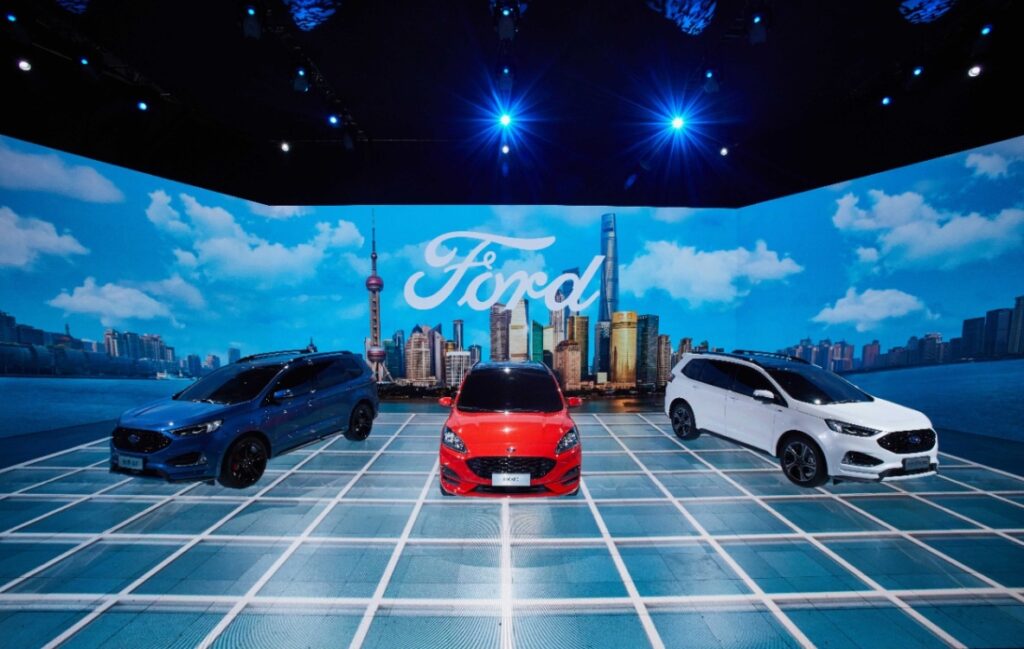
Before getting into numbers, it’s worth being clear on why LED screens command a premium over projectors and LCD alternatives. Brightness is the primary reason. A quality rental LED panel delivers 3,000–5,000 nits outdoors — a projector in the same environment produces 500–1,500 lumens and washes out completely in daylight. For indoor events, LED panels at 600–800 nits produce vivid, consistent color across the entire screen with no hotspots or keystoning.
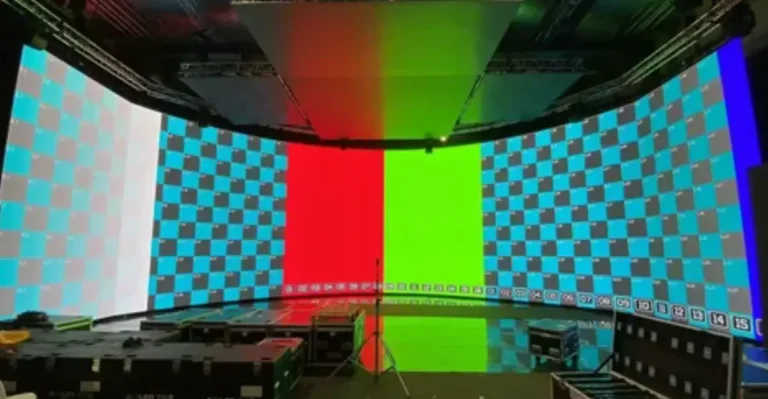
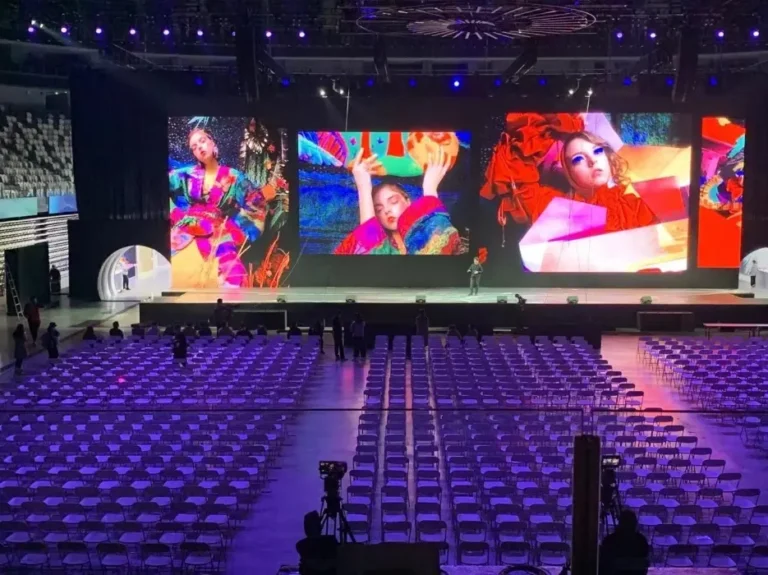
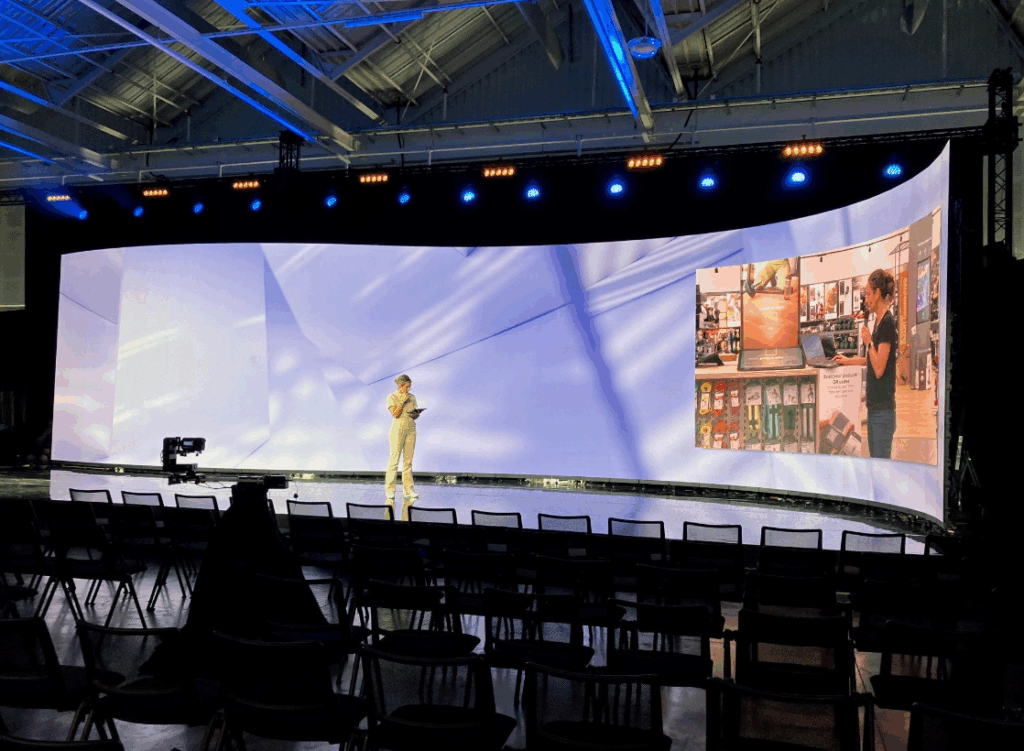
The modular format matters too. LED panels stack and tile to any size and aspect ratio. A 20m × 10m mainstage backdrop, a 3m × 1m ticker strip, a curved wrap-around installation — all achievable with the same panel inventory. That flexibility is why LED has become the default visual infrastructure for concerts, product launches, trade shows, and corporate events at any serious scale.
The Four Factors That Drive Rental Pricing
1. Screen Type and Pixel Pitch
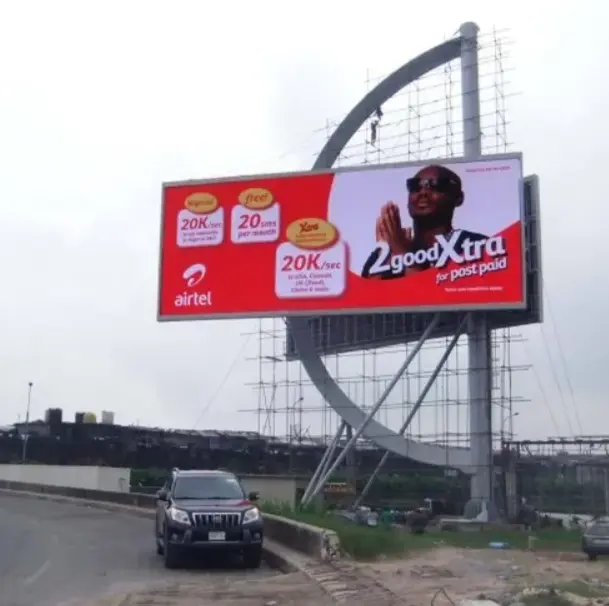
Indoor and outdoor screens are fundamentally different products with different cost structures.
| Factor | Indoor | Outdoor |
|---|---|---|
| Required brightness | 600–800 nits | 3,000–5,000+ nits |
| IP rating | IP20–IP40 | IP65 minimum |
| Structural support | Simple stand or wall mount | Truss, scaffolding, weatherproofing |
| Price premium vs. indoor | Baseline | +20–50% |
Within each category, pixel pitch is the biggest pricing variable. Smaller pitch = more LEDs per square foot = higher cost.
| Pixel Pitch | Best For | Price Premium vs. P3.9 |
|---|---|---|
| P1.9 | Trade shows, close-range viewing (under 10 ft) | +30–50% |
| P2.6 | Corporate events, indoor conferences | +15–25% |
| P3.9 | Standard indoor events, 10+ ft viewing distance | Baseline |
| P4.8–P6.7 | Outdoor events, medium viewing distance | −10–20% |
| P8–P10 | Large outdoor, highway-distance viewing | −25–40% |
The practical rule: pixel pitch in mm ≈ minimum comfortable viewing distance in meters. A P3.9 screen looks sharp from 4m away. At 2m, you see individual pixels. Match the pitch to your actual audience distance — over-specifying is one of the most common ways to overspend on a rental.
2. Screen Size
Two methods are commonly used to estimate hardware cost:
Method 1 — Price per square foot (U.S. market standard)
- Day 1: Width (ft) × Height (ft) × 50–70
- Day 2+: Day-one rate × 20%
- Example: 12 × 7 ft = 84 sq ft → 4,200–5,880 on day one; ~840–1,176 each additional day
Method 2 — Price per panel (each panel ≈ 2 × 2 ft)
- Mobile LED trailer: ~$150/panel/day
- Modular wall assembled on-site: ~$200/panel/day
- Example: 16 × 10 ft wall = 40 panels → 6,000–8,000/day
| Screen Area | Daily Hardware Rate | Common Use Case |
|---|---|---|
| Under 50 sq ft | 2,500–5,000 | Small conferences, retail activations |
| 50–150 sq ft | 4,000–8,000 | Corporate events, trade show booths |
| 150–300 sq ft | 8,000–15,000 | Concerts, large exhibitions |
| 300+ sq ft | $15,000+ | Festivals, major productions |
3. Rental Duration and Event Type
Short-term rentals (1–3 days) carry the highest per-day rate. Multi-day pricing tiers kick in at 4–7 days and again at 8+ days. For recurring events, committing to future bookings in writing often unlocks a lower current-event rate.
| Event Type | Typical Screen Size | Estimated All-In Daily Total |
|---|---|---|
| Corporate conference | 16 × 9 ft indoor | 7,000–10,000 |
| Trade show booth | 8 × 6 to 12 × 8 ft | 3,000–6,000 |
| Wedding / private event | 6 × 8 ft | 1,000–2,500 |
| Concert / festival (outdoor) | 20 × 12 ft+ | 10,000–25,000+ |
| Festival mainstage (large) | 200+ sqm | 50,000–80,000+ multi-day |
4. Technical Services and Add-Ons
Basic rental fees cover the panels and a control system. Everything else is typically extra:
| Service | Typical Cost |
|---|---|
| Video processor rental | 500–1,500/event |
| On-site technician | 200–500/day |
| Rigging / truss system | 1,000–3,000 |
| Delivery and pickup | 200–1,000 |
| Custom content creation | 400–1,200 |
| Live streaming setup | 300–700/day |
| Interactive / touch functions | +30–50% on base rate |
| Equipment insurance | 5–10% of rental total |
| Outdoor event permits | 500–2,000 |
| Security deposit | 10–50% of total rental |
The Hidden Costs That Blow Budgets
This is where most rental budgets fall apart. A 5,000basequoteforamid−sizeindoorscreentypicallylandsat∗∗8,000–$10,000 all-in** once these line items are added:
Labor is often the biggest surprise. Rigging crews and electrical engineers are certified professionals — not general event staff. Expect:
- Technicians: 40–120/hr
- Engineers: 80–180/hr
- Riggers: 50–150/hr
Power requirements are frequently underestimated. Large outdoor screens at sustained high brightness need dedicated generators and power distribution. Generator rental, fuel, and distro can add 700–10,000+ depending on event scale.
Content is never included. Your files need to be in the correct format and resolution for the specific panel and processor being used. Content reformatting, color correction, and custom playback configuration are all billable services.
Overtime is real. Late-night teardowns and early-morning setups trigger overtime pay. Get the hourly rate in writing before the event, not after.
Use this formula to estimate your true total:
Total = Screen Rental
      + (Screen Rental × 0.25 for labor/tech)
      + Transport
      + Rigging
      + Power
      + Playback Systems
      + Contingency (10–20%)
Example — 50 sqm P4.8 outdoor wall at $100/sqm/day:
| Line Item | Cost |
|---|---|
| Screen rental | $5,000 |
| Labor (25%) | $1,250 |
| Transport | $1,000 |
| Rigging | $1,200 |
| Power / generator | $600 |
| Playback system | $500 |
| Contingency (10%) | $1,055 |
| All-in total | ~$10,605 |
Real-World Scenario Benchmarks
Scenario A — Small Indoor Conference 6m × 2m wall (12 sqm), P2.9 indoor: screen 1,200+labor900 + transport 300+playback500 = ~$2,900 total
Scenario B — Medium Outdoor Corporate Launch 10m × 4m wall (40 sqm), P4.8 outdoor: screen 4,000+rigging2,400 + transport 1,200+crew1,000 + power 700=∗∗ 9,300 total**
Scenario C — Large Festival Mainstage 20m × 10m wall (200 sqm), P6.7 outdoor: screen 18,000+truss/rigging9,000 + transport 6,000+crew12,000 + power 8,000+videoteam4,000 = ~$57,000+ multi-day
8 Ways to Reduce Your Rental Cost
- Book 4–8 weeks early. Peak season (summer, November–December) and major event dates book out fast. Early commitment gets better rates and first pick of equipment.
- Match pixel pitch to viewing distance. Use P6–P10 for distant audiences. Only pay for P1.9–P2.6 when viewers are within 6–8 feet of the screen.
- Bundle screen, processor, and labor. Single-package quotes consistently come in lower than itemized line-by-line pricing.
- Go multi-day. Per-day rates drop significantly at 4+ days. If your event has setup and rehearsal days, include them in the rental period rather than rushing setup on event day.
- Book off-peak. Weekdays and January–March give you real negotiating leverage. Suppliers have idle inventory and are motivated to fill it.
- Use local inventory. Local rental houses eliminate long-haul transport fees. A supplier 500 miles away adds 500–1,500 in logistics costs that a local competitor doesn’t.
- Pre-configure your content. Send files in the correct format and resolution before the event. Every hour of on-site content troubleshooting is billed at technician rates.
- Commit to future bookings. If you run recurring events, a written commitment to future rentals is often enough to negotiate a lower rate on the current one.
What to Verify Before Signing the Contract
Five line items that must be explicit in any rental agreement:
- Labor scope — Confirm setup, operation, and teardown are all included. Midnight teardown often triggers overtime; get the rate in writing.
- Deposit terms — Is it fully refundable? What is the cancellation window and penalty structure?
- Video processor specs — Some processors only handle SD or 1080p. If you have 4K content, confirm the processor supports it or budget for an upgrade.
- Refresh rate — Minimum 3,840 Hz for any event being filmed for social media or broadcast. Confirm this spec explicitly — it is not always standard.
- Insurance and damage liability — Clarify who bears the risk for accidental damage. Some venues require a certificate of insurance from the vendor; confirm this before the event date.
Rent vs. Buy: When Does Ownership Make Sense?
Renting is the right choice for most event organizers. But if you run more than 15–20 events per year using the same screen configuration, the math shifts.
A quality P3.9 rental LED wall at 50 sqm costs roughly 5,000–8,000/day in hardware alone. At 20 events per year, that is 100,000–160,000 annually in hardware rental. A comparable owned system costs 150,000–250,000 upfront and pays for itself in 1–2 years — with the added benefit of availability on demand and no booking conflicts.
For occasional events (under 10/year), rental wins on flexibility and zero maintenance overhead. For high-frequency users, ownership is worth modeling seriously.
FAQ
Q: Does rental always include installation?
No. Basic fees typically cover the panels and control system. Installation, testing, and on-site technical support are usually quoted separately. Always confirm the full scope in writing before signing.
Q: How do I verify screen quality before the event?
Request the panel brand, model, pixel pitch, brightness spec (in nits), and refresh rate. Ask for photos or video from a comparable recent installation. On-site testing before the event starts is standard practice for professional suppliers — insist on it.
Q: What refresh rate do I need if the screen will be filmed?
Minimum 3,840 Hz for flicker-free recording on smartphones and broadcast cameras. Below 1,920 Hz, rolling scan lines appear in video footage. This spec is non-negotiable for any media-facing event.
Q: How far in advance should I book?
4–8 weeks minimum for standard events. For peak-season events (summer festivals, major holidays, large trade shows), 3–4 months is safer. Equipment availability is finite, and the best inventory goes first.
Q: Can I install the screen myself to save on labor?
No. LED panels weigh 44+ lbs each and require specific power configuration, signal routing, and structural rigging. Self-installation voids most rental agreements and creates genuine safety liability. Labor is a fixed cost of any LED rental.