Table of Contents
ToggleIn the technical specifications of LED displays, refresh rate (Refresh Rate) is often the decisive metric that determines whether a project succeeds or fails. Simply put, the refresh rate of an LED display refers to how many times the screen updates the image per second, measured in Hertz (Hz).
For B2B buyers, the most intuitive benchmark is straightforward: the higher the refresh rate, the more stable the image and the less likely black scanning lines will appear when captured by a camera.
Based on our many years of engineering experience in large-scale commercial LED projects around the world, refresh rate is not an isolated number. For professional system integrators or event planners, what truly matters is the Visual Refresh Rate.
Under current industry standards:
-
1920Hz is considered the baseline refresh rate for conventional LED displays
-
3840Hz (and even 7680Hz) has become the mainstream threshold for high-end rental displays, XR virtual production, and broadcast-grade applications
Why Refresh Rate Is the “Invisible Killer” in B2B Projects
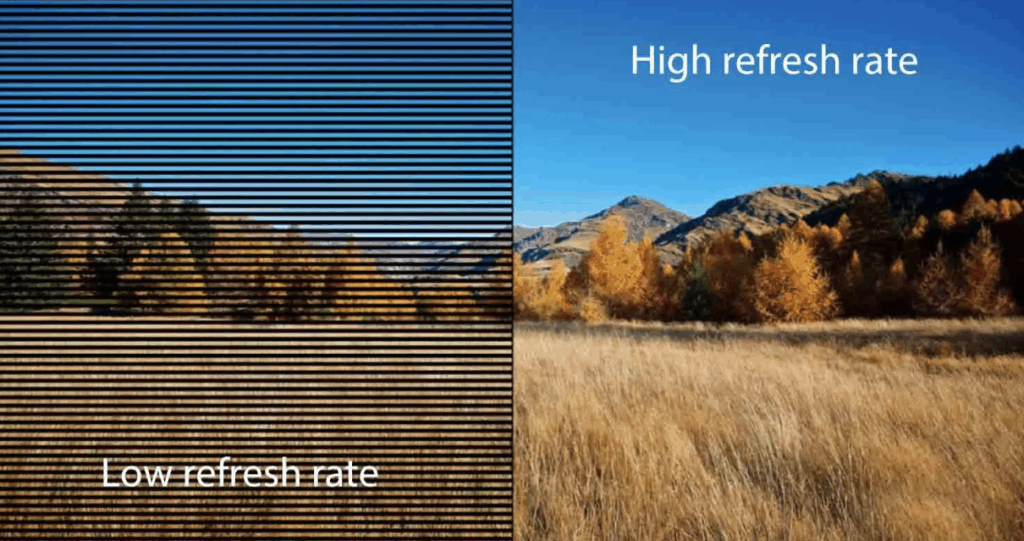
If you have ever used your phone to record an LED screen at an event and noticed moving dark stripes or ripple-like patterns, you have already encountered the negative effects of a low refresh rate.
This phenomenon is commonly known in the industry as the Moiré Effect or scan line interference.
For engineering contractors or advertisers, low refresh rates can create several direct business risks:
-
Brand Image Damage
In high-end exhibitions or luxury retail stores, screen flickering reduces the perceived technological sophistication and premium feel of a brand. -
Failed Secondary Media Exposure
In the social media era, if visitors capture photos and videos filled with black flickering lines, the promotional value of your brand content drops significantly. -
Viewer Visual Fatigue
Research from ophthalmology experts and industry standards shows that prolonged exposure to low refresh rate displays can cause dry eyes, headaches, and visual discomfort. This is especially problematic in environments such as conference rooms or control centers, where viewers sit close to the screen.
Core Definition of LED Display Refresh Rate: Visual Refresh Rate vs. Data Refresh Rate
Before diving deeper into procurement strategies, we must clarify a common technical misunderstanding: many buyers confuse refresh rate with frame rate.
Difference Between Refresh Rate and Frame Rate (FPS)
Frame Rate (fps) refers to the number of static images sent per second by a video signal source, such as a computer or media player. Common values include:
-
24 fps
-
60 fps
-
120 fps
Refresh Rate (Hz), on the other hand, represents the display’s own driving capability.
Feature:
If the video source outputs 60fps, while your LED display operates at 3840Hz refresh rate.
Advantage:
The LED display’s internal driver chips will cycle the illumination of each frame 64 times during display (3840 ÷ 60 = 64).
Benefit:
This extremely high-frequency pulse repetition ensures that even under high-speed cameras, the screen maintains perfectly consistent brightness, creating a visually solid and uniform image quality.
How PWM (Pulse Width Modulation) Works
LEDs do not emit light continuously. Instead, they simulate brightness and color by switching rapidly between “on” and “off.” This process is known as PWM (Pulse Width Modulation).
Based on our laboratory testing data, refresh rate fundamentally depends on the speed of the GCLK (Gray Scale Clock Frequency).
The higher the GCLK frequency, the more PWM cycles the driver chip can complete within a given time.
For high-end commercial display projects, we strongly recommend solutions equipped with high-performance driver ICs, such as:
-
MBI5153
-
ICND2053
These highly integrated chips ensure that the display can maintain stable refresh rates above 3840Hz even at high grayscale levels.
Why 3840Hz Has Become the “Gold Standard” for High-End B2B Displays
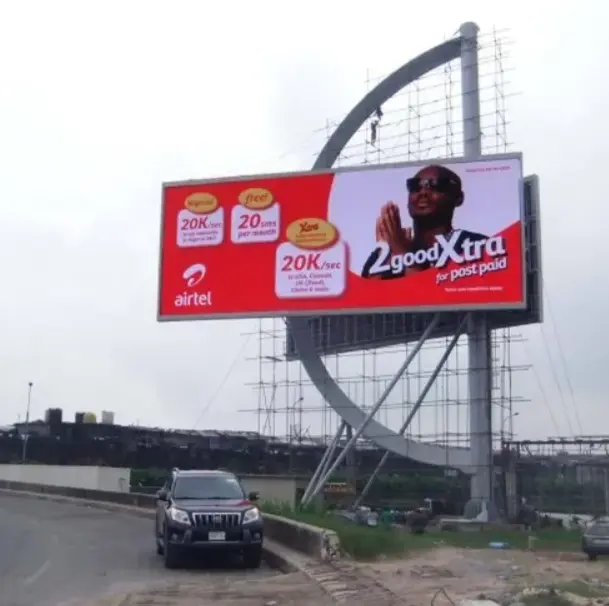
In the early era of outdoor billboards, viewing distances were long, and 1920Hz refresh rate was sufficient to satisfy the human eye’s persistence of vision.
However, with the rapid growth of DOOH (Digital Out-of-Home advertising) and indoor fine-pitch LED technology, industry standards have changed significantly.
Eliminating Camera Flicker and Ripple Effects
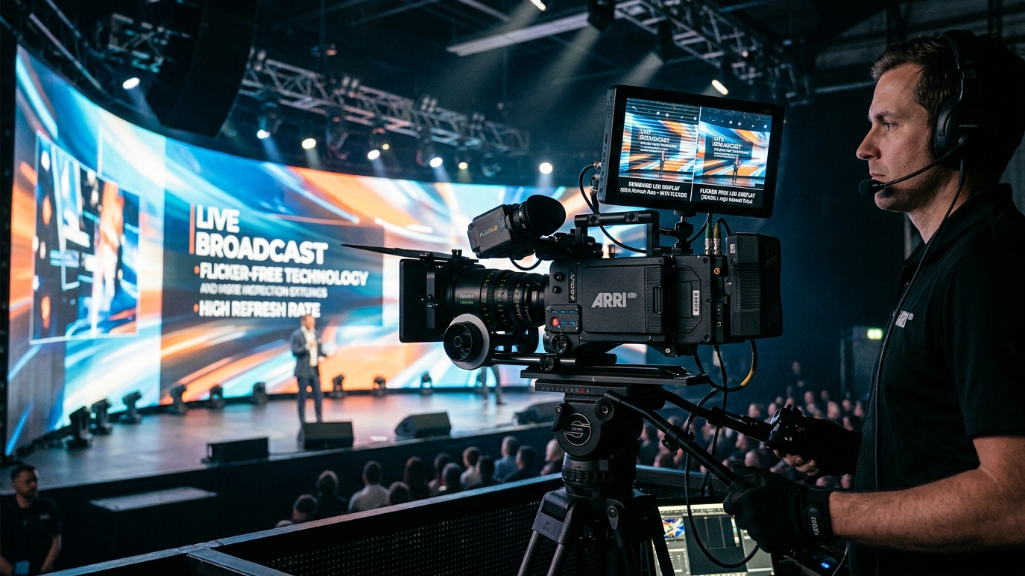
During live broadcasts or press conferences, professional cameras often operate at very high shutter speeds.
If the screen refresh rate is below 1920Hz, the camera shutter may capture the exact moment when LEDs are temporarily off, producing black horizontal bands in the recorded footage.
Industry data shows that when refresh rates reach 3840Hz (High Refresh Rate), even when shutter speeds exceed 1/1000 second, the displayed image remains intact and flicker-free.
This specification is often a mandatory requirement in technical bids for government or large corporate projects.
High Gray Levels at Low Brightness
This is a technical detail many buyers overlook.
In indoor conference room environments, display brightness is usually reduced to 200–500 nits to maintain visual comfort.
Technical Challenge:
Traditional driver technologies often sacrifice grayscale levels and refresh rate when brightness is lowered. This results in loss of shadow details or visible color banding.
Solution:
Using driver chips that support high refresh rates ensures that even when brightness drops to 10% output, the display can still maintain:
-
14–16 bit grayscale
-
3840Hz refresh rate
Business Impact:
This determines whether dark backgrounds in presentations (such as PowerPoint slides) appear smooth and professional—something multinational corporations expect in high-end meeting environments.
The Technology Behind Refresh Rate: Driver Chips and Scan Modes
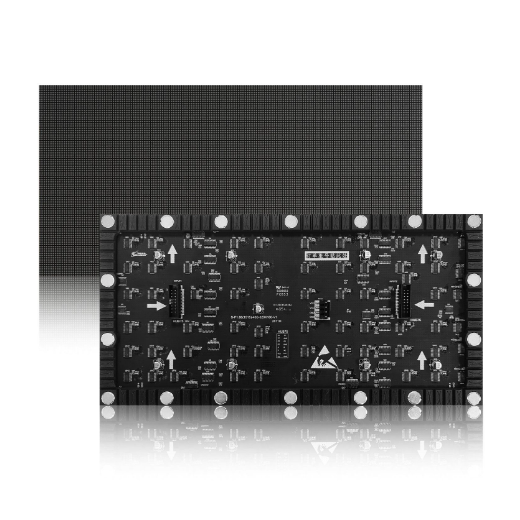
When buyers compare quotations, they may notice that two LED screens both claiming 3840Hz refresh rate can differ in price by 20–30%.
From an engineering perspective, the explanation lies in the underlying hardware.
Driver IC Classification
Refresh rate is not something that can simply be increased through software. It is determined by hardware.
Entry-Level Chips
-
Designed for basic display functions
-
Forcing higher refresh rates may cause brightness reduction or ghosting effects
Flagship Driver Chips
-
Equipped with SRAM storage and dual-edge triggering technology
-
Capable of achieving extremely high refresh rates without excessive controller bandwidth usage
Impact of Scan Modes
LED displays typically use scanning drive modes, such as:
-
1/16 scan
-
1/32 scan
Technical Logic
-
Higher scan ratios (e.g., 1/8 scan) make achieving high refresh rates easier
-
Lower scan ratios (e.g., 1/64 scan, common in ultra-fine pitch displays) place significantly greater demands on chip performance
Expert Advice
When purchasing micro-pitch displays such as P1.2 or P0.9, always verify the actual refresh rate under a 1/64 scan mode.
If a supplier claims 3840Hz refresh rate, the driver IC cost likely accounts for more than 40% of the module cost.
If the price is significantly lower than the market average, there is a high probability of inflated specifications.
B2B Purchasing Guide: How to Choose the Right Refresh Rate
In real-world B2B procurement decisions, blindly pursuing the highest specification often leads to unnecessary budget waste.
From an engineering standpoint, buyers should determine the appropriate refresh rate based on three variables:
-
Viewing distance
-
Camera recording requirements
-
Ambient brightness conditions
Below are recommendations based on supply chain trends in 2026.
| Refresh Rate Level | Technical Specification | Recommended Application Scenarios | Core Value Proposition |
|---|---|---|---|
| Standard Refresh (1920Hz) | Standard driver IC / 1/32 scan or lower | Outdoor fixed advertising billboards, long-distance information displays | Cost-effective solution: At viewing distances beyond 10 meters, the human eye cannot perceive flicker, making it ideal for budget-sensitive large screens. |
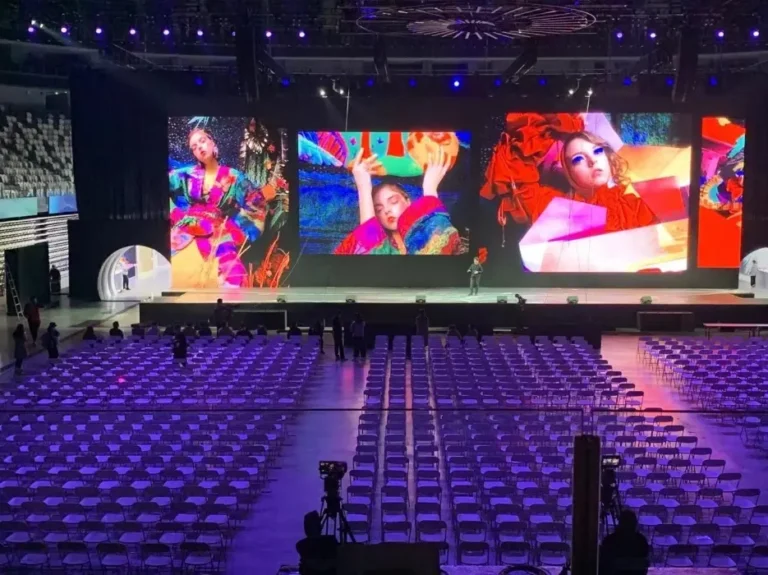
| High Refresh (3840Hz) | High-end PWM driver IC / 1/16 scan | Conference rooms, retail stores, stage rentals, sports venues | Balanced performance: Compatible with most smartphones and professional cameras, ensuring promotional footage remains free of black scan lines. |
| Ultra-High Refresh (7680Hz+) | Top-tier row-column driver IC / High GCLK frequency | XR virtual production, film studios, esports broadcasts | Ultimate image quality: Perfect synchronization with high-speed cameras, completely eliminating Moiré patterns and color banding. |
- Camera Flicker: Visible black bars (rolling shutter effect) when filmed.
- Content Loss: Fast-moving content may appear blurry or tearing.
- Not Broadcast Ready: Unsuitable for professional live streaming or TV.
- Flicker-Free: Crystal clear image on all cameras (1/2000s+ shutter speed).
- Smooth Motion: Perfect for fast video playback and sports.
- XR Ready (7680Hz): Essential for virtual production and XR studios.
Key Considerations When Choosing Refresh Rates
Camera Shutter Speed
If your client frequently hosts press conferences, journalists often use cameras with shutter speeds above 1/500s.
In such cases, displays must support 3840Hz or higher, otherwise photos may contain noticeable dark bands.
Control System Compatibility
Higher refresh rates require more data bandwidth.
When using control systems such as NovaStar or Colorlight, increasing refresh rates may reduce the maximum load capacity of the system.
This may require:
-
Additional receiving cards
-
More video processor output channels
which increases total system cost.
Authenticity of Driver Chips
Always specify the exact driver IC model (e.g., MBI5153 or ICND2053) in procurement contracts.
Some products achieve “fake high refresh rates” using software frame interpolation, which leads to severe performance drops at low brightness levels.
Typical Application Scenarios Requiring High Refresh Rates
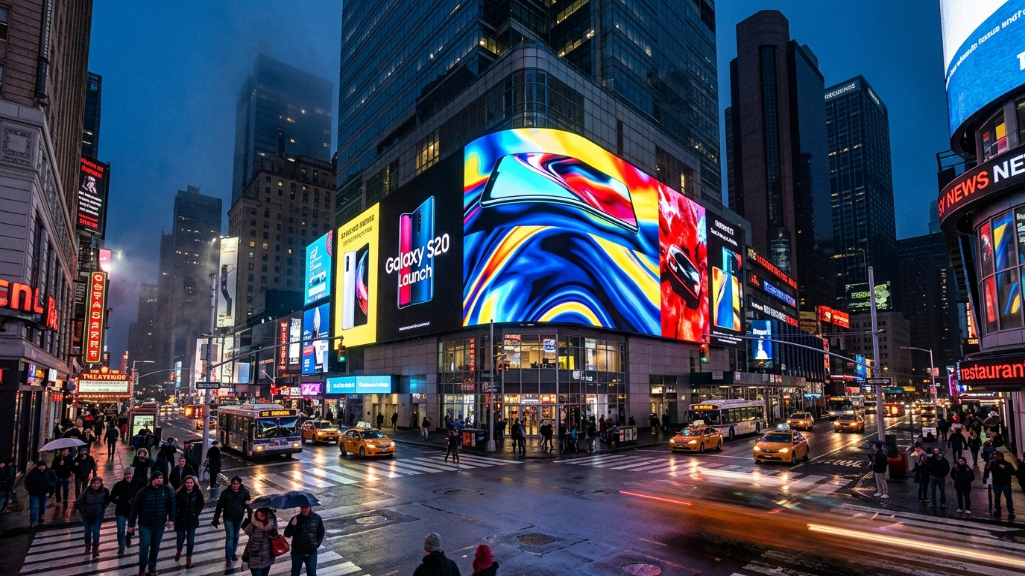
DOOH Advertising and Premium Retail Displays
In places like Times Square in New York or Piccadilly Circus in London, top advertisers such as Apple or Samsung demand extremely high standards for their advertising media.
Feature: High refresh rate combined with 16-bit grayscale.
Benefit:
Shadow transitions in dynamic advertising appear exceptionally smooth, without visible color steps. For luxury brands, this directly impacts the authoritativeness of brand visuals.
XR Virtual Production and Film Production
This represents one of the most advanced applications of LED technology.
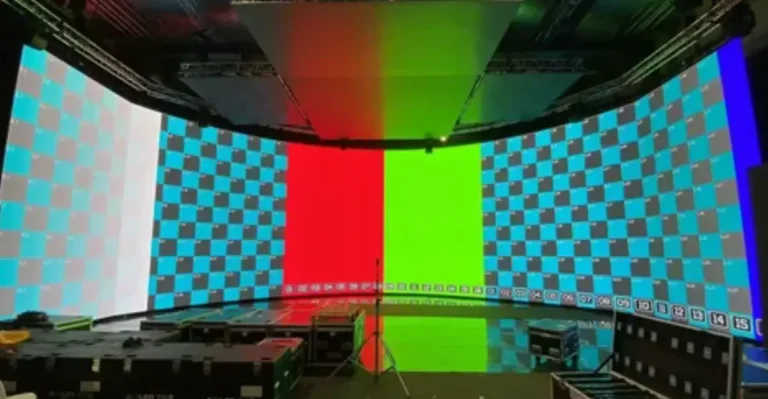
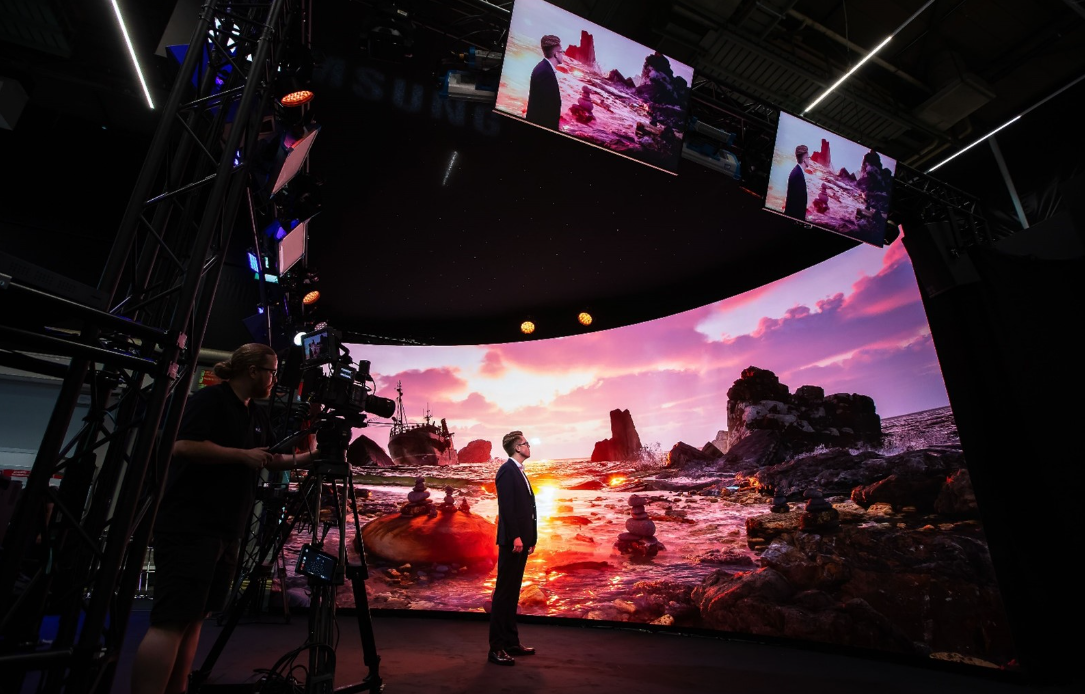
In XR studios, LED screens are not just backgrounds—they also function as lighting sources.
Challenge
Film cameras are extremely sensitive to shutter synchronization.
Solution
Displays must support 7680Hz refresh rate or higher.
Business Value
By eliminating the Moiré Effect, post-production teams can save tens of thousands of dollars in visual correction costs, enabling true “what-you-see-is-what-you-get” production efficiency. Your 2026 XR LED wall cost guide: pricing, specs, and factory savings.
Sports Venues and Live Event Broadcasting
Sports broadcasting cameras are typically high-speed cameras designed to capture slow-motion replays.
If screen refresh rates are insufficient, advertising backgrounds may appear flickering or jittery in slow-motion playback.
In venues hosting events such as FIFA or NBA-level competitions, 3840Hz refresh rate is the minimum entry requirement for approved display suppliers.
Pitfall Guide: Why a “3840Hz” Screen May Still Flicker
Many system integrators encounter an awkward situation during project delivery: the specification sheet says 3840Hz, but flickering still appears when recorded on a smartphone.
Based on engineering diagnostics, the causes typically fall into three categories:
Grayscale vs Refresh Rate Trade-Off
Some low-end controllers sacrifice grayscale when refresh rates increase. When scenes become darker, refresh rates drop significantly.
Refresh Rate and Frame Rate Mismatch
If the video source runs at 60Hz but the display refresh rate is set to a non-integer multiple, pulse interference may occur.
Driver Chip Bandwidth Limitations
In 1/64 scan micro-pitch displays, if GCLK frequency is insufficient, the effective refresh cycle may not be fully completed, even if the software displays 3840Hz.
Frequently Asked Questions (FAQ)
Q1: Does a higher refresh rate increase power consumption?
Answer:
Yes, slightly. Higher switching frequencies inside driver chips generate slightly more heat. However, with the widespread adoption of energy-efficient driver ICs in 2026, the difference has been reduced to within 5%. For large projects, pairing the display with better heat dissipation systems and high-quality power supplies is recommended.
Q2: Are refresh rate and visual frequency the same?
Answer:
In B2B communication they are often used interchangeably, but technically they are different. Visual refresh rate refers to the perceived flicker frequency experienced by the human eye or cameras. Always confirm that suppliers provide effective visual refresh rate data.
Q3: Why does my 1920Hz screen look fine to the eye but show problems in photos?
Answer:
The human eye’s persistence of vision processes continuous images at approximately 24–60Hz, so 1920Hz is far beyond human perception.
However, a camera shutter captures images in milliseconds, meaning it can catch the moment when LED pixels briefly turn off.
Q4: Can I upgrade the refresh rate of an old screen by replacing the sending card?
Answer:
Generally no. The maximum refresh rate is determined by the driver IC on the LED modules. If the chip does not support higher refresh rates, even the most advanced control system cannot overcome this hardware limitation.
Expert Verdict
If you are responsible for a government conference room, corporate showroom, or high-end rental display project, choosing a 3840Hz high refresh rate solution is the safest and most balanced option.
It currently offers the best balance between cost efficiency, camera compatibility, and visual comfort.
For standard outdoor static billboards, 1920Hz remains the best option for maintaining a healthy ROI (Return on Investment)—as long as the viewing distance exceeds 10 meters.
Finally, as a B2B buyer, always require suppliers to provide:
-
The exact driver IC model
-
Third-party test reports from certified institutions
Numbers on a spec sheet can sometimes mislead—but hardware configurations and verified test data rarely do.
About SoStron
Marketing Strategic Director at Sostron