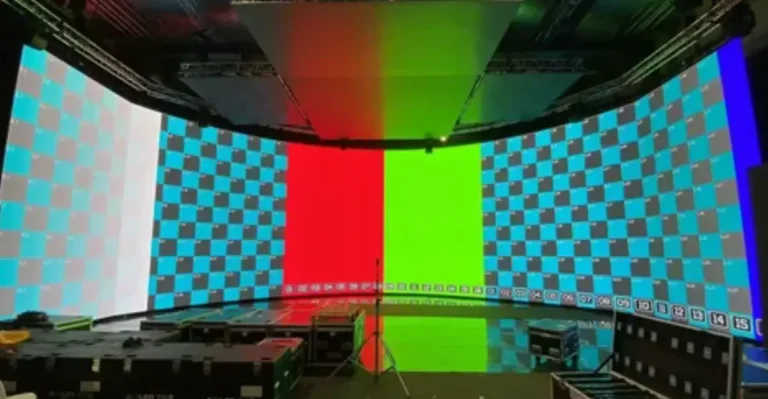
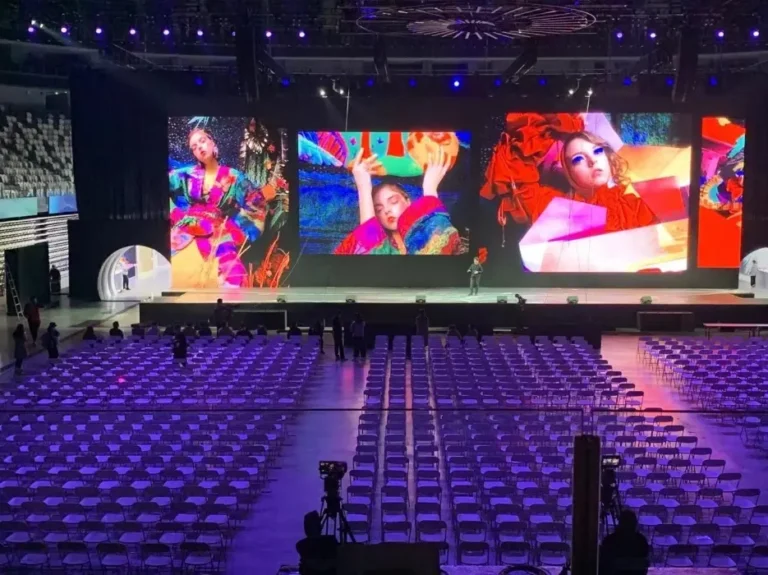
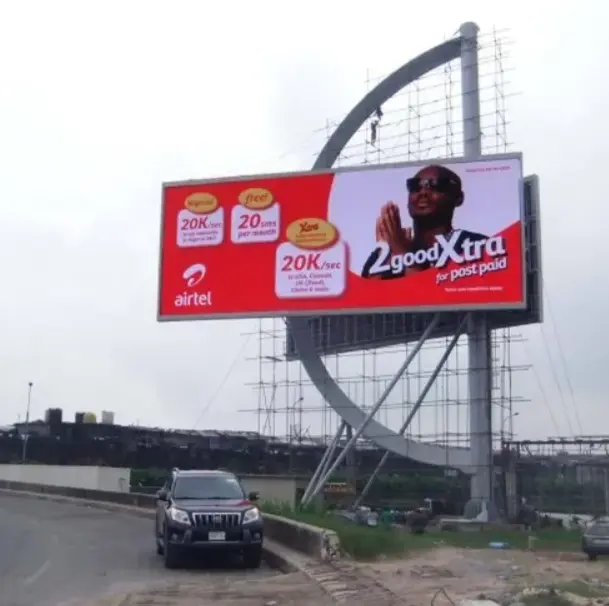
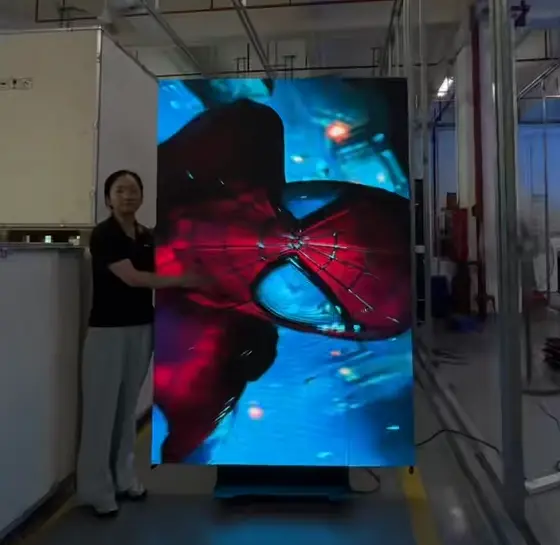
If you are planning an LED wall project, a practical 2026 budget should separate LED hardware cost from the complete installed project cost. For commercial projects, the final price depends on pixel pitch, screen size, indoor or outdoor use, mounting structure, electrical work, control equipment, installation labor, and site complexity. A small indoor LED wall may require a relatively straightforward installation, while a large outdoor or fine-pitch system can require structural engineering, dedicated power infrastructure, specialized access equipment, and professional commissioning.
| Cost Factor | Typical Impact on Project Cost |
|---|---|
| LED panels and cabinets | Largest hardware cost |
| Pixel pitch | Smaller pitch generally increases LED hardware cost |
| Mounting structure | Low for simple wall mounting; much higher for engineered structures |
| Installation labor | Depends on screen size, access and installation method |
| Video processor and control | Required for professional multi-panel systems |
| Electrical work | Depends on power demand and existing infrastructure |
| Calibration and commissioning | Required for consistent image performance |
| Logistics and site access | Can become significant for large or difficult sites |
The biggest budgeting mistake is to compare suppliers only by the quoted LED wall price per square meter. Two quotations with the same screen area can have very different final costs because one may include the structure, processor, installation, electrical work and commissioning while the other covers panels only.
What Is the Average LED Wall Installation Cost?
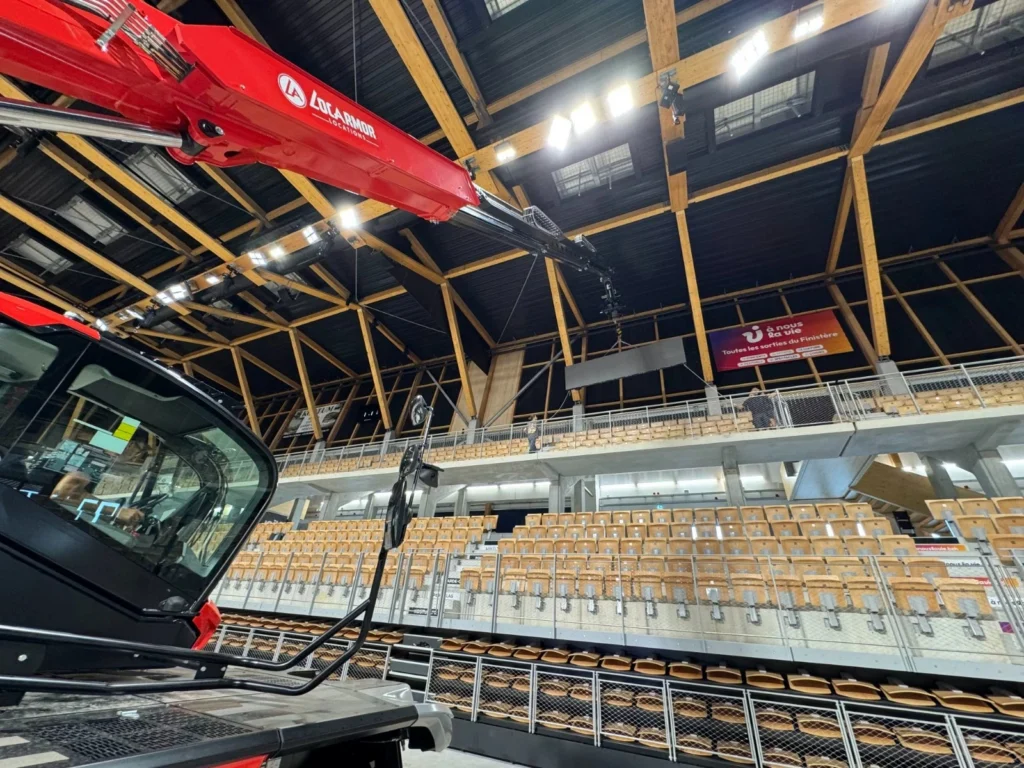
There is no single universal installation price because an LED wall is a configurable system rather than a standard television. Current market guides show installed commercial LED walls ranging from relatively modest projects to hundreds of thousands of dollars for large fine-pitch, outdoor, broadcast or highly integrated systems.
For early-stage budgeting, it is more useful to think in terms of hardware cost + installation cost + project-specific infrastructure.
For example, a small indoor corporate wall may require only a mounting system, processor, cabling and basic installation. A large outdoor advertising display may additionally require a steel structure, foundation, wind-load calculations, waterproofing, high-voltage electrical work, access equipment and local engineering approval.
The final quotation should therefore clearly state whether it is:
- Hardware only
- Hardware + control system
- Hardware + structure
- Hardware + installation
- Full turnkey installation
This distinction prevents the common problem of comparing a factory equipment quotation with a contractor’s turnkey quotation as if they were the same product.
LED Wall Cost Per Square Foot vs. Per Square Meter
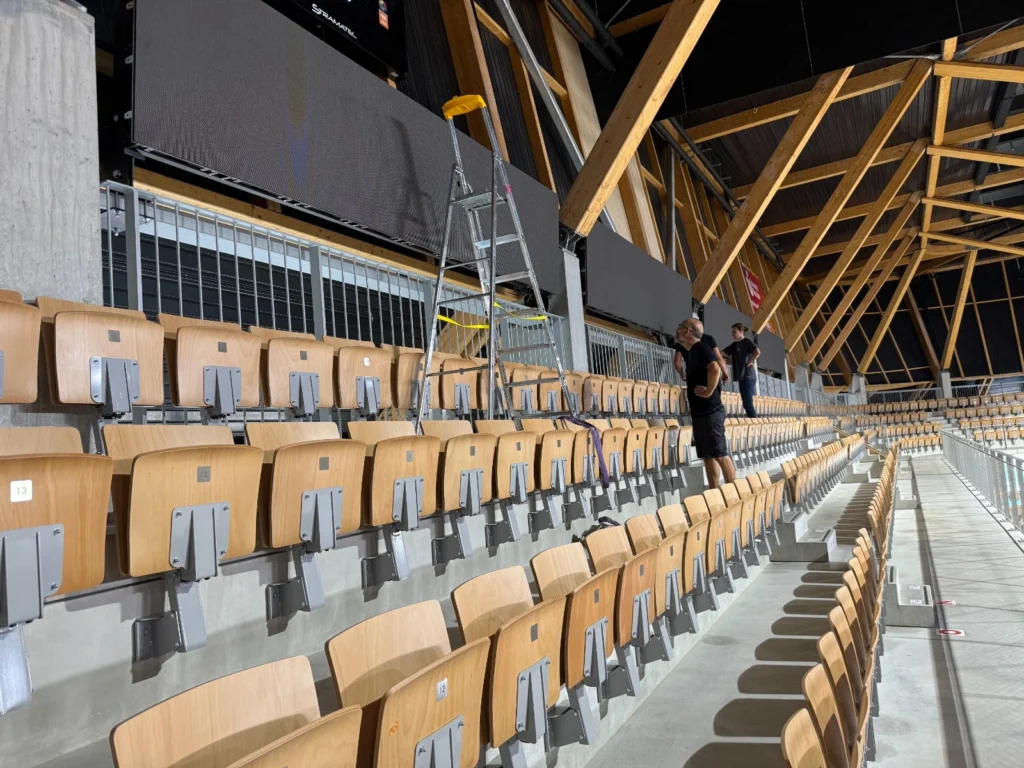
International LED suppliers usually quote in USD per square meter, while U.S. contractors often use USD per square foot.
The conversion is straightforward:
1 m² = 10.764 sq. ft.
For example:
- $2,000/m² ≈ $186/sq. ft.
- $4,000/m² ≈ $372/sq. ft.
- $6,000/m² ≈ $557/sq. ft.
However, always confirm what the quoted unit price includes. A $/m² hardware quotation cannot be directly compared with a $/sq.ft. turnkey installation quotation that includes labor, structure and commissioning.
Some current market guides place installed direct-view LED systems anywhere from several hundred to several thousand dollars per square foot, depending heavily on pixel pitch, application and integration requirements.
What Determines LED Wall Installation Cost?
1. Pixel Pitch and Viewing Distance
Pixel pitch is one of the most important cost variables.
A smaller pixel pitch means more LED pixels are installed within the same physical area. That generally increases the hardware cost.
For example:
- P1.2–P1.9: close viewing, premium indoor applications
- P2.5–P2.9: corporate, retail and presentation environments
- P3.9: stage, rental and medium-distance viewing
- P4.8–P6.0: larger indoor or outdoor viewing distances
- P8–P16: long-distance outdoor advertising
The mistake is assuming that the smallest pixel pitch is always the best choice.
If the audience normally stands 8–15 meters away, paying a large premium for an ultra-fine-pitch wall may provide little practical visual benefit.
A better purchasing rule is:
Select pixel pitch according to minimum viewing distance and content requirements, not maximum technical specification.
This can reduce the initial LED wall cost without sacrificing the viewing experience.
2. Indoor vs. Outdoor LED Wall
Outdoor installations generally require more robust engineering than indoor systems.
Outdoor LED walls may require:
- Higher brightness
- Weatherproof cabinets
- IP-rated protection
- Wind-load resistance
- Stronger mounting structures
- Drainage and waterproofing
- Outdoor-rated power distribution
- Surge protection
- Additional maintenance access
Outdoor displays can therefore cost considerably more to install than an indoor LED wall with a similar screen area. Current installation guides consistently identify brightness, weather protection, structure and site conditions as major outdoor cost drivers.
3. Screen Size and Cabinet Configuration
A larger screen requires more cabinets, modules, receiving cards, power supplies, cables and structural support.
However, larger projects can sometimes benefit from economies of scale because engineering, processing and installation resources are distributed across a larger screen area.
Cabinet dimensions also matter.
Standardized cabinets are generally easier to manufacture, transport, assemble and replace than highly customized shapes.
For a cost-sensitive project, a standard rectangular LED wall is usually more economical than a curved, irregular or architectural LED installation.
4. Mounting Structure and Structural Engineering
The LED cabinets are only one part of the physical installation.
Depending on the building and screen configuration, the project may require:
- Steel support frame
- Aluminum mounting structure
- Wall anchors
- Reinforced concrete foundation
- Hanging or flown structure
- Roof reinforcement
- Wind-load calculations
- Structural drawings
- Seismic considerations where applicable
A flat indoor wall with an existing reinforced mounting surface is relatively straightforward.
A large outdoor billboard mounted on a freestanding steel structure is a completely different engineering project.
This is why professional quotations should specify the mounting method and structural scope rather than simply listing “installation.”
5. Installation Labor
Labor costs depend on much more than screen size.
Important variables include:
- Number of cabinets
- Installation height
- Wall condition
- Access to the site
- Working hours
- Required crew size
- Cable distance
- Rigging requirements
- Need for lifts or scaffolding
- Installation deadline
A ground-level installation can be completed much faster than a large wall mounted several meters above the floor.
Difficult access can also increase costs through freight elevator scheduling, temporary equipment, overtime and additional crew hours.
What Additional Costs Should Be Included in an LED Wall Installation?
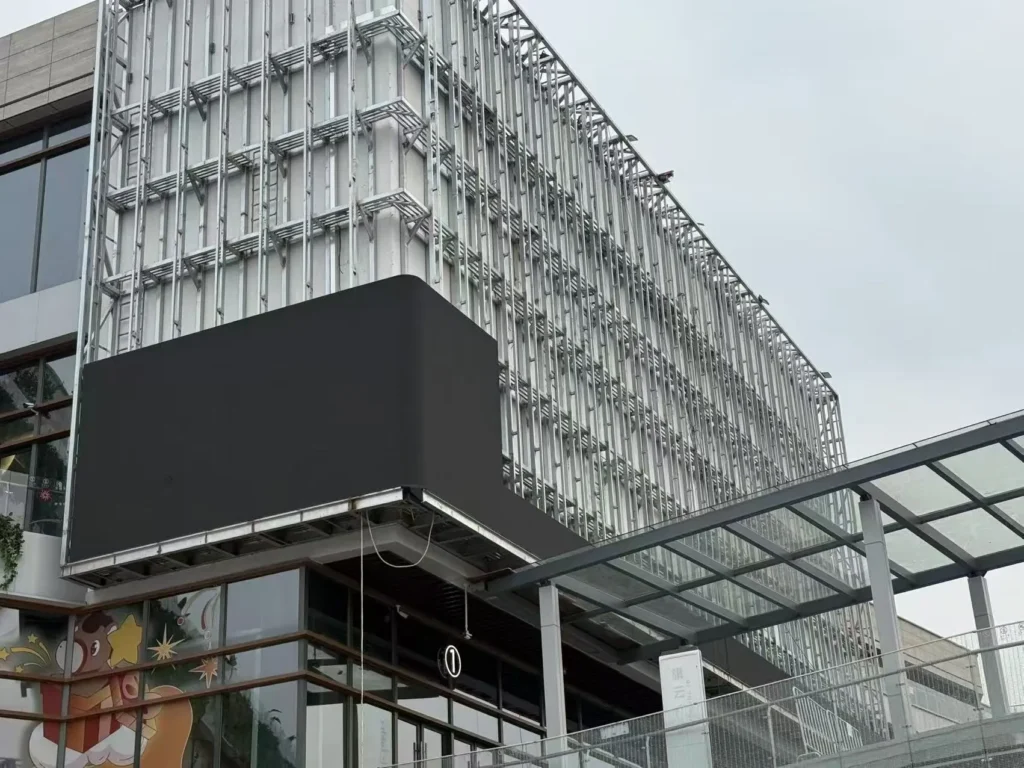
Video Processor and Control System
A professional LED wall normally requires a sending system, receiving cards and a video processor or controller appropriate for the required resolution and signal sources.
Depending on the application, the system may need:
- HDMI/DisplayPort inputs
- 4K or 8K signal processing
- Multiple-source switching
- Scaling
- Image synchronization
- Redundant signal paths
- Remote monitoring
- CMS integration
A simple presentation wall does not require the same processing architecture as a broadcast studio, command center or XR environment.
Electrical Infrastructure
Electrical requirements should be confirmed before purchasing the screen.
The project may require:
- Dedicated circuits
- Power distribution cabinets
- Breakers
- Grounding
- Surge protection
- Power cables
- Cable trays or conduits
- Electrical upgrades
For large LED walls, the electrical system can become a meaningful part of the installation budget rather than an afterthought.
Calibration and Commissioning
Professional installation does not end when the last cabinet is mounted.
The completed system should normally be tested and commissioned for:
- Cabinet alignment
- Pixel consistency
- Brightness
- Color uniformity
- Grayscale performance
- Signal stability
- Processor configuration
- Content playback
- Thermal behavior
Factory calibration provides the starting point, while on-site calibration can compensate for the actual installation environment.
Logistics and Site Access
Large LED projects may also involve:
- Freight transportation
- Lift-gate delivery
- Freight elevators
- Forklifts
- Cranes
- Scaffolding
- Temporary storage
- Packaging disposal
- Local transportation
- Technician travel
These costs are easy to miss when comparing equipment-only quotations.
How to Reduce LED Wall Installation Cost Without Sacrificing Quality
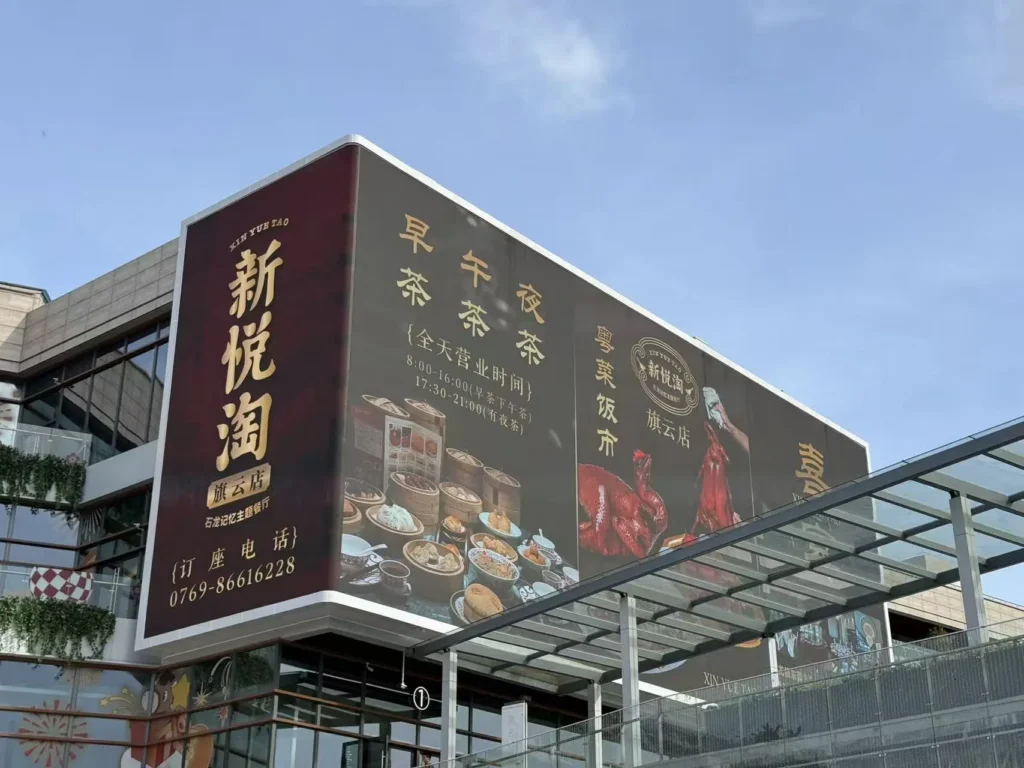
The best way to reduce installation cost is not to choose the cheapest LED panel. It is to simplify the entire project.
Choose the Correct Pixel Pitch
Do not pay for P1.2 when P2.5 or P3.9 already satisfies the viewing distance.
This is often one of the easiest ways to reduce hardware expenditure.
Use Lightweight Cabinets
Cabinet weight affects handling, structural requirements and installation labor.
A lightweight aluminum cabinet can reduce the physical workload and may reduce the amount of structural reinforcement required for some applications.
For example, Sostron’s Ares 2 outdoor LED series uses an aluminum cabinet design intended to reduce structural load while simplifying handling and installation.
Select Front-Service Design When Rear Access Is Difficult
If the LED wall is mounted directly against a building façade, rear maintenance access can be expensive to create.
A front-service LED display allows technicians to access modules and key components from the viewing side, which can simplify both installation planning and future maintenance.
Standardize the Screen Configuration
Standard cabinet sizes and rectangular layouts generally reduce:
- Engineering time
- Fabrication complexity
- Installation time
- Spare-parts requirements
- Replacement difficulty
Custom shapes should be used when they create measurable commercial or architectural value, not simply because customization is available.
Finalize Electrical and Structural Requirements Before Delivery
One of the most expensive mistakes is discovering after the equipment arrives that the wall needs additional reinforcement or electrical upgrades.
Before shipment, confirm:
- Wall load capacity
- Mounting points
- Screen weight
- Wind requirements for outdoor projects
- Power capacity
- Cable routes
- Maintenance access
- Installation equipment
- Local permits or engineering requirements
Good engineering before shipment is usually cheaper than correction work after delivery.
LED Wall Installation Process
A professional installation can generally be organized into the following stages:
Step 1: Site Survey
Measure the installation area, viewing distance, wall condition, access route and available electrical infrastructure.
Step 2: Technical Design
Determine pixel pitch, screen dimensions, cabinet configuration, mounting structure, brightness and processing requirements.
Step 3: Structural Preparation
Install the mounting frame or supporting structure according to the approved engineering design.
Step 4: Cabinet Installation
Mount and align the LED cabinets, connect power and signal cables, and verify mechanical flatness.
Step 5: System Configuration
Configure the sending card, receiving cards, video processor and control software.
Step 6: Calibration and Testing
Check brightness, color consistency, signal stability and content playback.
Step 7: Commissioning
Complete final system testing and provide operating and maintenance guidance.
This structured process reduces the risk of expensive rework and makes the final installation more predictable.
LED Wall Installation Cost: What Should Be Included in Your Quote?
Before approving a supplier, ask for a detailed quotation covering the following:
| Item | Should Be Clearly Stated? |
|---|---|
| LED cabinets/modules | Yes |
| Pixel pitch | Yes |
| Brightness | Yes |
| Controller/processor | Yes |
| Power supplies | Yes |
| Receiving/sending cards | Yes |
| Mounting structure | Yes |
| Electrical work | Yes |
| Installation labor | Yes |
| Calibration | Yes |
| Commissioning | Yes |
| Transportation | Yes |
| Structural engineering | If required |
| Permits | If required |
| Spare modules | Recommended |
| Warranty | Yes |
| After-sales support | Yes |
A supplier that provides only a single “LED wall price” makes it difficult to determine whether the quotation is genuinely competitive.
Final Takeaway: How Much Does It Cost to Install an LED Wall?
The answer depends on the complete project rather than the LED panels alone.
For an accurate LED wall installation cost, evaluate five layers together:
LED hardware + mounting structure + control system + installation/electrical work + commissioning.
For most commercial buyers, the smartest cost-saving strategy is to select the correct pixel pitch, use a practical cabinet design, minimize unnecessary structural complexity and define electrical and installation requirements before production.
SoStron approaches LED projects from both the manufacturing and engineering side. Its commercial LED portfolio covers indoor fine-pitch displays, outdoor billboards, rental LED systems and customized display solutions, allowing the screen specification and installation requirements to be considered together rather than treated as separate purchasing decisions.
For outdoor advertising projects where installation weight and operating cost matter, the Ares 3 Energy-Saving Outdoor LED Display combines a lightweight aluminum cabinet, front/rear maintenance access and common-cathode technology designed to reduce power consumption and simplify deployment.
For indoor corporate, retail and commercial environments where close viewing and installation flexibility are important, the Reta 2 Small-Pitch LED Display provides a modular fine-pitch solution designed for high-quality indoor visual applications.
If you are comparing quotations, the most useful next step is not asking a supplier for the cheapest price. Provide the screen size, viewing distance, indoor/outdoor location, installation height and application, then compare the complete installed scope on an apples-to-apples basis.
Price Note: LED wall prices vary by pixel pitch, cabinet design, quantity, location, structural requirements, electrical scope, shipping and installation conditions. The figures above are planning benchmarks rather than fixed quotations. A project-specific quotation should be based on the actual site and technical specification.
References:
OSHA — Construction Electrical Safety
NIST — Display Measurement & Calibration