The two questions that derail most LED display projects are “how big should the screen be?” and “what resolution do I need?” — and they cannot be answered independently. Size and resolution are mathematically linked through pixel pitch. Get one wrong and you either overspend on pixels no one can see, or build a screen too small to read from the back row.
This guide gives you the formulas, reference tables, and decision framework to specify both correctly — for any venue, any budget, and any application.
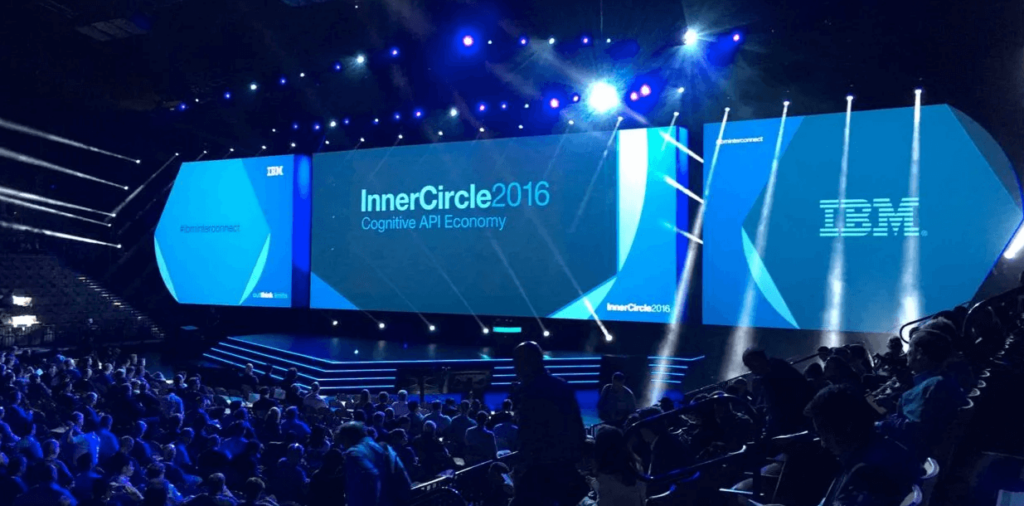
Standard LED Display Sizes: What’s Actually Available
Unlike TVs or monitors, LED displays have no fixed standard sizes. They are assembled from modular cabinets — typically 500 × 500 mm, 500 × 1000 mm, or 600 × 337.5 mm — and tiled to any dimension the project requires.
Common Cabinet Sizes by Application
| Cabinet Format | Typical Dimensions | Common Use |
|---|---|---|
| Standard rental cabinet | 500 × 500 mm | Events, concerts, trade shows |
| Wide rental cabinet | 500 × 1000 mm | Stage backdrops, wide-format installs |
| Fine-pitch cabinet | 600 × 337.5 mm | Boardrooms, control rooms, broadcast |
| Outdoor cabinet | 960 × 960 mm | Billboards, building facades |
Practical Size Ranges by Venue Type
| Venue | Typical Screen Size | Notes |
|---|---|---|
| Small conference room | 2–4 m wide | Wall-mounted, single screen |
| Large conference hall | 4–8 m wide | Often dual-screen flanking a stage |
| Concert / festival stage | 8–20 m wide | IMAG screens, often curved |
| Sports stadium scoreboard | 10–30 m wide | High-brightness, wide viewing angle |
| Outdoor billboard | 6–20 m wide | IP65+, ≥5,000 nits |
| Control room / NOC | 3–8 m wide | Multi-source, continuous operation |
The practical rule: Screen width should be approximately 1/6 to 1/8 of the maximum viewing distance. A room where the back row sits 24 meters away needs a screen at least 3–4 meters wide to be comfortably readable.
Resolution: What the Numbers Mean on an LED Display
Resolution on an LED display is the total pixel count across the full screen surface — expressed as horizontal pixels × vertical pixels (e.g., 1920 × 1080).
Common Resolution Standards
| Resolution | Pixel Count | Name |
|---|---|---|
| 1280 × 720 | ~921K | HD / 720p |
| 1920 × 1080 | ~2.07M | Full HD / 1080p |
| 2560 × 1440 | ~3.69M | 2K / QHD |
| 3840 × 2160 | ~8.29M | 4K / UHD |
| 7680 × 4320 | ~33.2M | 8K |
The Critical Difference from Consumer Displays
On a TV or monitor, resolution is fixed in hardware. On an LED display, resolution is a result of two variables: pixel pitch and physical screen size. You can build a 4K LED display at 2 m wide (using P0.5 pitch) or at 10 m wide (using P2.5 pitch). The resolution is the same; the cost and viewing distance requirements are completely different.
This means resolution alone is not a useful spec to quote without also specifying screen size and pixel pitch.
The Size–Resolution–Pixel Pitch Triangle
These three parameters are mathematically locked together. Change one and the others must adjust.
The Core Formula
Horizontal pixels = Screen width (mm) ÷ Pixel pitch (mm) Vertical pixels = Screen height (mm) ÷ Pixel pitch (mm)
How Screen Size Affects Resolution at Fixed Pixel Pitch
Using P2.5 as an example:
| Screen Size | Horizontal Pixels | Vertical Pixels | Resolution Name |
|---|---|---|---|
| 2.4 m × 1.35 m | 960 | 540 | qHD |
| 4.8 m × 2.7 m | 1,920 | 1,080 | Full HD |
| 9.6 m × 5.4 m | 3,840 | 2,160 | 4K |
How Pixel Pitch Affects Screen Size for Fixed Resolution (Full HD)
| Pixel Pitch | Screen Width Required | Screen Height Required |
|---|---|---|
| P1.2 | 2.3 m | 1.3 m |
| P2.5 | 4.8 m | 2.7 m |
| P3.9 | 7.5 m | 4.2 m |
| P6 | 11.5 m | 6.5 m |
| P10 | 19.2 m | 10.8 m |
The takeaway: If your venue can only accommodate a 3 m wide screen, you need P1.5 or finer to achieve Full HD. If your venue has a 10 m wide wall, P3.9 delivers Full HD with room to spare.
How to Choose Screen Size: 5 Factors That Matter
1. Viewing Distance — The Primary Driver
The back row determines the minimum screen size. Use this rule:
Minimum screen width (m) = Maximum viewing distance (m) ÷ 6
A venue where the farthest viewer sits 30 meters away needs a screen at least 5 meters wide to be comfortably readable.
2. Venue Geometry and Sightlines
Map the full audience area before finalizing dimensions. Key questions:
- Are there columns or obstructions blocking sightlines?
- Is the screen elevated? (Elevation affects vertical size requirements.)
- Is the audience spread wide (needs wider screen) or deep (needs taller screen)?
3. Structural Load Capacity
Every 100 m² of LED screen adds significant weight to the supporting structure. Standard rental cabinets run 18–25 kg/m²; permanent fine-pitch installations can reach 30–40 kg/m². Confirm load ratings before finalizing screen dimensions — this is the constraint that most often forces a size reduction late in the project.
4. Content Aspect Ratio
Your screen dimensions must match your content’s aspect ratio, or you’ll have black bars or stretched images. Standard ratios:
- 16:9 — universal for video, presentations, broadcast
- 16:10 — common for corporate presentations
- 21:9 — ultra-wide for immersive stage backdrops
- Custom — LED’s modular nature allows any ratio, but custom ratios require custom content production
5. Budget
Screen area drives cost more than any other single variable. Doubling the screen width quadruples the area — and the cost. If budget is constrained, reduce screen size before reducing pixel pitch. A smaller, sharper screen is almost always better than a larger, lower-resolution one.
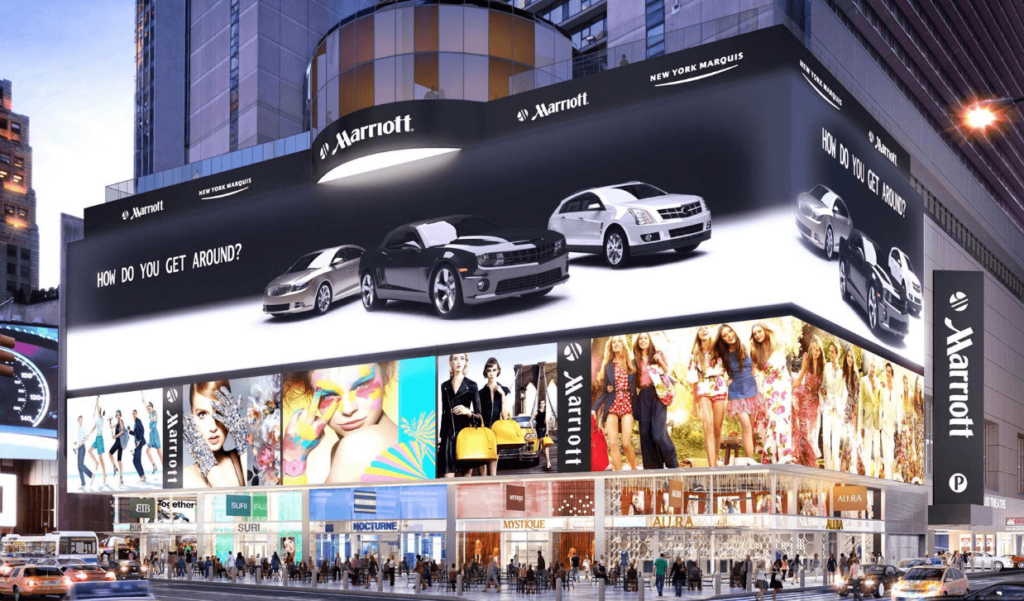
How to Choose Resolution: The Viewing Distance Rule
Resolution requirements are determined by viewing distance, not by content ambition. There are two thresholds to know:
Minimum Viewing Distance (Pixels Become Visible Below This)
Minimum distance (m) = Pixel pitch (mm) × 1.0
Optimal “Retina” Distance (Pixels Indistinguishable Above This)
Optimal distance (m) = Pixel pitch (mm) × 2.5 to 3.0
Viewing Distance Reference Table
| Pixel Pitch | Min. Distance | Optimal Distance | Recommended Application |
|---|---|---|---|
| P0.9–P1.2 | 0.9–1.2 m | 2.5–3.5 m | Control rooms, boardrooms |
| P1.5–P1.9 | 1.5–1.9 m | 4–5.5 m | TV studios, retail interiors |
| P2.5–P3 | 2.5–3 m | 7–9 m | Conference halls, churches |
| P3.9–P4.8 | 4–5 m | 12–14 m | Rental events, large venues |
| P6–P10 | 6–10 m | 18–30 m | Outdoor billboards, stadiums |
The practical implication: If your audience’s closest viewer is 5 meters away, P3.9 delivers the same perceived image quality as P1.5 — at roughly one-third the cost. Never specify finer pitch than your minimum viewing distance requires.
Size and Resolution by Application
| Application | Recommended Size | Pixel Pitch | Target Resolution |
|---|---|---|---|
| Small boardroom (≤20 people) | 2–3 m wide | P1.5–P1.875 | Full HD |
| Large conference hall | 5–8 m wide | P2–P2.5 | Full HD or 4K |
| Hotel ballroom / event space | 4–6 m wide | P2.5–P3.9 | Full HD |
| Church / auditorium | 4–8 m wide | P2.5–P3.9 | Full HD |
| Concert stage IMAG | 8–16 m wide | P3.9–P4.8 | Full HD |
| Sports stadium scoreboard | 10–30 m wide | P6–P10 | HD |
| Outdoor billboard | 6–15 m wide | P6–P10 | HD |
| Control room / NOC | 3–6 m wide | P0.9–P1.5 | 4K or higher |
| Retail / lobby signage | 2–4 m wide | P1.875–P2.5 | Full HD |
| Virtual production volume | 4–12 m wide | P0.9–P1.5 | 4K+ |
Aspect Ratio: The Variable Most Buyers Overlook
Aspect ratio is the proportional relationship between screen width and height. It must be decided before finalizing screen dimensions because it directly affects:
- Content production: All video, graphics, and presentations must be produced at the screen’s native aspect ratio
- Playback hardware: Media servers and video processors must output at the matching resolution
- Cabinet layout: Modular LED cabinets tile in fixed increments — not every aspect ratio is achievable cleanly with every cabinet size
Common Aspect Ratios and When to Use Each
| Aspect Ratio | Pixel Ratio | Best For |
|---|---|---|
| 16:9 | 1920×1080, 3840×2160 | Universal — video, presentations, broadcast |
| 16:10 | 1920×1200, 2560×1600 | Corporate presentations, data dashboards |
| 4:3 | 1024×768, 1600×1200 | Legacy content, some retail applications |
| 21:9 | 2560×1080, 5120×2160 | Immersive stage backdrops, cinematic events |
| Custom | Any | LED’s key advantage — any ratio is buildable |
Practical note: 16:9 is the safe default for any project where content will be produced by multiple teams or sourced from standard video libraries. Custom ratios require custom content production for every piece of media displayed.
Content Source Compatibility: The Final Check
A display’s resolution is only as useful as the content being fed to it. This is the most commonly overlooked step in LED display specification.
The Compatibility Chain
Content Source → Media Player → Signal Processor → LED Display
Every link in this chain must support the target resolution. A 4K LED wall fed by a 1080p media player displays upscaled content — not true 4K. The investment in fine pitch is wasted.
Checklist Before Finalizing Specs
- Content library: What is the maximum resolution of your existing video and image assets?
- Media player output: Does your playback hardware support the target resolution at the required frame rate?
- Signal processor: Does the LED controller (e.g., NovaStar, Colorlight) support the total pixel count of your screen?
- Signal cable: HDMI 2.0 supports 4K@60Hz; DisplayPort 1.4 supports 8K@30Hz. Match cable spec to resolution.
- Refresh rate: For broadcast or camera-facing applications, specify ≥3,840 Hz to eliminate rolling shutter artifacts.
Resolution vs. Content Source: Quick Reference
| Display Resolution | Minimum Content Source | Minimum Cable |
|---|---|---|
| Full HD (1080p) | 1080p media player | HDMI 1.4 |
| 4K (2160p) | 4K media player | HDMI 2.0 / DP 1.2 |
| 8K | 8K workstation | DP 1.4 / fiber |
| Custom (e.g., 5760×1080) | Multi-output processor | Fiber signal distribution |
FAQ
Is there a standard size for LED displays?
No. LED displays are modular and fully customizable. The final dimensions are determined by venue requirements, viewing distance, content aspect ratio, and structural constraints — not by any industry standard size.
How do I calculate the resolution of an LED display?
Divide screen width (in mm) by pixel pitch (in mm) for horizontal pixels; divide screen height by pixel pitch for vertical pixels. Example: a 4.8 m × 2.7 m screen with P2.5 pitch = 1,920 × 1,080 = Full HD.
What resolution do I need for a conference room?
For a conference room with viewers at 3–6 meters, Full HD (1920 × 1080) on a P2–P2.5 screen is sufficient. 4K is only worth the premium if viewers are consistently within 3 meters of the screen.
Can I use any aspect ratio for an LED display?
Yes — LED’s modular design allows any aspect ratio. However, non-standard ratios (anything other than 16:9) require custom content production for every media asset displayed. Budget for that before committing to a custom ratio.
Does a bigger LED screen always mean better image quality?
No. A larger screen with a coarser pixel pitch can have lower resolution than a smaller screen with a finer pitch. Image quality depends on the combination of size, pixel pitch, and viewing distance — not size alone.
What is the maximum size for an LED display?
There is no practical maximum. LED panels can be tiled indefinitely. The largest installations (stadium scoreboards, building facades) exceed 1,000 m². The limiting factors are structural load capacity, power supply, and signal distribution — not the display technology itself.