A train station information screen is not a commodity purchase. It is a mission-critical node in your Passenger Information Display System (PIDS)—one that passengers depend on at 2 a.m. when no maintenance crew is on site. Get the specification wrong and you are looking at emergency replacements, SLA penalties, and passenger complaints that make the evening news.
Before anything else, here is the decision framework that separates a reliable deployment from an expensive mistake:
| Specification | Minimum Acceptable | Best-in-Class |
|---|---|---|
| Brightness (outdoor platform) | 5,000 nits | 8,000–10,000 nits |
| IP Rating | IP65 | IP66/IP67 |
| Refresh Rate | 1,920 Hz | 7,680 Hz |
| Operating Temperature | -20°C to +50°C | -40°C to +60°C |
| Design Life | 5 years | 10+ years |
| Pixel Pitch (6 m platform viewing) | P6–P8 | P4–P6 |
Most procurement failures trace back to the same root cause: buyers evaluate LED displays using consumer-grade metrics. They compare peak brightness figures without asking whether the panel sustains that output at 40°C ambient. They accept IP65 ratings without verifying whether that certification covers the front face, the rear enclosure, or both. Based on our experience with transit infrastructure deployments across four continents, the contracts that go wrong almost always skipped one of those questions. This guide exists so yours does not.
What Is a Train Station Information Screen—and Why the Terminology Matters
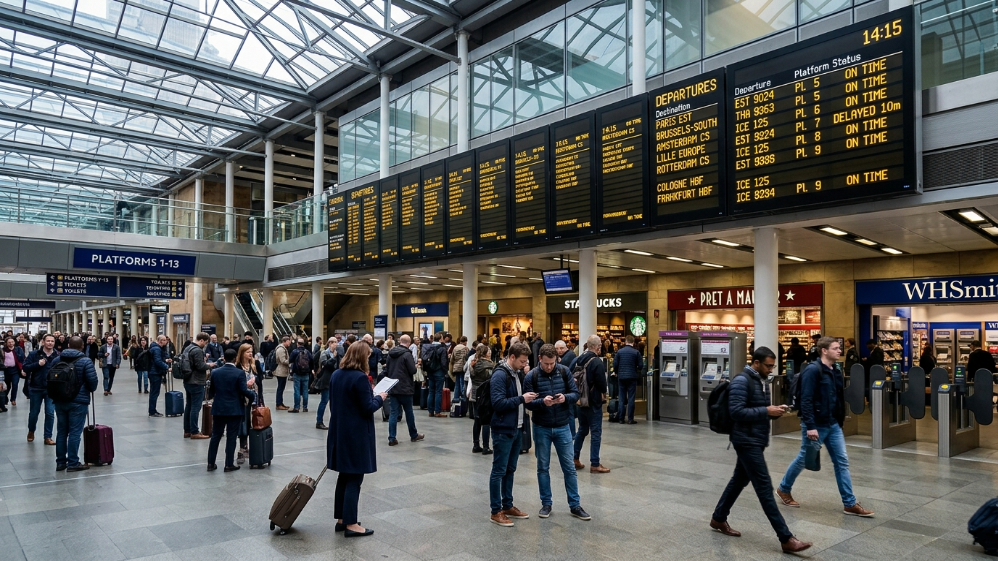
A train station information screen is the physical display component within a broader PIDS ecosystem. That distinction matters commercially: you are not buying a screen, you are buying into a system that includes content management software, data protocol integration (NTCIP, GTFS, or NeTEx), remote monitoring, and a maintenance framework.
PIDS deployments span three distinct zones, each with different requirements:
Concourse Displays
- Large-format panels (P6–P10) visible from 8–15 meters
- Showing departure boards and platform assignments
Platform Edge Displays
- Medium-format panels (P4–P6) at 4–8 meter viewing distances
- Showing real-time train status
Wayfinding and Emergency Screens
- High-density panels (P2.5–P4) for close-range directional information
A single-spec procurement approach—buying the same panel for all three zones—is one of the most common and costly errors in transit display projects. Each zone demands a different pixel pitch, brightness level, and weatherproofing grade.
Why LED Outperforms LCD in High-Ambient-Light Station Environments
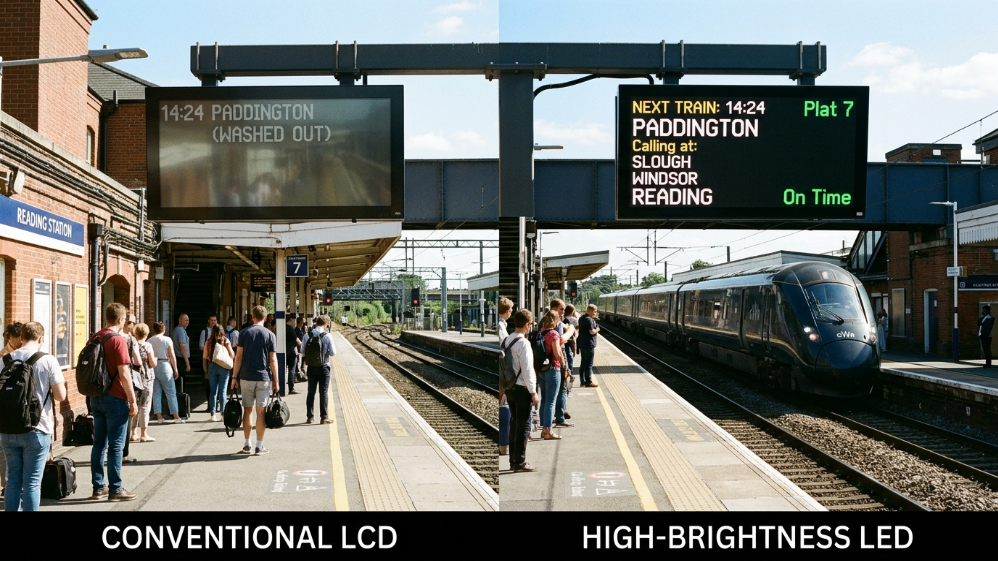
The argument for LED over LCD in railway environments is not about image quality. It is about physics.
An LCD panel generates light by backlighting a liquid crystal layer. In direct sunlight or high-ambient-light environments, that backlight competes with incoming light—and loses. Even high-brightness LCD panels rated at 2,500–3,000 nits become difficult to read when ambient light exceeds 50,000 lux, which is routine on open-air platforms.
LED displays are self-emissive. Each pixel generates its own light. At 7,000–10,000 nits, an outdoor LED panel maintains full readability in direct sunlight. That is not a marketing claim—it is a measurable contrast ratio advantage that directly reduces passenger confusion and platform congestion.
| Specification | LCD (High-Brightness) | Outdoor LED |
|---|---|---|
| Peak Brightness | 2,500–3,000 nits | 7,000–10,000 nits |
| Contrast Ratio | 1,000:1 | 5,000:1–10,000:1 |
| Operating Life | 50,000–60,000 hours | 100,000+ hours |
| IP Rating (typical) | IP54 | IP65–IP67 |
| Operating Temp Range | 0°C to +40°C | -20°C to +60°C |
| Maintenance Model | Full panel replacement | Module-level hot-swap |
The maintenance model difference is particularly significant for transit operators. LCD panels require full-panel replacement when a backlight fails. LED displays use modular construction—a single failed module (typically 500×250 mm) can be swapped in under 15 minutes without taking the entire screen offline. For a 24/7 operation, that difference in Mean Time to Repair is worth more than any unit price discount.
Core Technical Specifications That Determine Real-World Performance
Pixel Pitch and Viewing Distance
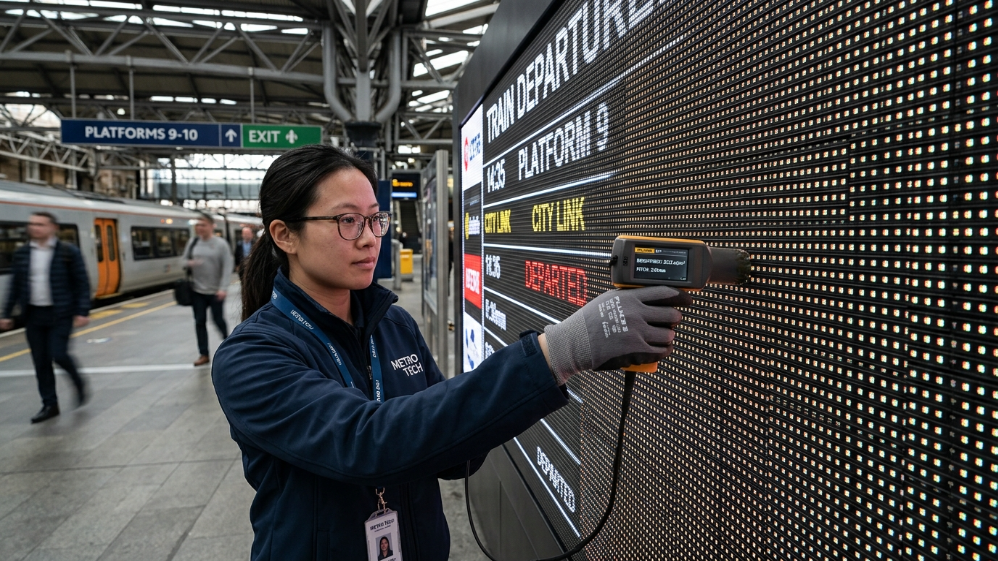
Pixel pitch is the center-to-center distance between LED pixels, measured in millimeters. It directly determines the minimum comfortable viewing distance and the information density the screen can display.
| Pixel Pitch | Min. Viewing Distance | Typical Transit Application |
|---|---|---|
| P2.5–P3.9 | 2.5–4 m | Ticket counters, close-range wayfinding |
| P4–P6 | 4–6 m | Platform edge screens, gate information |
| P6–P8 | 6–10 m | Concourse departure boards |
| P10+ | 10–15 m | Large-format station entrance displays |
Specifying P4 for a 12-meter concourse display wastes budget on resolution passengers cannot perceive. Specifying P10 for a 4-meter platform edge screen produces pixelated text passengers cannot read. The pixel pitch decision is functional, not aesthetic.
Brightness and Automatic Dimming
For outdoor platforms, 5,000 nits is the floor, not the target. According to IEC standards for outdoor digital signage, displays in direct sunlight environments should sustain at least 5,000 cd/m² to maintain a 3:1 contrast ratio against ambient light. Best-in-class outdoor LED panels for transit reach 8,000–10,000 nits.
Equally important: automatic brightness control. A display running at 10,000 nits at 2 a.m. on an empty platform wastes energy and creates light pollution. Panels with integrated ambient light sensors scale down to 800–1,000 nits at night—reducing power consumption by 60–70% during off-peak hours with zero manual intervention.
The Solution: Recommended Product Series for Train Station Deployments
Sostron Ares—For Large-Format Concourse and Entrance Displays
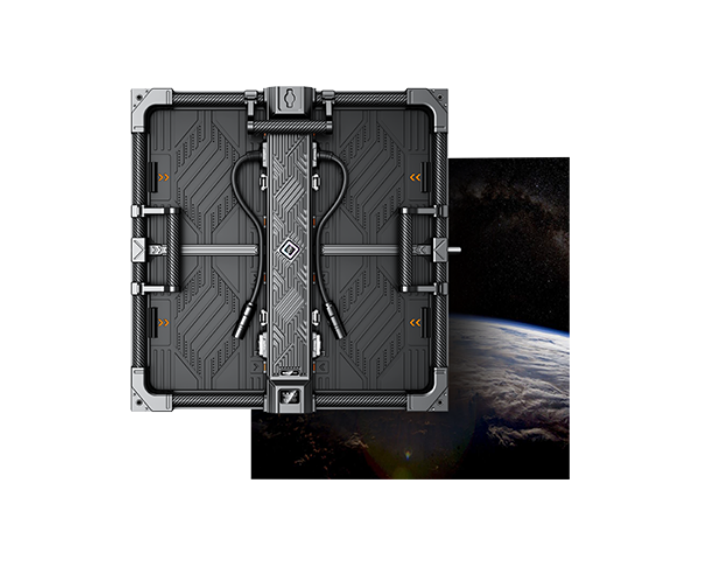
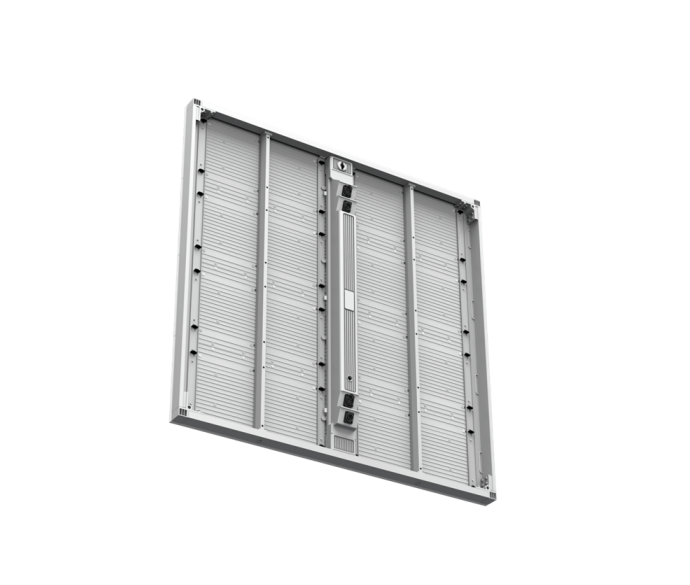
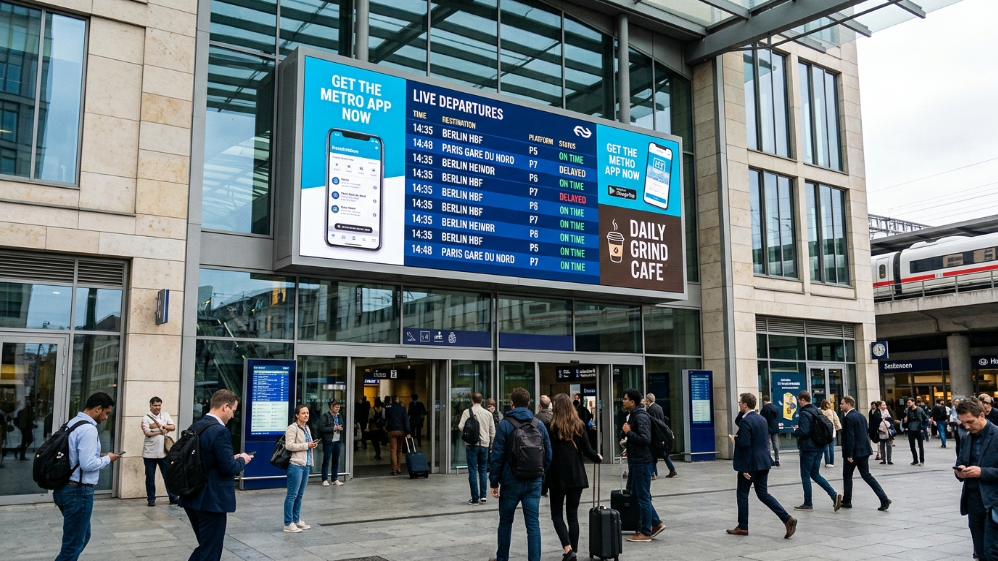
The Ares series delivers up to 10,000 nits peak brightness with a 7,680 Hz refresh rate, making it suitable for high-ambient-light concourse environments where surveillance systems require flicker-free capture.
The IP66-rated front face handles the dust and water exposure typical of covered but semi-open station environments. Its die-cast aluminum chassis—rated to 45 m/s wind load—supports cantilever and wall-mount configurations without additional structural reinforcement in most station architectures.
Available in P3.9 through P10.4, it covers the full range of concourse and entrance viewing distances. The passive cooling design (no fans, no HVAC) eliminates the single most common failure point in outdoor LED installations: cooling system breakdown.
Sostron Ares 2—For Platform Edge and Energy-Sensitive Deployments
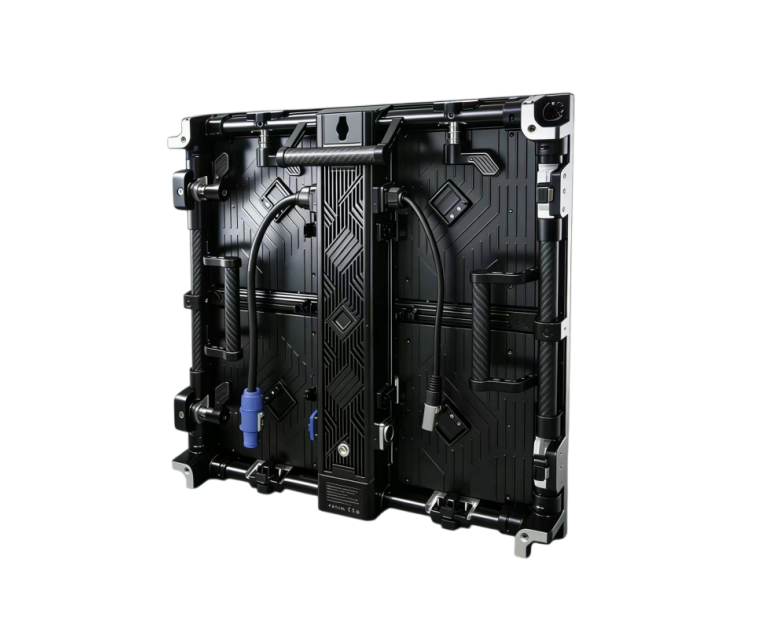
Where energy consumption is a procurement criterion—increasingly common in public infrastructure tenders—the Ares 2’s Common Cathode technology delivers 40–50% lower power draw compared to conventional designs.
At P2.9 through P6.2, it covers platform edge and close-range wayfinding applications with brightness ranging from 6,000 to 10,000 nits. The Ares 2 carries ETL, FCC, CE, and CCC certifications, which simplifies compliance documentation for international tenders across North America, Europe, and Asia-Pacific markets.
Case Study: Public Transit LED Deployment—Brazil Municipal Bus Fleet
A Brazilian municipal bus operator deployed Sostron’s P2.5 LED display system across a fleet of 300 buses, integrating 4G wireless connectivity and GPS-triggered stop announcements into a unified PIDS backend.
The system delivered real-time passenger information:
- Stop names
- Weather alerts
- Emergency notifications
- Commercial content
All from a single cloud-based CMS platform.
Results
The outcome:
- Near-zero downtime across the fleet
- A new commercial advertising revenue stream that partially offset deployment costs
- A government commendation for consistent public messaging delivery
The operator subsequently committed to extending the same system to their next generation of new-energy buses—a direct indicator of operational confidence in the platform’s long-term reliability.
The underlying architecture—centralized CMS, wireless data integration, modular LED hardware—mirrors exactly what a fixed train station PIDS deployment requires. The reliability benchmark translates directly.
24/7 Reliability Engineering—What Separates Mission-Critical Displays from Consumer Panels
The Brazil bus fleet case illustrates a principle that applies equally to fixed station infrastructure: near-zero downtime is not an accident. It is an engineering outcome, built into the hardware specification before a single cabinet ships.
For a train station information screen operating around the clock, reliability engineering starts with three non-negotiable design features.
Redundant Power Architecture
A single power supply unit is a single point of failure. Mission-critical PIDS deployments require dual PSUs per cabinet—if one fails, the second carries the load without interruption.
Pair this with an uninterruptible power supply (UPS) at the distribution board, and your display survives both component failure and grid fluctuations.
In stations with high lightning exposure, a Grade II surge protection device (SPD) at the main distribution panel is not optional—it is the difference between a minor weather event and a full system replacement.
Hot-Swap Modular Construction
When a module fails on a consumer-grade display, the screen goes dark until a technician arrives with a replacement panel.
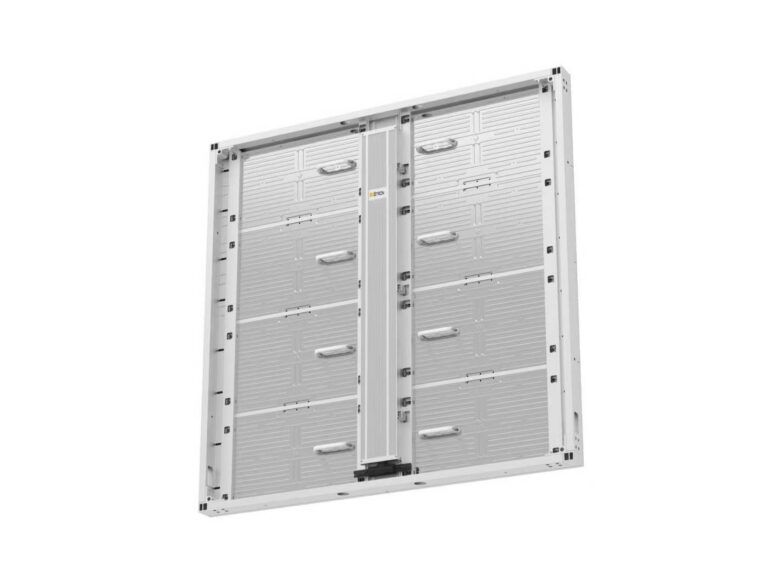
On a properly specified LED display, a failed 500×250 mm module is swapped in under 15 minutes by a single technician—no tools, no scaffolding, no service window.
The rest of the screen stays live throughout.
For a 24/7 transit environment, that maintenance model is worth more than any headline specification.
Thermal Management Without Active Cooling
Fan-based cooling systems introduce moving parts—and moving parts fail.
The most reliable outdoor LED installations use passive aluminum heat dissipation, which requires zero maintenance and eliminates the most common failure mode in high-temperature deployments.
Passive cooling is viable up to 60°C ambient, which covers the vast majority of global transit environments without exception.
System Integration: Connecting Your Display to Live Rail Data Without Vendor Lock-In
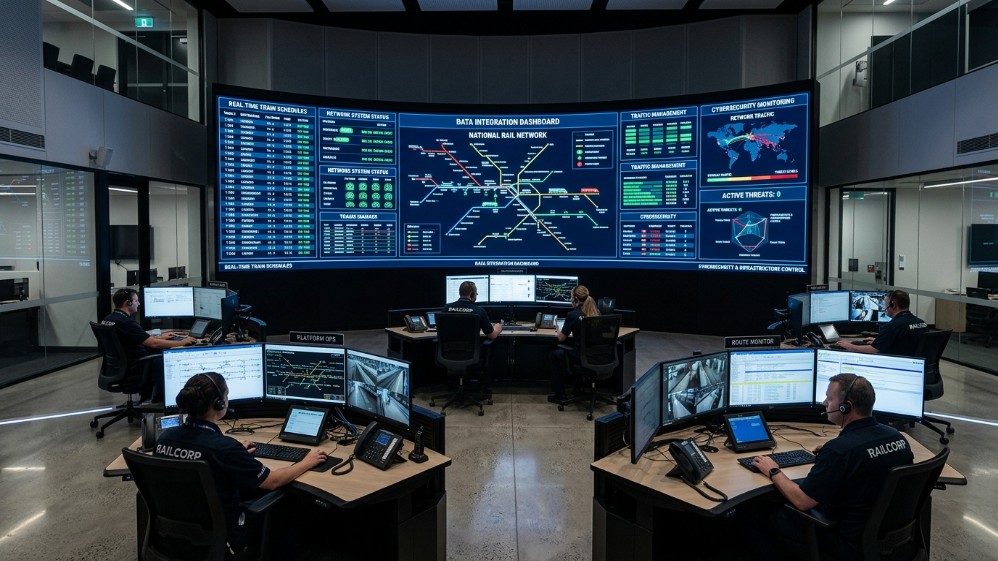
Hardware reliability means nothing if the display cannot receive and render live train data. This is where most PIDS projects encounter their most expensive surprises.
NTCIP
National Transportation Communications for ITS Protocol
- The standard for North American traffic and transit systems
- Required for most US and Canadian public infrastructure tenders
GTFS
General Transit Feed Specification
- Google’s open standard
- Widely adopted for real-time departure data across Europe, Asia-Pacific, and Latin America
NeTEx
Network Timetable Exchange
- The EU standard for structured timetable and passenger information data
- Mandatory for European rail operators under the EU Delegated Regulation
Before specifying any display system, confirm which protocol your rail data source outputs.
A display controller that only supports NTCIP cannot natively consume a GTFS-RT feed without a middleware translation layer—an integration cost that rarely appears in the initial quote.
CMS Platform Considerations
The CMS question is equally consequential.
Proprietary content management platforms create vendor lock-in:
- When you need to add a new data source
- Change a layout template
- Integrate emergency alert overrides
You are dependent on the original vendor’s development roadmap and pricing.
Open-standard CMS platforms—those compatible with Novastar, Colorlight, or equivalent open APIs—give your operations team direct control and allow competitive maintenance contracts.
Cybersecurity Considerations
Cybersecurity is the integration risk nobody budgets for.
A networked PIDS is an attack surface.
In 2023, several European transit operators experienced display hijacking incidents where unauthorized content replaced departure information.
The mitigation is straightforward but must be specified:
- Network segmentation (PIDS on a dedicated VLAN)
- Encrypted data transmission
- Role-based CMS access controls
If your display vendor cannot describe their cybersecurity architecture in concrete terms, treat that as a disqualifying response.
Compliance and TCO: The Two Factors That Determine Whether Your Project Gets Approved
| Standard / Factor | What It Covers | Why It Matters to Buyers |
|---|---|---|
| EN 50155 | Railway electronics environmental and EMC requirements | Mandatory for EU rail tenders; covers vibration, temperature cycling, power quality |
| IP66/IP67 | Ingress protection against dust and water jets | Determines whether the display survives platform cleaning and weather exposure |
| ADA/PRM TSI | Accessibility—contrast ratios, font minimums, audio integration | Legal requirement in US and EU; non-compliance creates liability exposure |
| WCAG 2.1 AA (digital signage) | Minimum contrast ratio 4.5:1 for text | Increasingly referenced in public procurement specifications |
| ETL/CE/FCC/CCC | Regional electrical safety certifications | Required for customs clearance and insurance coverage in respective markets |
| 10-year TCO (LED vs. LCD) | Total cost including energy, maintenance, and replacement | LED typically 30–45% lower TCO over a decade despite higher upfront cost |
The TCO argument for LED over LCD is straightforward when you model it honestly.
A 50-screen station deployment using high-brightness LCD panels will require full panel replacements at years 5–6 (50,000-hour backlight life at continuous operation).
LED modules, with a 100,000-hour design life, reach the same replacement threshold at year 11–12.
Add the energy differential—LED draws 30–40% less power at equivalent brightness—and the 10-year cost advantage of LED typically exceeds the upfront price premium by a factor of two to three.
5 Technical FAQs for Train Station Display Procurement
1. What pixel pitch should I specify for a train station information screen?
Match pitch to your primary viewing distance.
- Concourse departure boards viewed from 8–12 meters: P6–P8
- Platform edge screens at 4–6 meters: P4–P6
Specifying finer pitch than your viewing distance requires wastes budget on resolution passengers cannot perceive.
2. Can an LED station display genuinely run 24/7 without overheating?
Yes—provided the thermal design is correct.
Passive aluminum cooling handles continuous operation up to 60°C ambient without fans or HVAC.
The critical installation requirement is rear clearance:
- Minimum 100 mm gap behind the cabinet for natural convection
Recessed or fully enclosed installations require supplemental active cooling.
3. What is the real difference between IP65 and IP67 for a station environment?
IP65
- Protects against low-pressure water jets from any direction
- Adequate for covered platforms
IP67
- Adds protection against temporary immersion up to 1 meter for 30 minutes
- Relevant for flood-prone stations or environments with standing water risk
Verify which rating applies to both the front face and rear enclosure separately; some manufacturers certify only the front.
4. How do I avoid vendor lock-in when selecting a CMS platform?
Require open API documentation as part of your RFP.
Specifically ask whether the CMS supports:
- GTFS-RT
- NTCIP
- NeTEx
Data ingestion natively, and whether the display controllers are compatible with third-party software platforms.
A vendor who cannot answer both questions clearly is selling you a closed ecosystem.
5. What SLA terms should I negotiate for a mission-critical PIDS deployment?
Minimum Acceptable
- 99.5% uptime
- Under 44 hours of downtime per year
Best Practice
- 99.9% uptime
- Under 9 hours per year
- 4-hour response time for critical failures
- Spare parts inventory held on-site or within 50 km
Penalty clauses tied to downtime hours—not just “best efforts” language—are the only SLA terms worth signing.
Expert Verdict
If you are specifying a train station information screen in 2026, the technology decision is settled: outdoor LED at 7,000+ nits with passive cooling, IP66 minimum, and a modular hot-swap architecture.
The variables that actually determine project success are the ones most buyers underweight:
- Data protocol compatibility
- CMS openness
- Cybersecurity architecture
Spend 20% of your evaluation time on hardware specs.
Spend 80% on integration architecture and contract terms.
The display that looks best in a demo is irrelevant if it cannot consume your rail data feed or if the maintenance SLA has no teeth.
The Sostron Ares and Ares 2 series cover the hardware requirements for the full range of station deployment zones—from P2.9 platform edge screens to P10.4 concourse displays—with the certifications and thermal design that transit infrastructure demands.
The integration and procurement decisions are yours to make.
Make them with the right questions.
References:
Technical Specification for Interoperability Relating to Accessibility (PRM TSI)
NTCIP Standards for Transit Passenger Information Systems