Walk into a secondary school still running a ceiling-mounted projector from 2014, and the problem is immediately visible: a washed-out 800-lumen image competing with afternoon sunlight, a teacher speaking over the hum of a cooling fan, and students in the back row squinting at blurred slide text. The technology fix is not complicated—but choosing the wrong education LED screen can waste a procurement budget just as badly. This guide cuts through the noise. Below is a quick-reference decision table covering the most common school and university scenarios, followed by a deep technical breakdown that procurement officers, AV system integrators, and campus IT directors can use to write a winning RFP.
Education LED Screen Selection Quick Reference
| Campus Space | Room Depth | Recommended Pixel Pitch | Min. Brightness | Key Requirement |
|---|---|---|---|---|
| Classroom (K-12) | Under 6 m | P1.5–P2.0 | 300 nits | Flicker-free (DC dimming), low HEV blue light |
| Seminar Room | 6–10 m | P2.0–P2.5 | 350 nits | Fanless passive cooling; wireless casting |
| University Lecture Hall | 10–20 m | P2.5–P3.9 | 400 nits | High refresh rate (≥3840 Hz) for camera recording |
| Auditorium/Event Hall | 20 m+ | P3.9–P4.8 | 500 nits | Modular front-access serviceability |
| Campus Lobby/Wayfinding | ≤8 m viewing | P2.5–P3.9 | 400–600 nits | CMS integration, multi-zone scheduling |
| Outdoor Stadium/Campus Entrance | Varies | P4–P10 | 5,000+ nits | IP65, ambient light rejection (ALR) |
What Makes an LED Screen “Education-Grade”? The 5 Specs Schools Actually Need
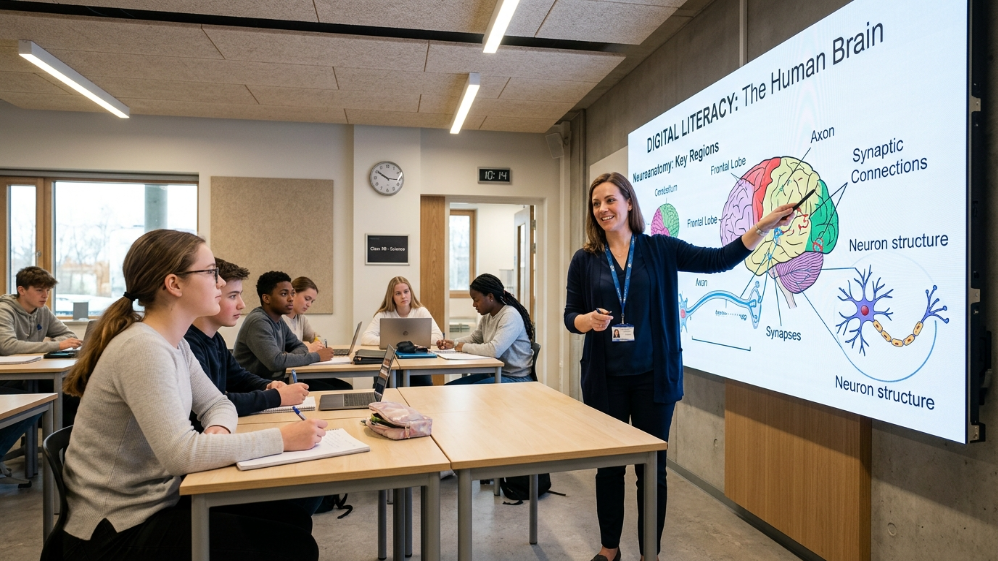
Not every indoor LED panel belongs in a classroom. The education segment has a set of non-negotiable requirements that generic commercial display guides routinely ignore—and specifying against the wrong benchmark is how institutions end up with a €40,000 installation that triggers parent complaints about headaches and eyestrain within the first semester.
Based on our experience deploying fine-pitch LED systems across educational facilities in the US, Europe, and Southeast Asia, five specifications determine whether a panel is genuinely fit for purpose in a school environment.
1. Pixel Pitch Aligned to Viewing Geometry
The rule of thumb circulating in most buyer guides—”1 mm of pitch per 1 meter of viewing distance”—is a floor, not a target.
For text-heavy content like lecture slides and academic data visualizations, we consistently recommend a more conservative ratio of 1 mm per 1.2–1.5 m.
The practical implication: a classroom where the furthest seat is 7 m from the screen requires at least a P1.5, not the P3.9 that appears in so many low-budget tenders.
2. COB or GOB Packaging Over Standard SMD at Close Range
When pixel pitch drops below P2.5—which is necessary for most classroom applications—the packaging technology becomes decisive.
Standard SMD (Surface-Mount Device) exposes the LED chip on an open PCB, creating micro-reflections that increase perceived screen glare under classroom fluorescent or LED lighting.
COB (Chip-on-Board) bonds chips directly to the substrate under a seamless epoxy layer. The result is a matte, anti-glare surface that eliminates the hotspot effect and dramatically improves viewing comfort during a 90-minute lecture.
GOB (Glue on Board) delivers comparable surface protection at a lower cost point than full COB and is an excellent specification for seminar rooms and lecture theatres where the viewing distance exceeds 5 m.
3. DC Dimming, Not PWM, for Flicker Elimination
This is the single most overlooked specification in education procurement.
Most commercial LED panels dim their backlight using Pulse Width Modulation (PWM)—switching the light source on and off at high frequency to simulate lower brightness.
At certain frequencies, PWM-dimmed displays produce a stroboscopic flicker that is invisible to the naked eye but detectable by the brain, causing fatigue and headache during extended exposure.
DC dimming eliminates this entirely by continuously varying the driving current.
Any display intended for prolonged student use should carry TÜV Rheinland Flicker Free certification, which validates performance across 0–3000 Hz—not just at a single tested frequency.
4. Calibrated Brightness for the Ambient Environment
Schools and universities rarely have blackout curtains.
Classroom ambient light typically measures 300–700 lux.
A display running at maximum factory brightness (often 800–1,200 nits in a standard fine-pitch panel) in that environment creates an uncomfortable luminance contrast.
The education-grade sweet spot is 300–600 nits with automatic ambient brightness compensation—bright enough to ensure legibility, controlled enough to prevent eye fatigue during a double period.
5. Acoustic Noise Below 35 dB(A)
But it is worth stating upfront: a fanless passive cooling architecture is not a luxury feature. It is a compliance requirement in most EU and North American classroom acoustic standards.
The Eye-Care Standard Schools Demand: Low Blue Light, Flicker-Free & TÜV Rheinland Certification Explained
Parent concern about screen-time eye health is no longer a fringe issue.
A 2023 meta-analysis published in Ophthalmology found that blue light exposure from display devices is associated with disrupted circadian rhythm and accelerated photoreceptor stress in children under 12.
School boards in Germany, the UK, and several US states have begun requesting demonstrable eye-safety credentials as part of display procurement—not just marketing claims.
Understanding what the certifications actually validate is critical for writing an RFP that has real teeth.
HEV Blue Light Reduction
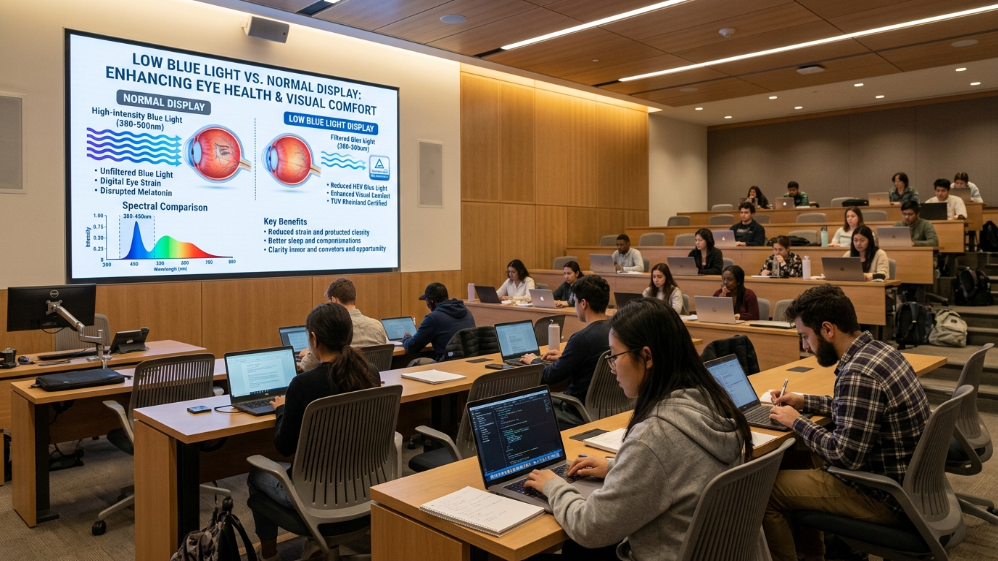
High-energy visible (HEV) blue light sits in the 380–500 nm wavelength range.
Eyesafe® Certified 2.0—the standard referenced by BenQ’s ClassroomCare® platform and adopted by several tier-one LED panel manufacturers—requires a minimum 35% reduction in HEV blue light intensity compared to uncertified displays.
SGS and TÜV Rheinland Low Blue Light certification follow similar methodology, typically requiring emission below the threshold defined in IEC TR 62778.
The procurement implication is specific: require suppliers to submit a third-party spectral power distribution (SPD) test report—not a self-certified datasheet claim.
The word “low blue light” on a spec sheet is meaningless without the wavelength-range data to back it.
Flicker-Free Across the Dimming Range
Here is where many displays fail silently.
A panel might pass a flicker test at 100% brightness—where DC dimming performs identically to PWM—but then revert to PWM at lower brightness levels where power saving is prioritized.
Require flicker-free certification that explicitly covers the 20%–80% brightness range, the operating window in which a classroom display actually runs day-to-day.
Practical Certification Checklist for Education Procurement RFPs
| Certification Body | What It Validates | Minimum Requirement |
|---|---|---|
| TÜV Rheinland Flicker Free | Stroboscopic flicker 0–3000 Hz | Must cover full dimming range |
| TÜV Rheinland Low Blue Light | HEV emission vs. IEC TR 62778 | Class 1 (lowest risk) |
| Eyesafe® Certified 2.0 | SPD-validated HEV reduction | ≥35% HEV reduction |
| SGS Eye Care | Combined flicker + blue light | Dual-certified preferred |
| CE/FCC/RoHS | General electromagnetic & material safety | Mandatory baseline |
Specifying two or more of the above in a tender document immediately disqualifies the low-quality import panels that flood the market with uncertified “eye-friendly” claims—without requiring procurement officers to become display engineers.
Pixel Pitch Selection Guide: The Exact Spec for Every School Space
The pixel pitch decision is where most school procurement goes wrong—typically in one of two directions.
Underspend on pitch and you end up with a P3.9 panel in a 6-meter classroom where rear-row students cannot read 12-point slide text.
Overspend and you install a P1.2 ultra-fine-pitch panel in a 300-seat auditorium where P3.9 would have delivered identical perceived quality at 60% of the cost.
The formula is straightforward.
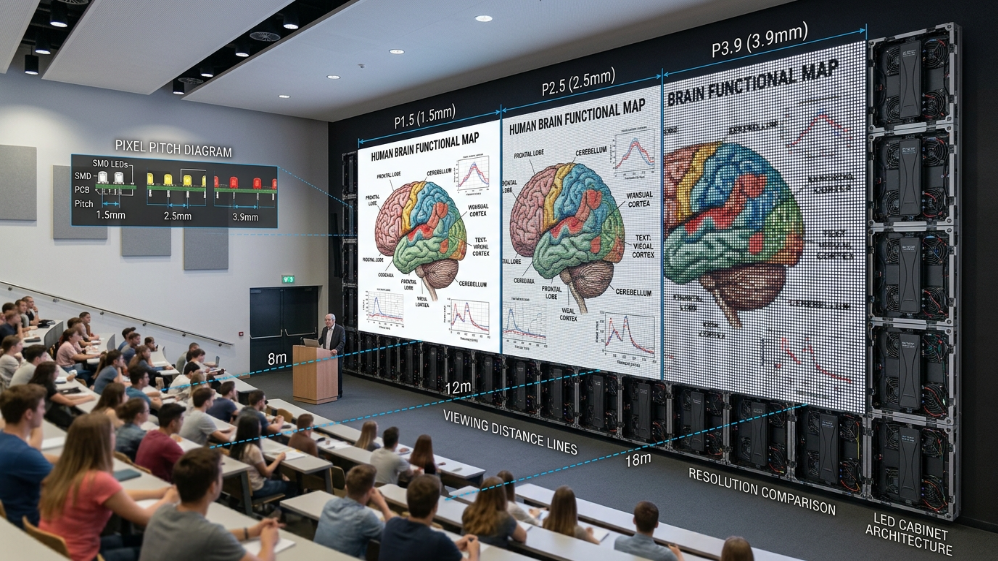
Minimum viewing distance (in meters) ÷ 1.2 = maximum acceptable pixel pitch (in mm).
For text-critical applications, use a divisor of 1.5 instead of 1.2.
Classroom Displays (Under 8 m): Why P1.5–P2.0 Is Non-Negotiable for Rear-Row Legibility
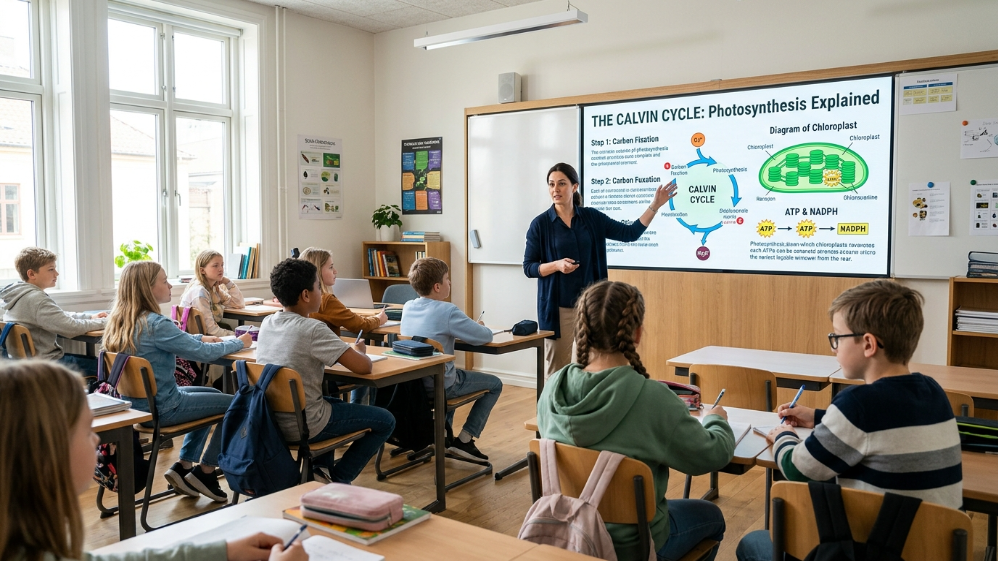
A standard classroom is 8–10 meters deep.
The critical design constraint is not the average viewing distance—it is the maximum.
The student in the back corner must be able to read 10-point font in a PowerPoint table without leaning forward.
At P2.5 and a 7-meter viewing distance, pixel angular resolution drops below the threshold where fine text renders cleanly.
The pixels become visible as individual dots rather than continuous lines, creating a jagged edge effect on fonts that causes cognitive strain during extended reading.
Drop to P1.8 or P2.0, and that threshold shifts comfortably past 9 meters—enough headroom for even a deep, L-shaped classroom configuration.
The commercial benefit for AV integrators: specifying P1.8 over P2.5 in a 40-classroom campus rollout is a defensible cost difference.
The incremental hardware cost per square meter is approximately $200–$350 at current 2026 market rates.
Against a 10-year service life and the elimination of projector lamp replacement costs ($150–$250 per lamp, twice annually), the TCO math favors the finer-pitch panel in almost every scenario.
University Lecture Halls (10–20 m): Balancing P2.5 and P3.9 Without Sacrificing 4K Content Quality
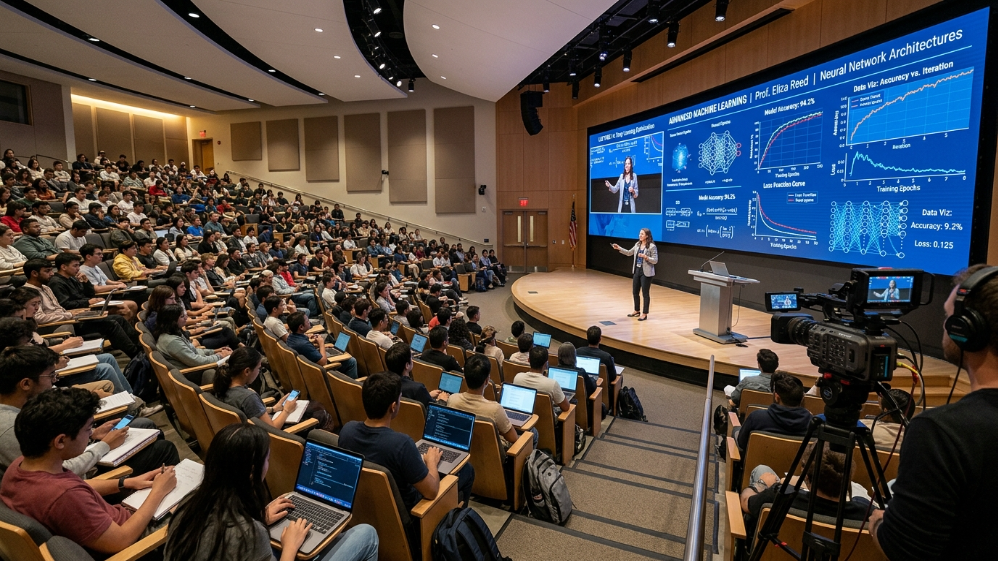
The university lecture hall presents a different optimization problem.
The front rows sit at 4–6 meters; the rear rows at 15–20 meters.
A single-pitch specification cannot serve both optimally—which is why leading campus AV integrators increasingly specify a primary display at P2.5 and supplementary side fill screens at P3.9.
There is a second critical requirement specific to lecture recording: refresh rate.
Lecture capture systems—now standard at most research universities—record the display as part of the lecture video.
A display running below 3840 Hz produces visible scan lines in camera footage, making recordings unusable at standard playback speeds.
This eliminates most budget-tier panels from the university market outright.
According to LED market benchmark data from Sostron’s engineering deployment records, a P2.5 fine-pitch display in a 200 m² conference room environment reduces cost by approximately 42% versus P1.8 while delivering only a 3% drop in subjective visual quality scoring—an engineering trade-off that holds in lecture hall contexts as well, where the reduced pixel density is compensated by the greater average viewing distance.
The Solution: Recommended Sostron Products for Education Environments
After mapping the technical requirements above to Sostron’s current product portfolio, two series stand out as the strongest fit for the education segment.
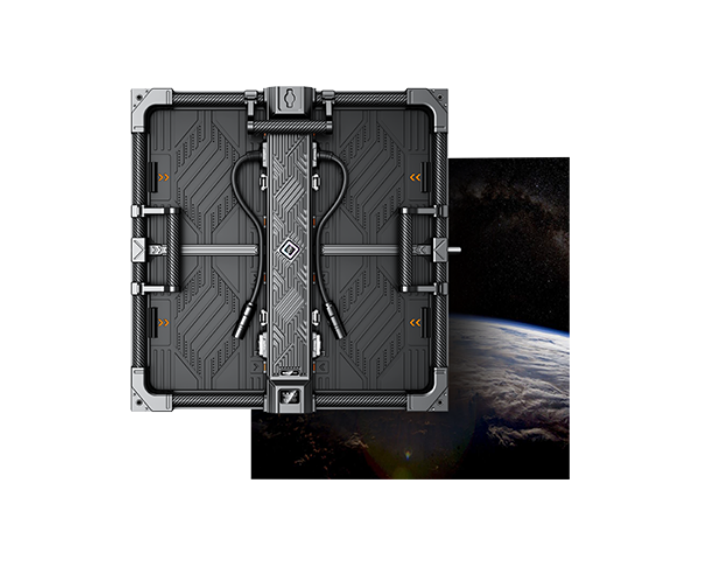
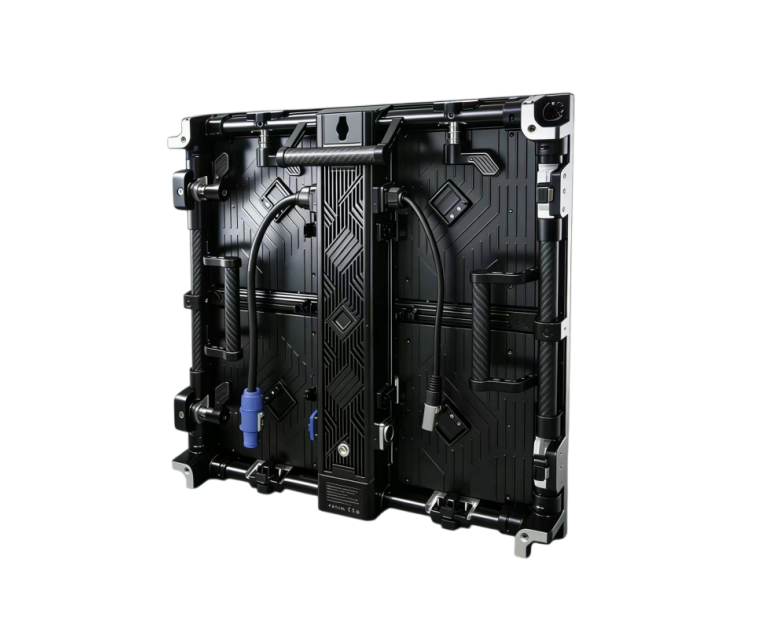
Sostron Reta 2 — Fine-Pitch Indoor Series (P1.5 to P2.5)
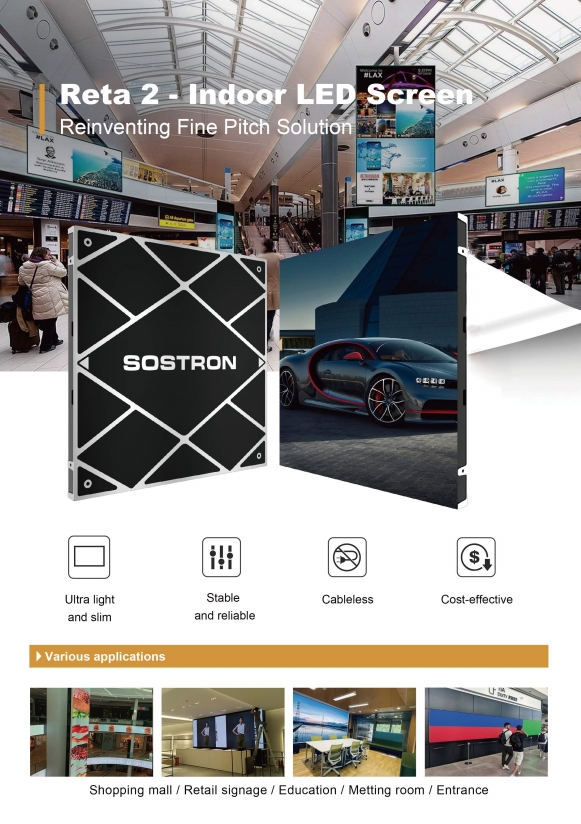
The Reta 2 is Sostron’s flagship small-pitch indoor display, engineered specifically for high-ambient environments that demand text precision and extended viewing comfort.
Key education-relevant specifications include a 3840 Hz high refresh rate (eliminating camera scan lines for lecture recording), 16-bit grayscale processing that preserves detail in dark areas without brightness spikes, and SMD1010 packaging with a high black-mask ratio delivering contrast that holds under 500-lux classroom lighting.
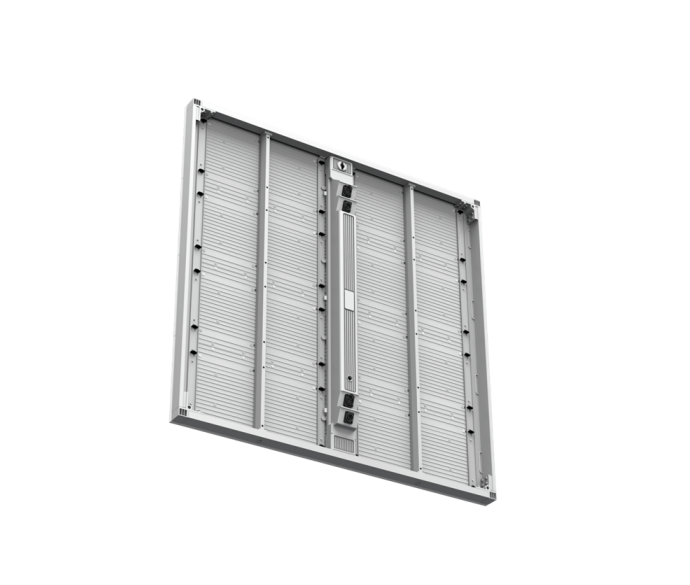
The Reta 2 at P1.875 uses a 240×240 mm standard module—a specification that allows physically native 16:9 Full HD or 4K resolution construction without image stretching from video processors.
For classroom and seminar room applications, this matters: stretched or interpolated content makes slide text harder to read at distance, not easier.
Real-World Case Study: 100 m² P1.9 GOB Installation, USA Corporate & Academic Events
One of the most instructive recent deployments from Sostron’s North America portfolio is a 100 m² P1.9 GOB LED wall installed for a high-profile events client serving Fortune 500 annual conferences and university-hosted investment forums.
The client’s core requirement closely mirrors what university AV directors face: variable audience sizes (80–500 attendees), mixed content (data-dense financial presentations, live speaker feeds, 4K video playback), and a strict acoustic limit in a heritage conference facility.
The P1.9 GOB configuration delivered a measured contrast ratio that held legibility for financial chart annotations at the back of a 22-meter room—content that a P3.9 standard SMD panel at the same screen size could not render cleanly for rear-seated attendees.
The fanless thermal management design kept acoustic output below 32 dB(A)—compliant with the facility’s noise limit and well within ANSI S12.60 classroom acoustic standards.
Installation was completed by a two-person crew in under 14 hours across a 6×3.375-meter seamless wall.
Front-access module serviceability—a feature Sostron builds into its fine-pitch cabinet architecture—meant that no rear wall access was required during a post-event pixel repair, avoiding the structural disruption that would have been mandatory with a flush-wall LCD video wall of comparable size.
The client reported that the display’s performance during the Duracell 10th Anniversary Celebration and subsequent Investment Leaders Exchange events validated the specification decision: no content scaling artifacts, no visible seams, and zero acoustic complaints from a demanding venue.
Silent Operation: Why a Fanless LED Design Is a Legal Requirement—Not Just a Nice-to-Have—in Most Classrooms
The acoustic dimension of display technology almost never appears in buying guides.
It should be the second thing procurement officers check, right after pixel pitch.
ANSI/ASA S12.60, the North American classroom acoustic standard, mandates a maximum background noise level of 35 dB(A) in core learning spaces.
The equivalent European standard, EN ISO 11690, sets a comparable threshold.
A conventional active-cooled LED cabinet—the type shipped by default for commercial signage—generates 42–48 dB(A) of fan noise at full thermal load.
That is the acoustic equivalent of a continuous, low-level conversation playing from the wall.
Teachers raising their voices to compensate, students straining to hear: these are not hypothetical complaints; they show up in post-installation facility reviews with troubling regularity.
Passive Cooling Architecture
Passive cooling architecture solves this at the hardware level.
Rather than forcing air across a heatsink with a fan, passively cooled fine-pitch cabinets dissipate heat through thermally conductive aluminum structures—the same principle used in high-end server hardware.
A well-engineered passive system keeps internal cabinet temperature below 55°C in a 25°C ambient room at sustained full-brightness operation, well within the thermal envelope that LED chip manufacturers specify for rated MTBF performance.
The commercial argument for integrators is equally direct.
Fan-cooled units require scheduled preventive maintenance—filter cleaning, fan replacement—at 18-to-24-month intervals.
Passive systems have no moving parts to service.
On a 10-year campus contract covering 30+ classroom displays, eliminating fan maintenance alone saves enough to fund a two-room expansion of the original scope.
Wireless Screencasting & BYOD Integration: What Procurement Teams Actually Need to Specify
University campuses run heterogeneous device ecosystems.
Faculty use MacBooks on AirPlay; visiting lecturers arrive with Windows laptops running Miracast or Intel WiDi; students present from Android tablets via Google Cast.
An education LED screen that requires a dongle for every device type is not a technology upgrade—it is a new category of IT support ticket.
Cross-Platform Wireless Presentation
The protocol specification matters precisely because hardware manufacturers handle this inconsistently.
Some all-in-one display systems bundle a single wireless casting platform and call it “multi-device compatible.”
It is not.
Genuine cross-platform wireless presentation requires an embedded multi-standard receiver—supporting Miracast (Windows/Android), AirPlay 2 (macOS/iOS), and Google Cast simultaneously—running on a dedicated sub-network with proper VLAN isolation from the campus data network.
CMS Requirements for Campus Signage
For campus digital signage networks deployed across lobbies, corridors, and cafeterias, the content management system (CMS) architecture is equally important.
A system that requires on-site USB updates is operationally unacceptable for a campus with 50+ screens.
Cloud-based CMS with role-based access control—letting the communications team update lobby content without touching the lecture hall schedule—is the baseline expectation.
Emergency override capability, broadcasting a lockdown or evacuation message to all zones in under 5 seconds, is increasingly a compliance requirement under NFPA 72 in US facilities and BS 5839 in the UK.
LED vs. Projector: A 5-Year TCO Comparison That Finance Committees Will Approve
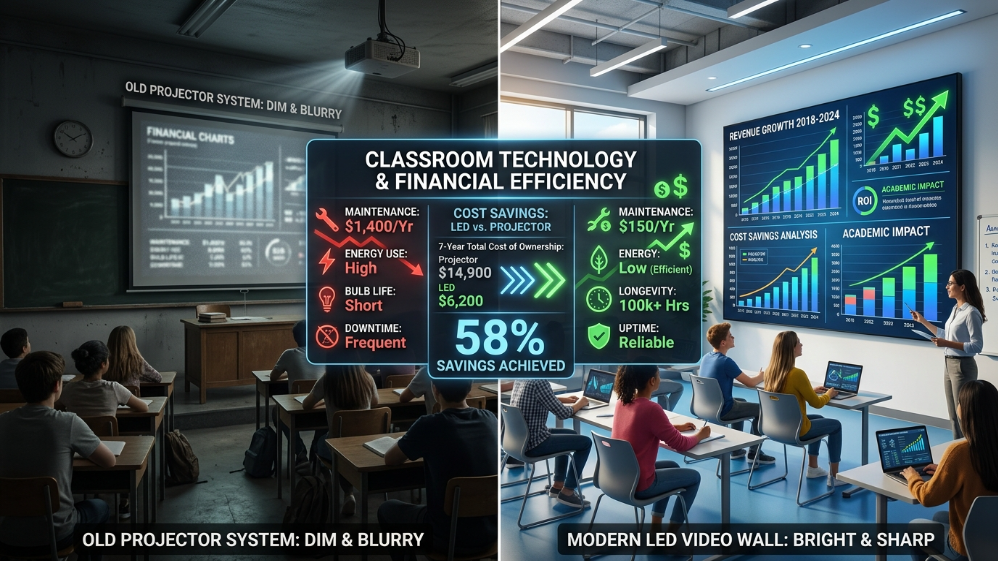
The capital cost objection is predictable.
An education-grade fine-pitch LED wall at P1.8–P2.5 costs $8,000–$18,000 per square meter installed, versus $2,000–$4,000 for a comparable laser projector setup.
The conversation usually stalls here.
It should not.
5-Year TCO Comparison
| Cost Category | Laser Projector (per unit, 5 yr) | Education LED Screen (per m², 5 yr) |
|---|---|---|
| Hardware purchase | $3,500 | $12,000 (installed) |
| Lamp/light source replacement | $1,800 (2× annually at $180/lamp) | $0 |
| Filter cleaning & fan service | $600 (annual preventive maintenance) | $0 (passive cooling) |
| Image calibration (color drift) | $400 (biannual recalibration) | $80 (auto-calibration firmware) |
| Downtime cost (avg. 4 hrs/yr × $150/hr AV tech) | $3,000 | $300 |
| Power consumption (5 yr, $0.12/kWh) | $1,440 (800W avg.) | $540 (150W avg. per m²) |
| 5-Year Total Cost of Ownership | ~ $10,740 | ~ $12,920 |
| MTBF | ~3,000 hrs (lamp) | 100,000 hrs |
| Year 6–10 delta (LED advantage) | — | LED saves ~ $8,200 per unit |
The break-even point sits between years 3 and 4 for most installations.
Beyond that, every operational year the LED screen runs costs less than a third of the projector equivalent.
For a university replacing 20 lecture hall projectors, the 10-year savings calculation justifies the upfront capital delta to any finance committee that looks past the purchase order.
5 Questions School AV Directors Ask Before Signing a Purchase Order
1. How Do I Verify a Supplier’s Eye-Care Claims Before Committing to a Contract?
Request the original third-party test report—not a certificate image—from TÜV Rheinland, SGS, or an equivalent accredited lab.
The report will include the spectral power distribution (SPD) data and the specific test methodology.
Any supplier who cannot provide the original lab report is marketing a claim, not validating one.
2. What Refresh Rate Is Required for Lecture Hall Installations With Video Recording Systems?
A minimum of 3840 Hz.
Below this threshold, standard lecture capture cameras produce visible horizontal scan lines in recordings.
Premium installations specify 7680 Hz, which eliminates scan-line artifacts even under high-speed slow-motion replay.
3. Can a P2.5 University Video Wall Display 4K Content Natively?
Yes—but the cabinet module dimensions must be engineered for it.
A P2.5 display using 640×480 mm cabinets forms a 16:9 native 4K wall at 3840×2160 pixels at approximately 9.6 m × 5.4 m.
Smaller installations require a scaler, which introduces a marginal sharpness trade-off.
Specify native resolution construction in the RFP if 4K native output is a requirement.
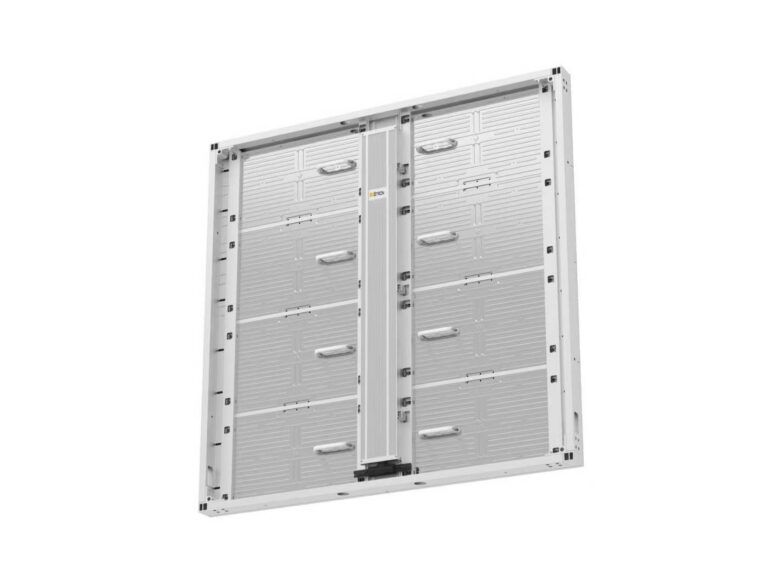
4. How Is Front-Access Serviceability Different, and Why Does It Matter in a School?
Front-serviceable cabinets allow individual LED modules to be replaced from the audience side of the wall without removing structural mounting hardware or accessing the space behind the installation.
In a classroom where the display is flush-mounted to a load-bearing wall—which describes the majority of school installations—rear access is physically impossible without demolition.
Front serviceability is not a premium option in education; it is an installation prerequisite.
5. What CMS Features Are Mandatory for a School Digital Signage Network?
At minimum:
- Cloud-based remote management
- Role-based content permissions
- Emergency broadcast override (sub-5-second campus-wide)
- Scheduled content playlists
- An API that integrates with the school’s existing SIS or event management system
Schools that skip the API requirement invariably end up maintaining duplicate content calendars—a hidden operational cost that compounds over time.
Expert Verdict
The education display market in 2026 has a clear split: institutions that specify on purchase price alone, and those that specify on learning outcomes and total cost of ownership.
The gap between them widens every year the first group continues paying for lamp replacements, fan maintenance, and student eye-strain complaints.
If you are procuring for a single classroom, the Sostron Reta 2 at P1.875 with its 3840 Hz refresh rate and front-access module design is the most defensible specification at the mid-budget tier.
If you are specifying a university lecture hall or multi-purpose campus hall, the P1.9 GOB configuration delivers the anti-glare surface protection, acoustic silence, and camera-compatible refresh rate that a university AV environment demands without the cost ceiling of a P1.2 ultra-fine installation.
Either way, start with the eye-care certification checklist.
It is the fastest way to eliminate 80% of unsuitable quotations—and the one requirement that parents, boards, and finance directors all agree on without a slide deck.
References:
ANSI/ASA S12.60 – Acoustical Performance Criteria, Design Requirements, and Guidelines for Schools
Office of Educational Technology – U.S. Department of Education Reports