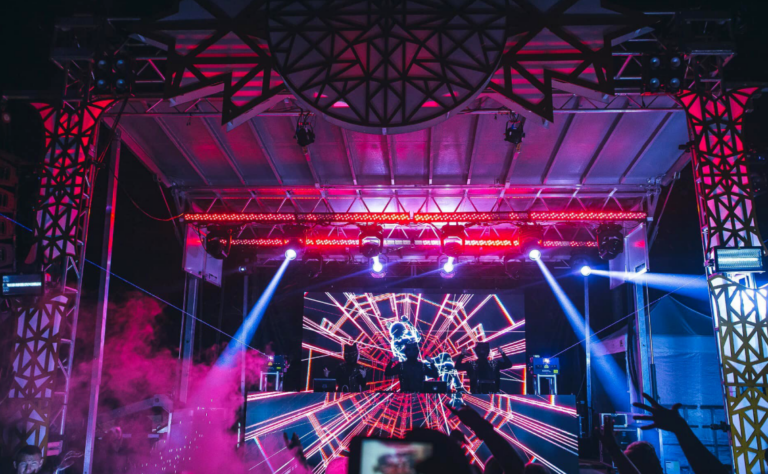
If you’re evaluating an LED display for a commercial project — a corporate lobby video wall, a retail storefront, a stadium scoreboard, or a digital billboard — one of the first and most consequential decisions is whether you need an indoor LED display or an outdoor LED display. They look similar from a distance, and both are built from the same fundamental LED technology, but they are engineered around completely different environmental and viewing conditions. Choosing the wrong category doesn’t just mean a slightly worse picture — it can mean poor legibility, premature component failure, inflated energy bills, or a screen that simply can’t survive its installation environment.
This guide breaks down every technical and commercial factor that separates indoor and outdoor LED displays, based on real-world engineering standards and current industry practice — not generic marketing claims.
1. Brightness: Nits, Not Just “Bright” or “Dim”
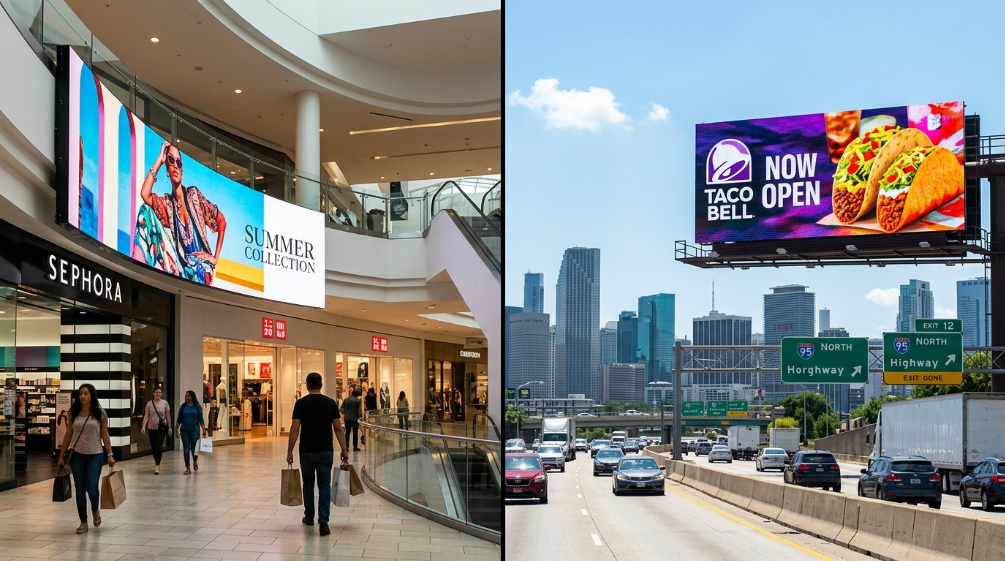
Brightness is usually the first spec a buyer notices, and it’s also the one most often oversimplified.
- Indoor LED displays typically operate in the 600–1,500 nits range. Indoor environments are climate-controlled and free of direct sunlight, so pushing brightness higher than necessary just causes viewer eye fatigue and wastes power.
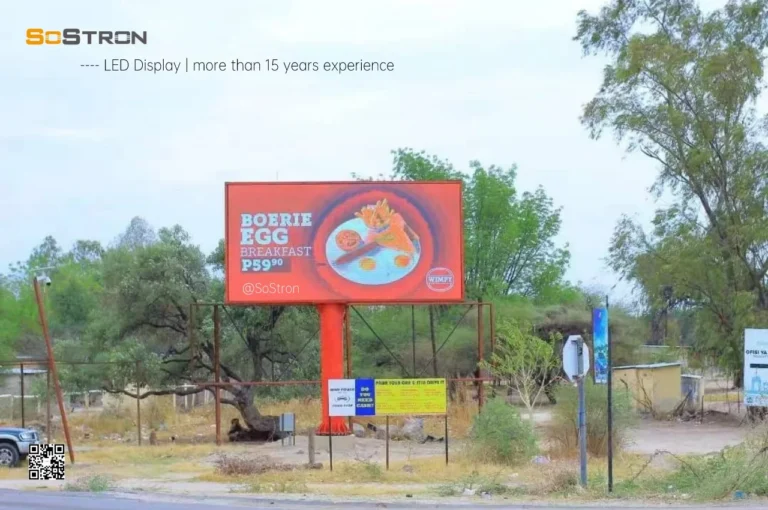
- Outdoor LED displays need to compete with direct sunlight, and commercial-grade units commonly run 5,000 to over 10,000 nits in peak output.
More brightness is not automatically better. An indoor panel installed outdoors will be unreadable in daylight; an outdoor-spec panel installed indoors will overwhelm the room and shorten component life unnecessarily. The correct question isn’t “what’s the maximum nit rating on the spec sheet” — it’s what sustained brightness is actually needed for legibility at your specific ambient light level, since sustained high brightness drives higher current draw and higher operating temperature, which accelerates LED aging.
2. Pixel Pitch and Resolution — And Why They’re Not the Same Thing
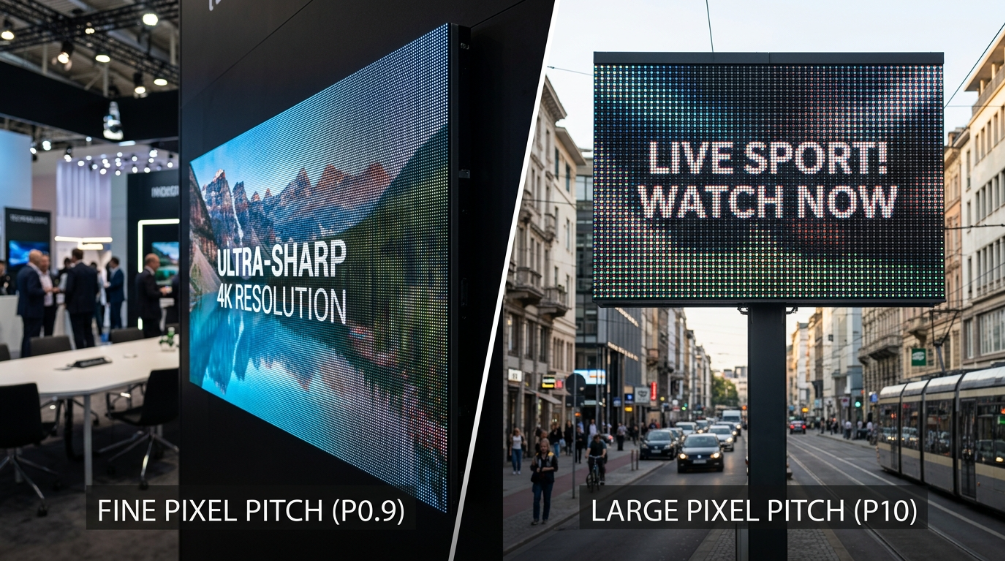
Indoor displays are generally built with a smaller pixel pitch (commonly P1.2–P2.5, sometimes finer), while outdoor displays typically use a larger pixel pitch (P4–P10 and above, with large stadium and highway boards going even coarser).
The reason isn’t arbitrary — it comes down to viewing distance. As a rule of thumb used across the industry, the recommended minimum viewing distance in meters is roughly the pixel pitch in millimeters divided by 1 (or, expressed differently, optimal viewing distance ≈ pixel pitch (mm) × 3,000mm). A P1.86mm indoor wall is designed for viewers standing just a few feet away, where fine pitch preserves sharp text and true UHD/4K detail. A P10 outdoor board, viewed from across a parking lot or a highway, doesn’t need that pixel density — a coarser pitch delivers the same perceived sharpness at distance while keeping module cost and power consumption manageable.
This is also why resolution specs (1920×1080, 3840×2160 for UHD content, etc.) should never be compared in isolation between indoor and outdoor products — a lower nominal resolution on an outdoor board isn’t a compromise, it’s a correct engineering match to viewing distance.
3. Refresh Rate and Grayscale: The Specs Broadcast and Live-Event Buyers Can’t Ignore
- Camera Flicker: Visible black bars (rolling shutter effect) when filmed.
- Content Loss: Fast-moving content may appear blurry or tearing.
- Not Broadcast Ready: Unsuitable for professional live streaming or TV.
- Flicker-Free: Crystal clear image on all cameras (1/2000s+ shutter speed).
- Smooth Motion: Perfect for fast video playback and sports.
- XR Ready (7680Hz): Essential for virtual production and XR studios.
This is one area where many buyer guides fall short, but it matters enormously for anyone using the display on camera or for high-motion content.
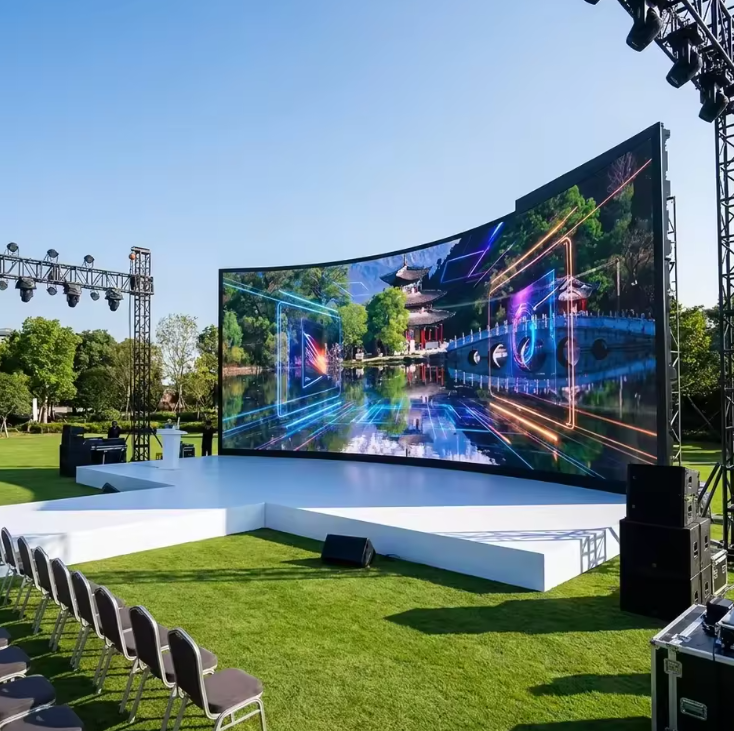
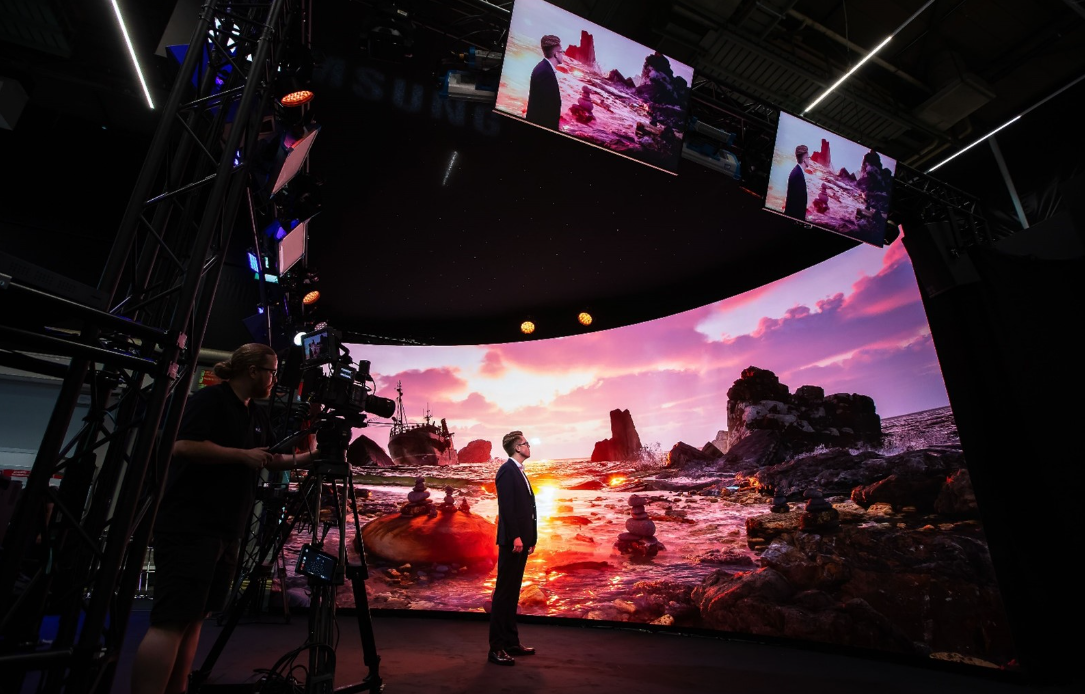
- Refresh rate determines how many times per second the display redraws the image. Standard commercial panels run in the low hundreds of Hz, but broadcast, concert, and camera-facing installations typically require high refresh rate panels (1,920Hz and above, with some processors supporting up to 3,840Hz) to eliminate visible flicker and banding when filmed. This applies to both indoor stage/broadcast walls and outdoor event screens — if cameras will point at the display, refresh rate becomes a non-negotiable spec.
- Grayscale (bit depth) controls how many brightness levels the display can render — a 16-bit grayscale processing pipeline can express tens of thousands of brightness steps, which is what produces smooth gradients instead of visible color banding. This is particularly important for indoor fine-pitch displays running at lower brightness, where advanced grayscale-compensation algorithms are needed to preserve smooth low-light image quality without introducing color shift.
4. Control Systems: Synchronous vs. Asynchronous, and Why the Brand of Controller Matters
The original comparison of “wired vs. wireless” control undersells what’s actually happening at the engineering level.
- Synchronous control drives the display in real time from a live video source through a sending card and receiving cards — this is the standard architecture for indoor video walls, control rooms, broadcast studios, and any application requiring live input (HDMI, DVI, SDI). Industry-standard control ecosystems from vendors like NovaStar and Brompton Technology dominate this space, offering features such as multi-source switching, redundant signal backup, color calibration, and camera-friendly refresh presets.
- Asynchronous control stores content on a built-in player and displays it on a schedule without a constant live feed — common in smaller commercial signage and simpler outdoor advertising screens where content is pre-loaded rather than live-streamed.
- Outdoor installations more often rely on networked control (WiFi, cellular/4G/5G) precisely because of asynchronous scheduling and the difficulty of running constant wired video feeds to remote or elevated structures, while indoor walls in fixed, cabled environments favor synchronous, wired signal paths for reliability and zero latency.
For B2B buyers, the choice of control platform is as commercially significant as the panel itself — it determines calibration quality, uptime, remote monitoring capability, and long-term compatibility with future content sources.
5. Protection Rating (IP Rating): What the Numbers Actually Test
Outdoor LED displays commonly carry an IP65 or higher rating; indoor displays generally only need IP20 or lower, since they aren’t exposed to weather.
It’s worth understanding what these numbers actually mean rather than treating “IP65” as a marketing checkbox. IP ratings follow the IEC 60529 international standard, where the first digit measures protection against solid particle ingress (dust) and the second measures protection against liquid ingress (rain, spray, jets). A rating is a test classification, not a guarantee — how a display is actually installed changes real-world exposure. A screen mounted under an awning or canopy sees far less direct water exposure than one in fully open exposure, and coastal, high-humidity, or industrial environments introduce corrosion risks that go beyond what an IP number alone communicates. This is why outdoor cabinet material also matters (see below), independent of the stated IP rating.
6. Cabinet Construction and Thermal Management
Indoor and outdoor cabinets are built from different materials and to different thermal design goals.
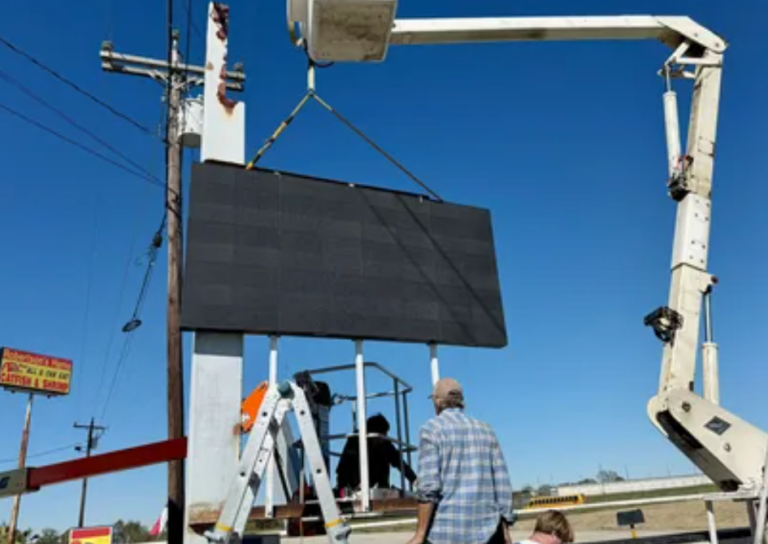
- Outdoor cabinets are frequently built from die-cast aluminum with sealed, weatherproofed seams, prioritizing corrosion resistance and structural rigidity against wind load — a meaningful consideration for coastal installations where salt air accelerates corrosion far faster than an inland site.
- Indoor cabinets more commonly use lighter sheet-metal or magnesium-alloy construction, optimized for low weight, slim depth, and front/rear serviceability rather than weatherproofing.
Heat dissipation follows the same logic: outdoor displays run at much higher sustained brightness and are exposed to solar loading and wide ambient temperature swings, so their thermal design (heat sinks, sometimes active cooling) is built to manage higher junction temperatures — the internal LED chip temperature that, when sustained too high, is a primary driver of premature LED degradation and color shift over time. Indoor displays run cooler and lower-power, but they’re often installed inside architectural cavities with restricted airflow, so thermal design still matters — just for different reasons.
7. Installation and Serviceability
Outdoor displays are usually wall-mounted, pole-mounted, or bracket-mounted, and because access for maintenance is less frequent, front-and-rear service space is less of a constraint than structural mounting strength and wind-load engineering.
Indoor displays, by contrast, are installed in finished architectural spaces — wall load-bearing capacity, cabinet depth, and rear/front service access all factor into the design, especially for applications like stage backdrops (which typically require a safety access corridor behind the wall) or center-hung installations in arenas and shopping malls, which use rigging/flying hardware and have their own structural and maintenance requirements.
8. Transparency and Architectural Integration
Transparency is almost exclusively an indoor design consideration — transparent or semi-transparent LED mesh/film products are used for glass storefronts, curtain walls, and retail installations where the display needs to coexist with natural light and sightlines. Outdoor displays generally don’t require transparency, since the priority is maximum brightness and full opacity for daylight visibility.
9. Color Performance
Color reproduction is judged differently indoors and outdoors. Indoor fine-pitch displays, especially for broadcast, virtual production, and premium retail signage, are increasingly specified against wider color gamut coverage (such as DCI-P3) to match professional video and cinema-grade content standards. Outdoor displays prioritize brightness and contrast under ambient daylight over gamut precision, since extreme sunlight washes out subtle color differences regardless of the panel’s native gamut.
10. Application and Content Type
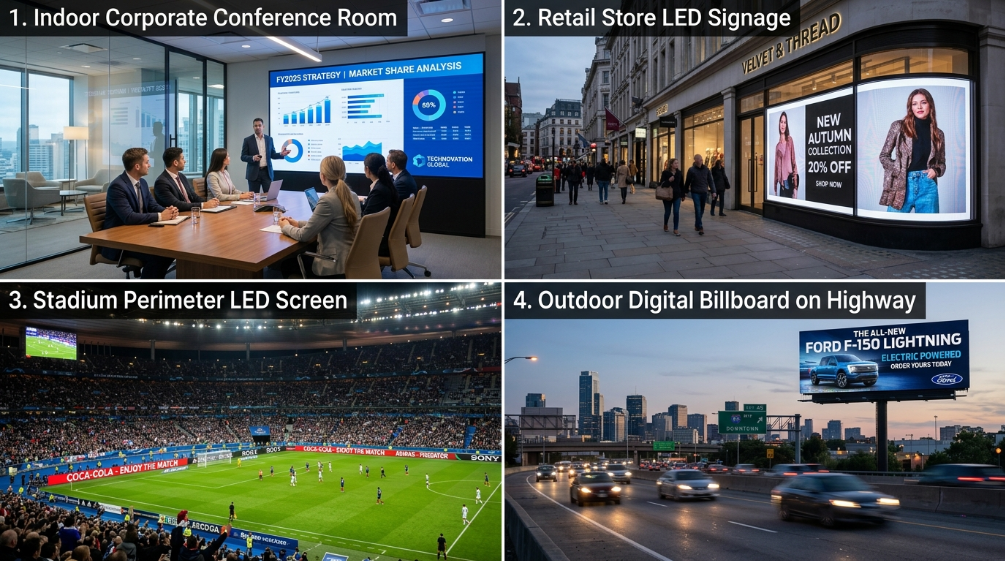
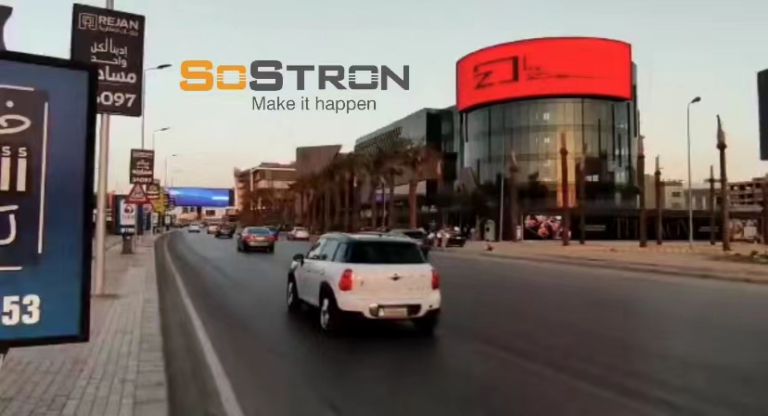
Outdoor LED displays are used predominantly for advertising — video content, promotional messaging, digital billboards — where the message needs to be legible instantly from a distance. Indoor LED displays cover a much broader range of use cases: big data visualization and control rooms, conference and event staging, exhibitions, retail signage, and broadcast/virtual production, where content is often more detailed, interactive, or camera-facing.
11. Lifespan, Maintenance, and Total Cost of Ownership (TCO)
Outdoor LED displays are consistently more expensive than indoor units of comparable size — not because of a markup, but because of the added engineering: higher-output LED packages, more robust weatherproof cabinets, stronger structural mounting, and higher-capacity thermal management. That upfront cost difference should be evaluated alongside total cost of ownership, not just purchase price:
- Outdoor displays generally require more frequent preventive maintenance (weatherproof seal checks, corrosion inspection, power supply servicing) given their exposure.
- Indoor displays typically have lower ongoing energy costs given their much lower operating brightness, but architectural installations with restricted airflow can shorten component life if thermal design is inadequate.
- LED module lifespan is heavily influenced by sustained operating temperature and drive current in both environments — a display run at unnecessarily high brightness indoors, or without adequate thermal headroom outdoors, will show accelerated aging and uneven brightness across the wall well before the LEDs’ theoretical rated lifespan.
Actionable Advice for Procurement Decision-Makers
Before finalizing a purchase order, B2B buyers should work through these questions rather than comparing spec sheets in isolation:
- Define the viewing distance first, then select pixel pitch — don’t default to the finest pitch available; match it to how close your actual audience will stand.
- Ask for sustained brightness data, not just peak nits — request the operating brightness level the vendor recommends for your ambient light conditions, since running a panel near its brightness ceiling continuously accelerates aging.
- Confirm the control platform and refresh rate compatibility upfront, especially if the display will ever be filmed or broadcast — retrofitting a low-refresh-rate panel for camera work is not usually possible.
- Treat IP rating as a starting point, not the full answer — ask how the specific installation (canopy-covered vs. fully exposed, coastal vs. inland) affects real-world protection needs.
- Model total cost of ownership over 5–10 years, including energy consumption, expected maintenance visits, and cabinet material durability — not just the initial quote.
- Match the product category to the content, not just the environment — a display used for live broadcast, virtual production, or fine detail work has different priorities (grayscale, color gamut, refresh rate) than one used for straightforward daylight advertising.
Getting the indoor/outdoor decision right at the spec stage is significantly cheaper than correcting it after installation. When in doubt, work with a manufacturer who can walk through pixel pitch, brightness, and control system selection against your specific site conditions rather than a one-size-fits-all recommendation.
References:
IEC 60529: Degrees of Protection Provided by Enclosures (IP Code)
NASA Technical Standard: Visual Display Parameters
LED Lighting and Energy Efficiency